Teams
Teams SharePoint
 Slack
Slack QR Codes
 PDF
PDF Active Directory
 Workday
 ADP
ADP Canva
CanvaNew features
We are constantly innovating and updating our internal communications platform. Find out more info on all of our latest features and greatest product releases here!
Reach every employee, everywhere, with SMS in Journeys
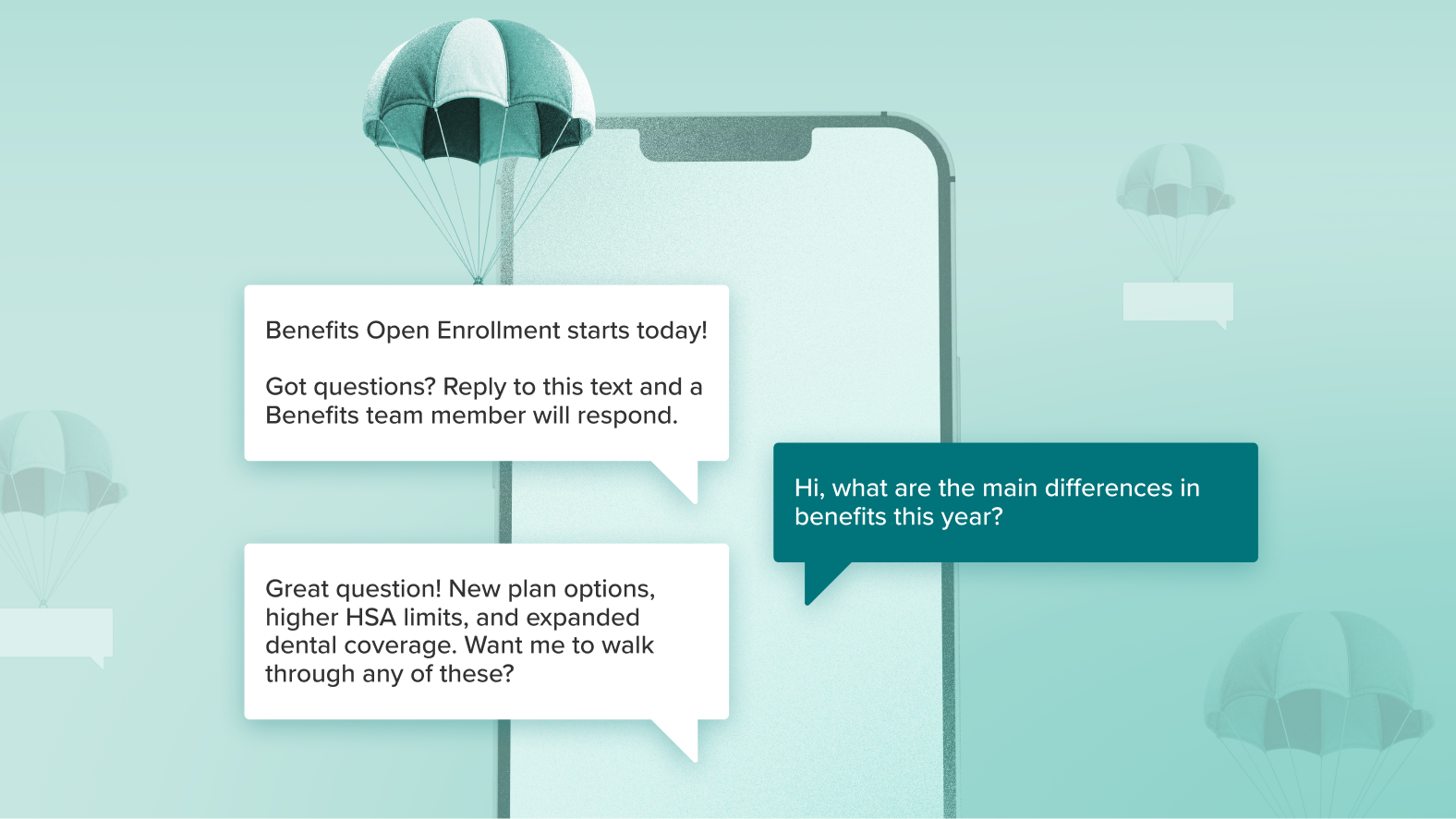
Not everyone on your team checks email first thing — some of them are on a floor, in a truck, or between shifts with only their phone in reach. Now your Journeys can meet them there too. SMS is officially...
Make AI work your way with repeatable skills
![A Workshop product screenshot showing the Cici chat interface with a Skills picker open on the left, listing recent skills including Skill creator, Weekly comms report, Send time optimizer, Comms planner (selected), and Employee sentiment. An arrow points from two skill cards — "Weekly comms report" and "Comms planner" — into a chat input reading "Cici, use [Weekly comms report] and [Comms planner] and give me the full rundown," with an Actions button and send arrow below.](https://useworkshop.com/wp-content/uploads/2026/08/Skills-1920x1080-1.jpg)
Some tasks you do the same way every single time. The pre-send check. The monthly comms plan. The "does this actually read okay on a phone" review. You know the steps by heart — you just have to do them,...
Pencil in what’s coming with planned content in your calendar
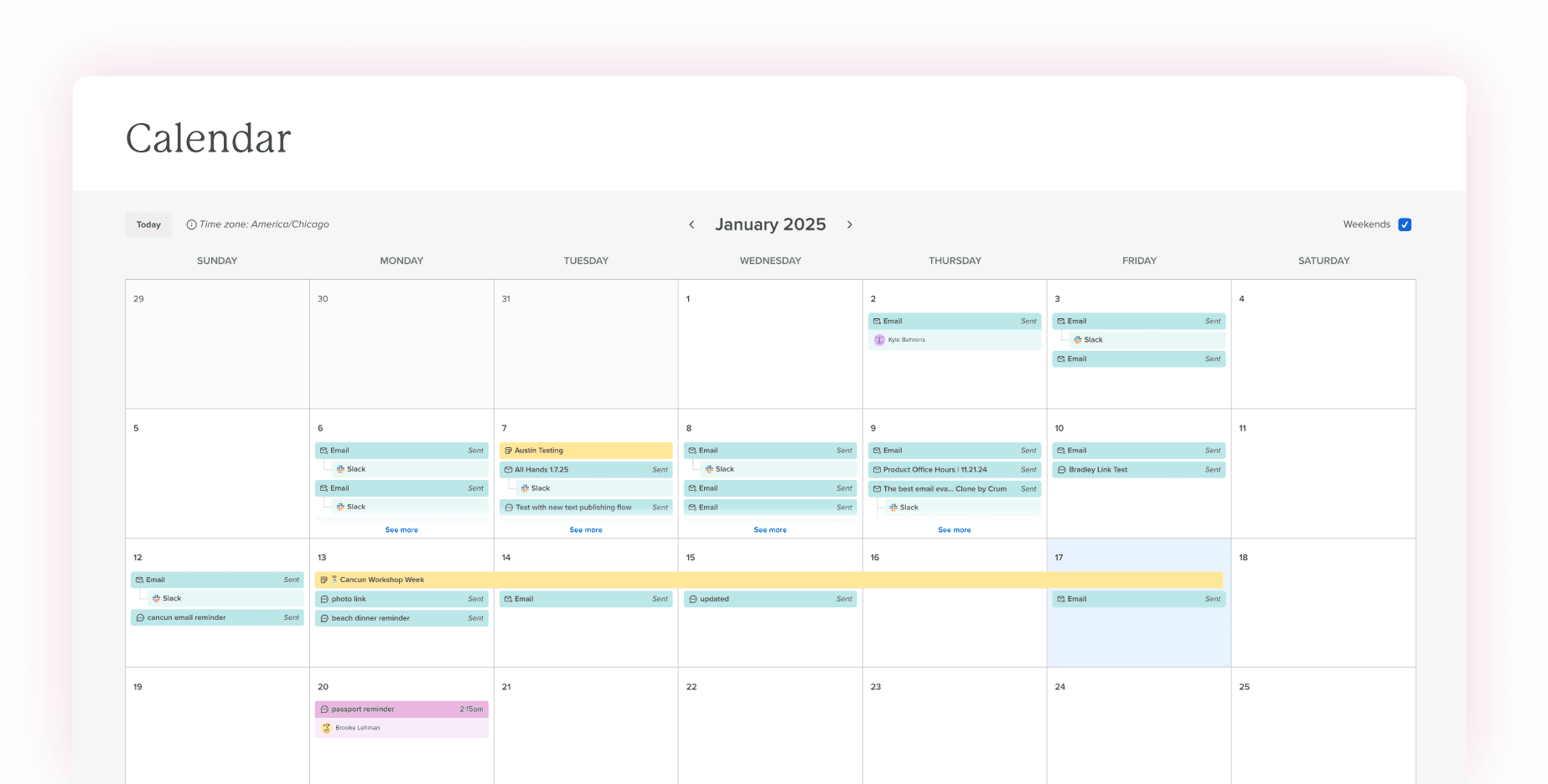
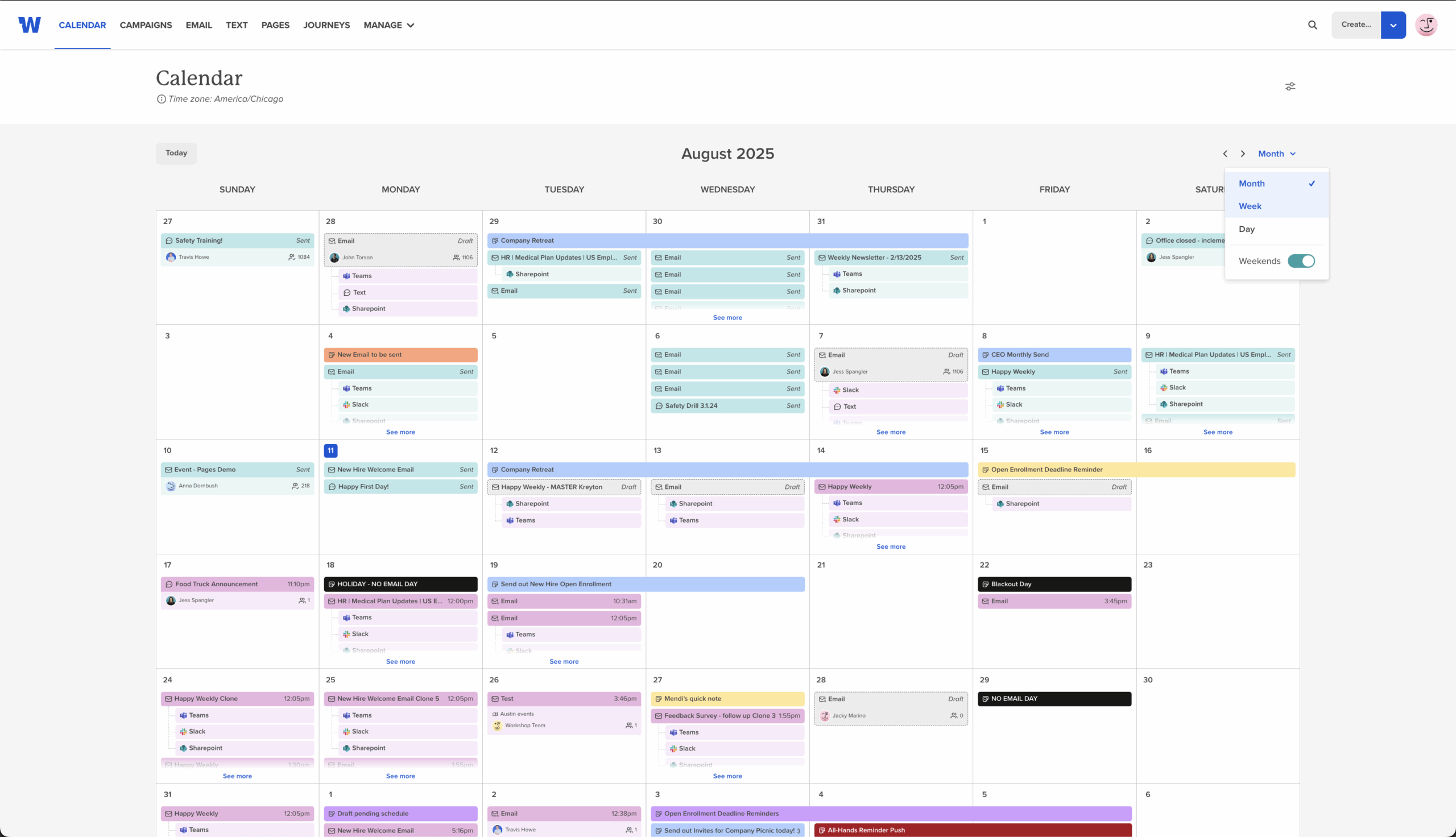
We’ve all been there: half your comms plan is in your head, and the rest is scattered across a spreadsheet, a doc, and a few sticky notes that are definitely about to fall off your desk. Planned content is here...
Every email on brand, automatically, with our new brand kit
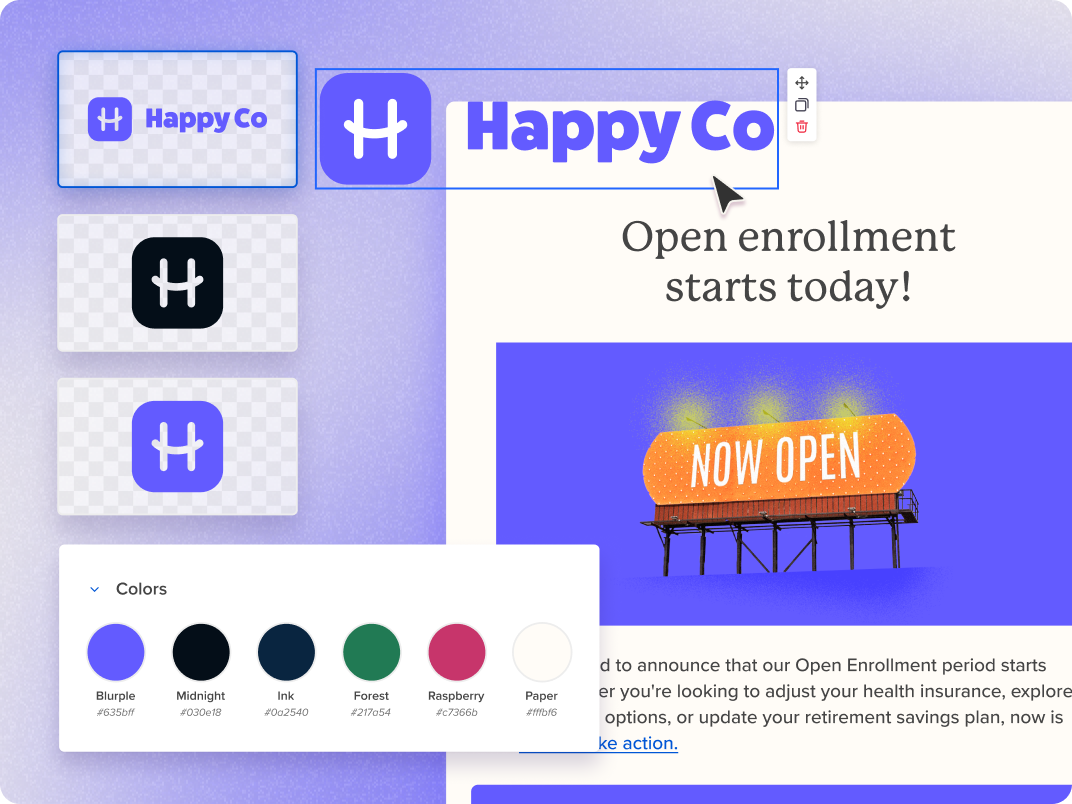
You know the drill. You're building an email and you need the logo — so you dig through an old send to find it. You need the right blue, so you hunt for a hex code buried in a brand...
Copy and paste rows across any email, template, or page
You built the perfect header last month. Or a call-to-action block that just works. Or a footer your whole team loves. And every time you want to use it again, you rebuild it from scratch. Not anymore. You can now...
Cici goes full screen — so you have room for the bigger conversations
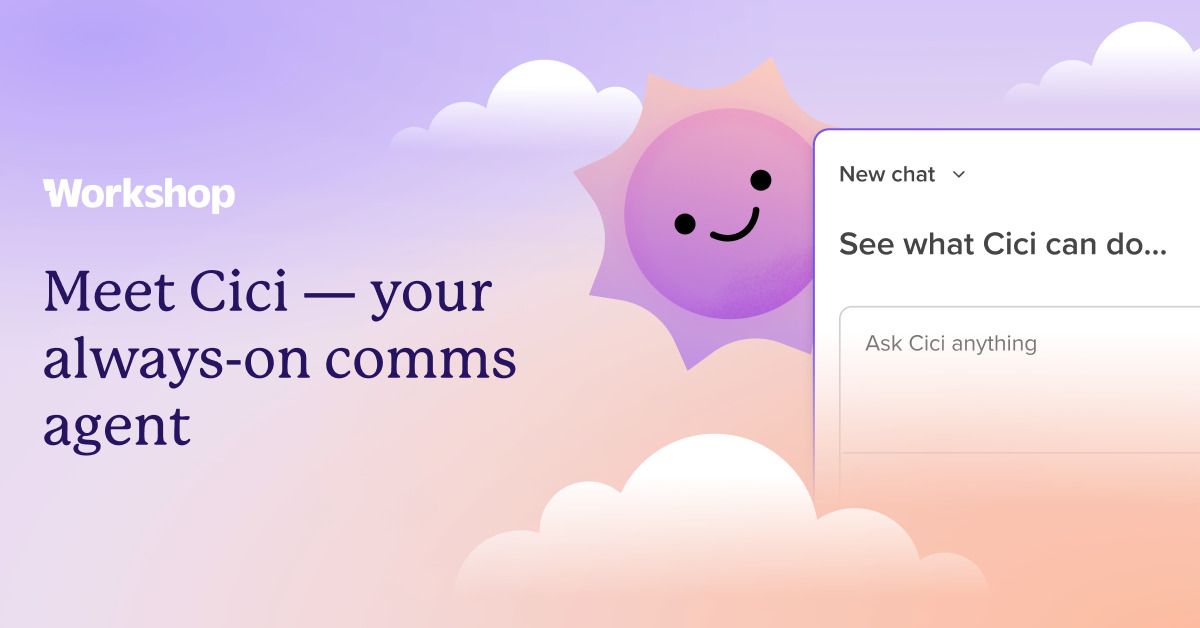
Some chats with Cici are super fast — like a quick subject line tweak. But when we’re diving into a long draft or pulling up a bunch of data, that little side panel can start to feel a bit tight....
Add emojis and column borders — right in the modern editor
Sometimes the thing that makes an email feel yours is a small one — a wink of an emoji in a headline, a clean border that gives a section its own space. Two things you've been asking for are live...
Add pulse surveys to your automated emails

You've been able to drop a pulse survey into a regular email for a while now. But the feedback you most want is often the recurring kind — the onboarding check-in at day 30, the follow-up after every event, the...
Show the right content on the right device with device visibility

Some things look great on a big screen and cramped on a phone. A wide hero image, a multi-column layout, a detailed sign-off — sometimes you want it on desktop but not mobile, or the other way around. Now you...
Behind the scenes: two upgrades for admins and global teams

Happy to add a few new features, inspired by feedback from some of our enterprise customers! These two make the work around your comms — managing who's in your account, and reaching employees in their language — a lot smoother....
Cici can search the web now — so your emails can keep up with the real world

You're building an email about a big moment — a company milestone, a holiday, a live event everyone's talking about — and you want the details to be right. Until now, Cici, our AI agent, could only work with information...
ConfidenceCheck just reviews your draft. Cici helps you create, review, send, & analyze it!
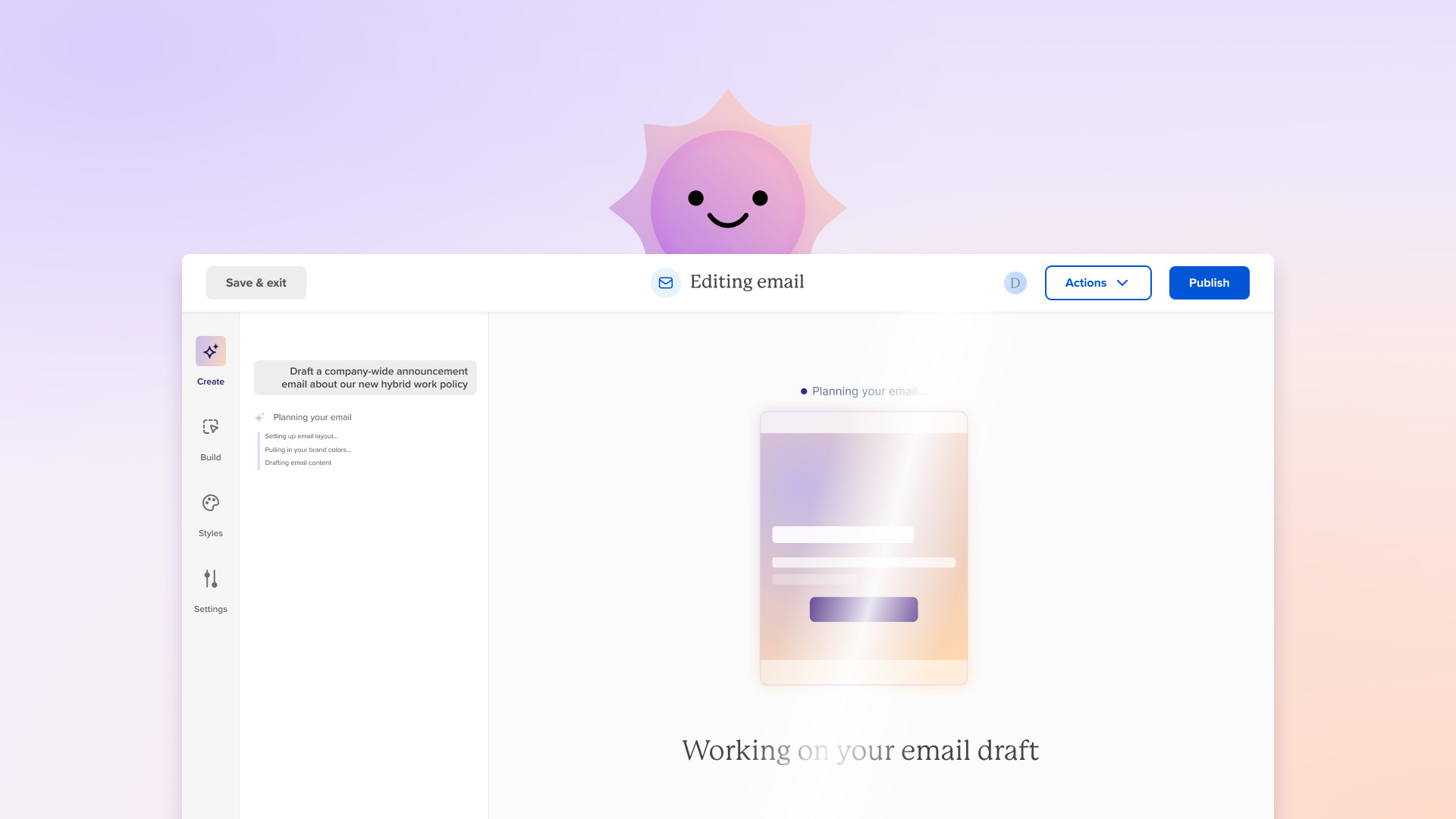
If you've heard about ContactMonkey's ConfidenceCheck, it probably sounds like a handy safety net — it scans a finished email and flags broken links, mismatched dates, and accessibility issues before you send. Catching those last little things is genuinely useful,...
Adding images to your emails just got easier
Getting the right visual into your email shouldn't slow you down. Two recent updates make it quicker to go from "I have an image" to "it's in my email and looking great." What's new Drag and drop images right onto...
Journeys can now add and remove people from lists automatically

Journeys just got more powerful. You can now add or remove journey members from a list at any point in the sequence — automatically, in real time! What's new Add to list. When a journey member reaches this step, they're...
Measure employee sentiment over time with surveys in campaigns

You've been able to add pulse surveys to your emails for a while now — and they're great for point-in-time feedback. Now, survey data is part of your campaign analytics, which means you can finally answer the question leadership keeps...
Cici + AI updates (May 2026)
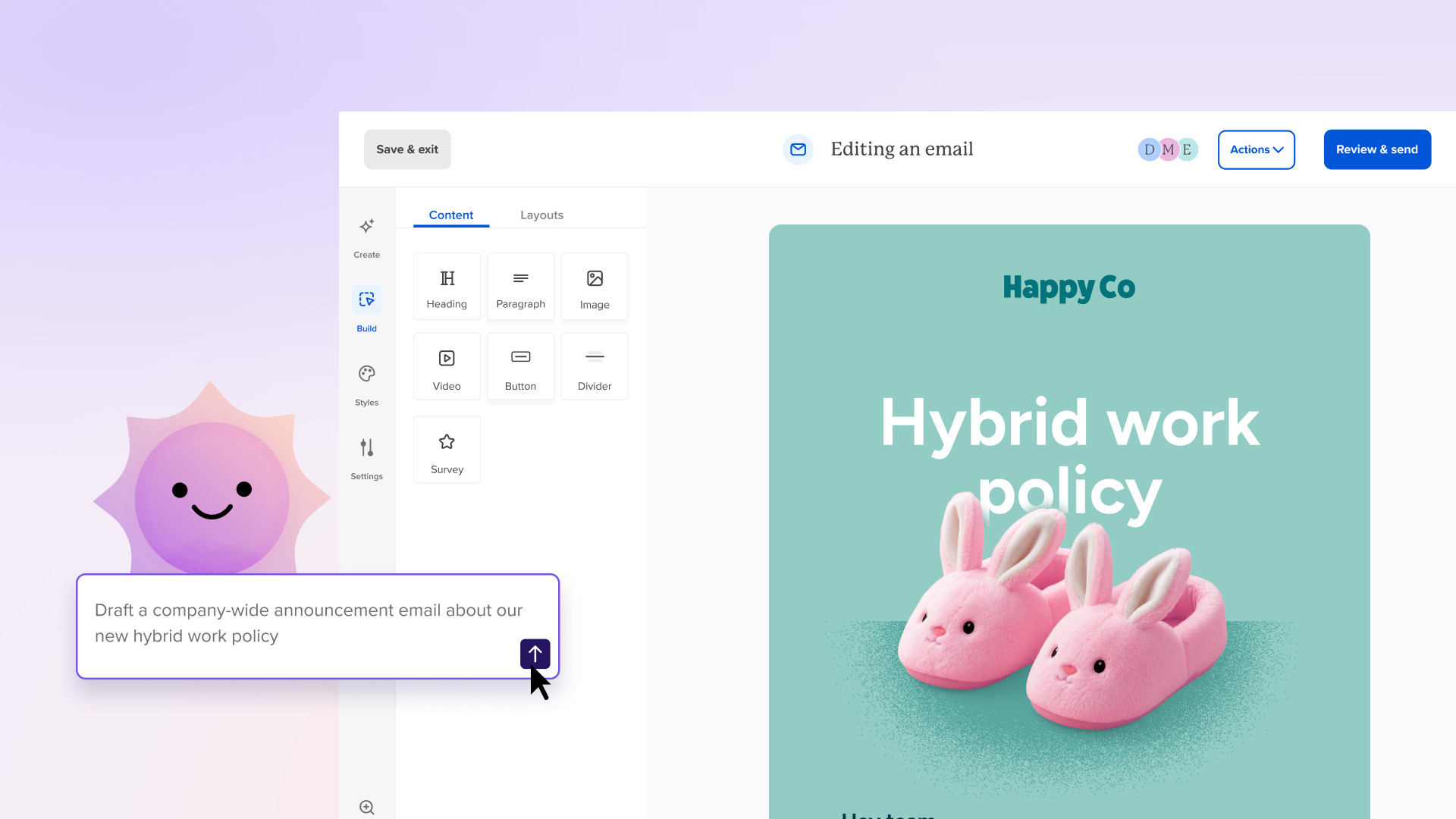
Cici already helps you write faster, brainstorm better, and make sense of your campaign data. Now there’s even more you can do together — and these are improvements you’re going to use right away! What’s new Attach files for context....
A modern, AI-powered email editor, built for internal comms
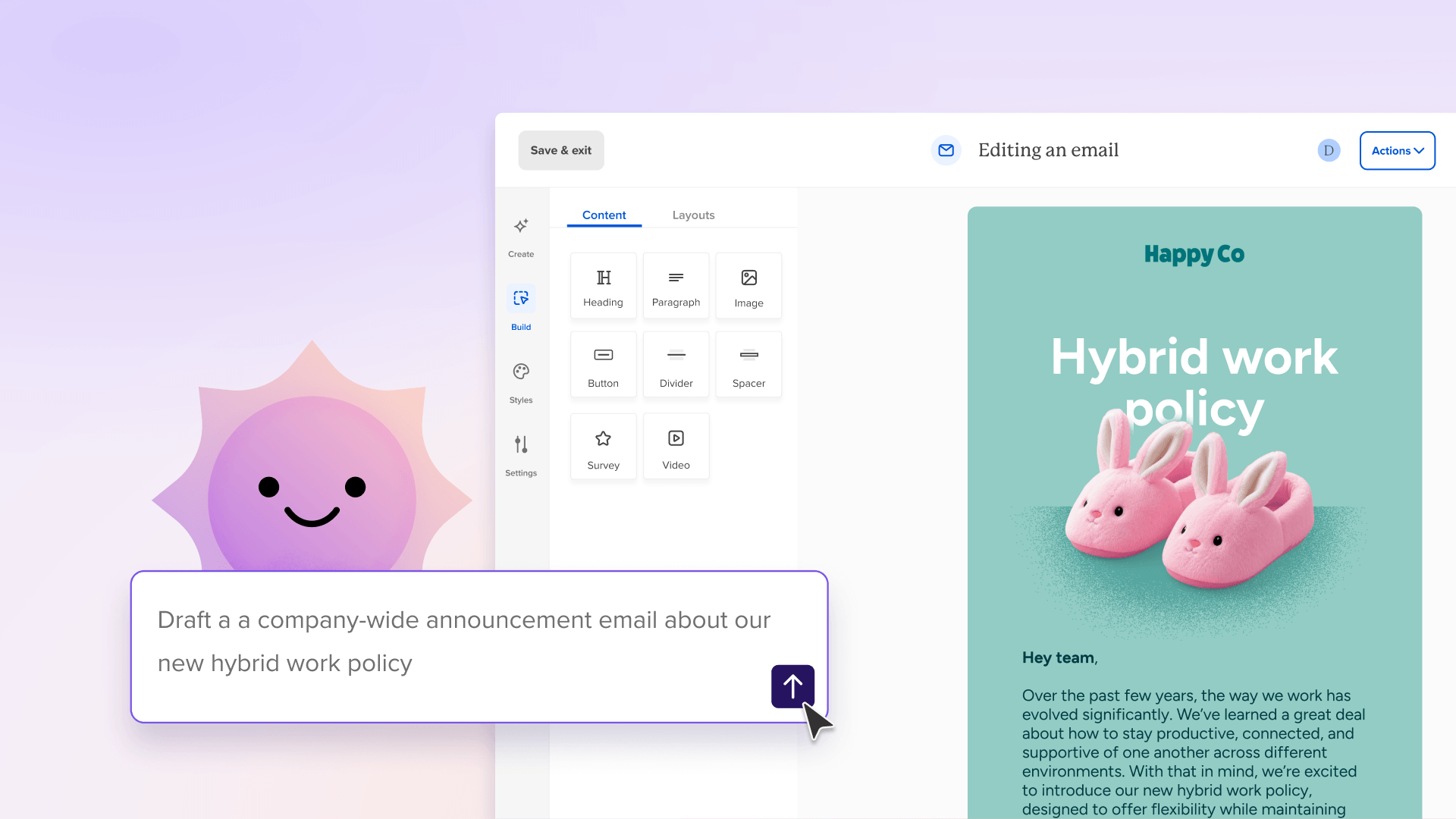
What if you never had to start from a blank page again? Good news!! With Workshop’s modern editor, getting from draft to send is a whole lot easier. No more staring at the screen wondering “what should I do next?”...
Default styles, custom fonts, and AI writing: Pages just got a lot more powerful.
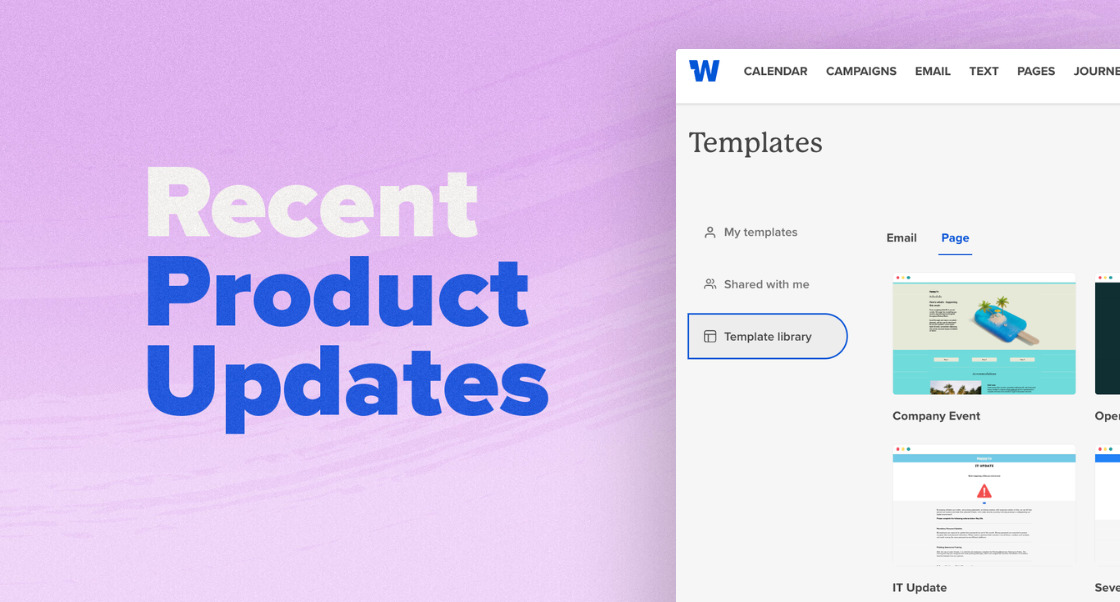
Designing internal landing pages that actually feel on-brand used to come with a thousand tiny trade-offs. Buttons that slowly drift out of sync. Fonts that almost match your brand. Mobile layouts that look great on desktop… until they suddenly don’t....
Automate your internal comms workflows with Journey templates

Internal comms doesn’t end when you hit send. That’s where the real work begins. It’s everything that comes next — the follow-ups, reminders, and well-timed nudges — that keeps people informed without overwhelming them. That’s exactly where Journeys come in....
Build more personalized comms by branching on different conditions/actions
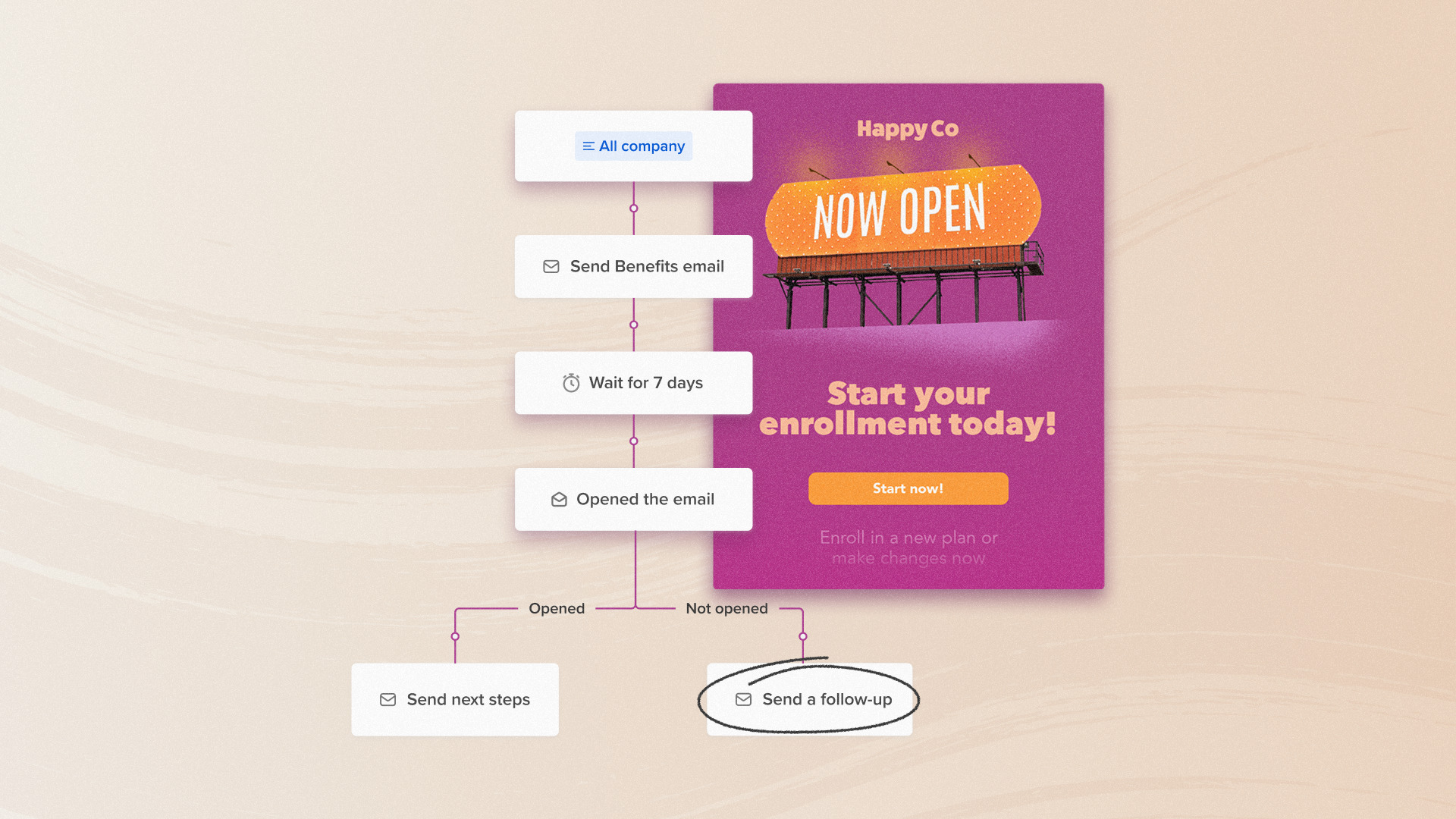
The best follow-ups feel personal — like they actually reflect what someone did or didn't do. Now, your Journeys can do exactly that. Instead of one sequence that goes to everyone the same way, each person moves through a path...
What’s new: Cici, Workshop’s AI comms agent, now delivers deeper comms insights

Cici, Workshop’s AI comms agent, launched earlier this year as an opt-in beta — our first step toward AI built specifically for internal comms. Now, it’s available to every Workshop customer — and it’s already come a long way from...

Write faster with AI and refine your message directly in Pages
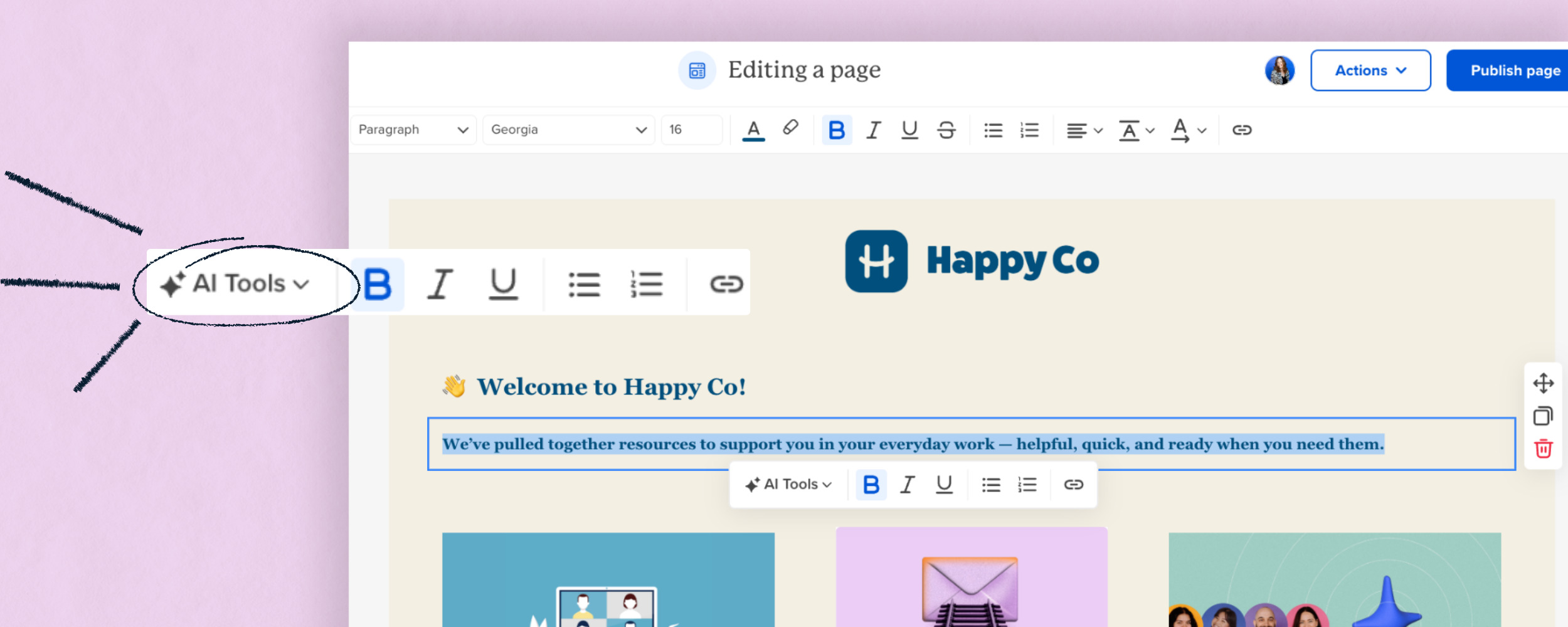
Writing sometimes takes time — especially when you’re starting from scratch, adjusting tone, or trying to say something just right. With AI writing assistance built into Pages, you can go from idea to polished message much faster. What’s new AI...
Templates — now available for Pages

Starting from scratch? Not anymore! Templates are now part of Pages, so you can jump in with a structure that’s already working — and make it your own. What’s new Templates, right where you need them Find and apply templates...
Undo & redo — now available for Pages

You asked. We listened. 🙌 You can now undo or redo your own changes - no version history detour required. Made a quick formatting tweak you didn’t love?Deleted a sentence you actually needed? Testing something bold and slightly chaotic (we...
Journeys now respect blackout dates
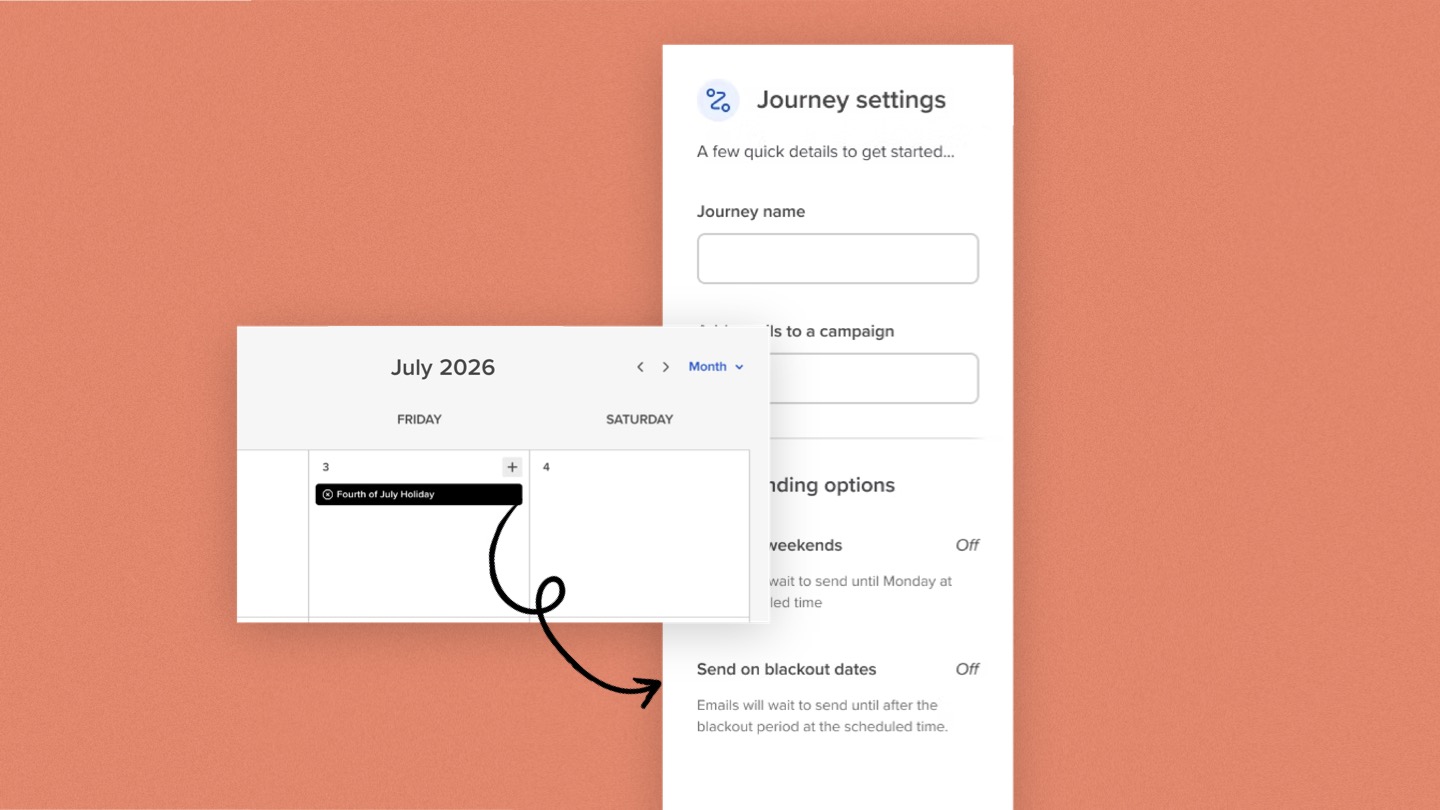
No more wondering if your onboarding email will land on the Fourth of July. No more worrying that a recurring reminder will hit while everyone’s at the company retreat. Journeys now respect your blackout dates — so you can send with...
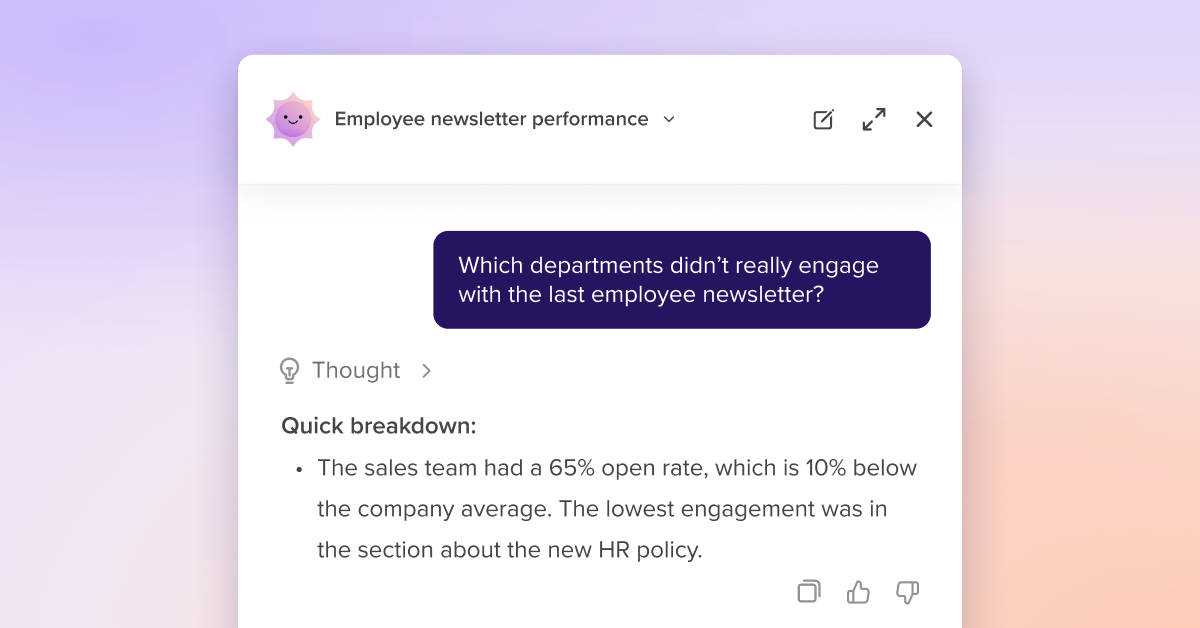
Meet Cici — your AI assistant for internal comms
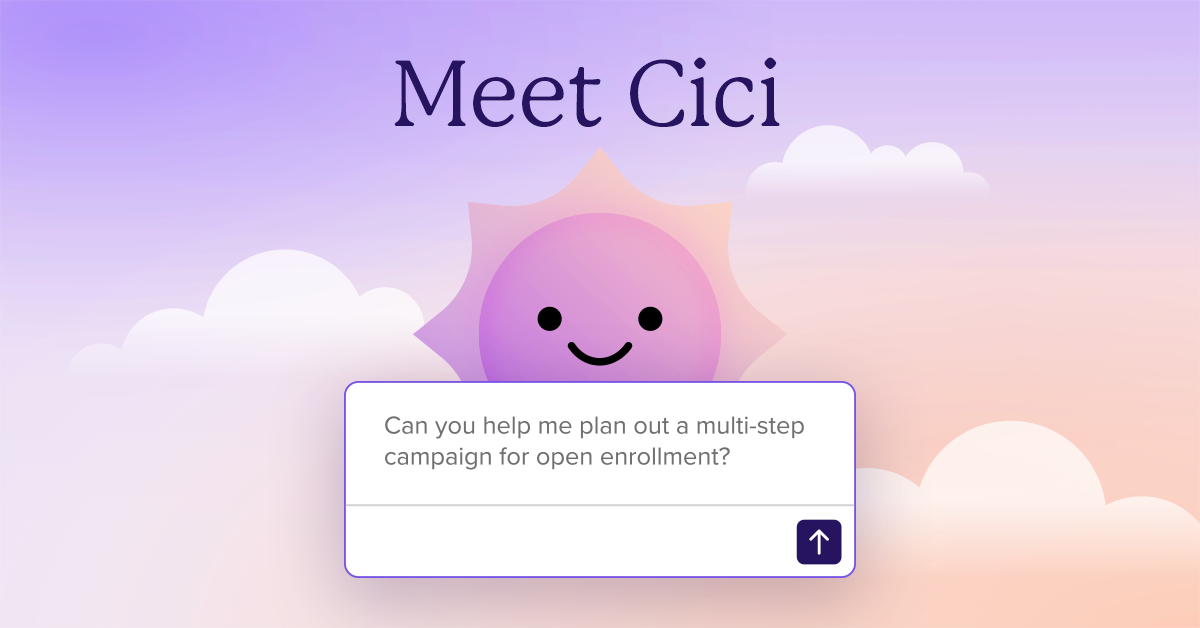
Internal communications is strategic work. But some days, it feels like you’re juggling five roles at once — strategist, writer, editor, analyst, and project manager. You’re shaping culture while rewriting subject lines and guiding change while pulling performance reports. What...
Automate Journeys on a schedule (no more manual reminders)
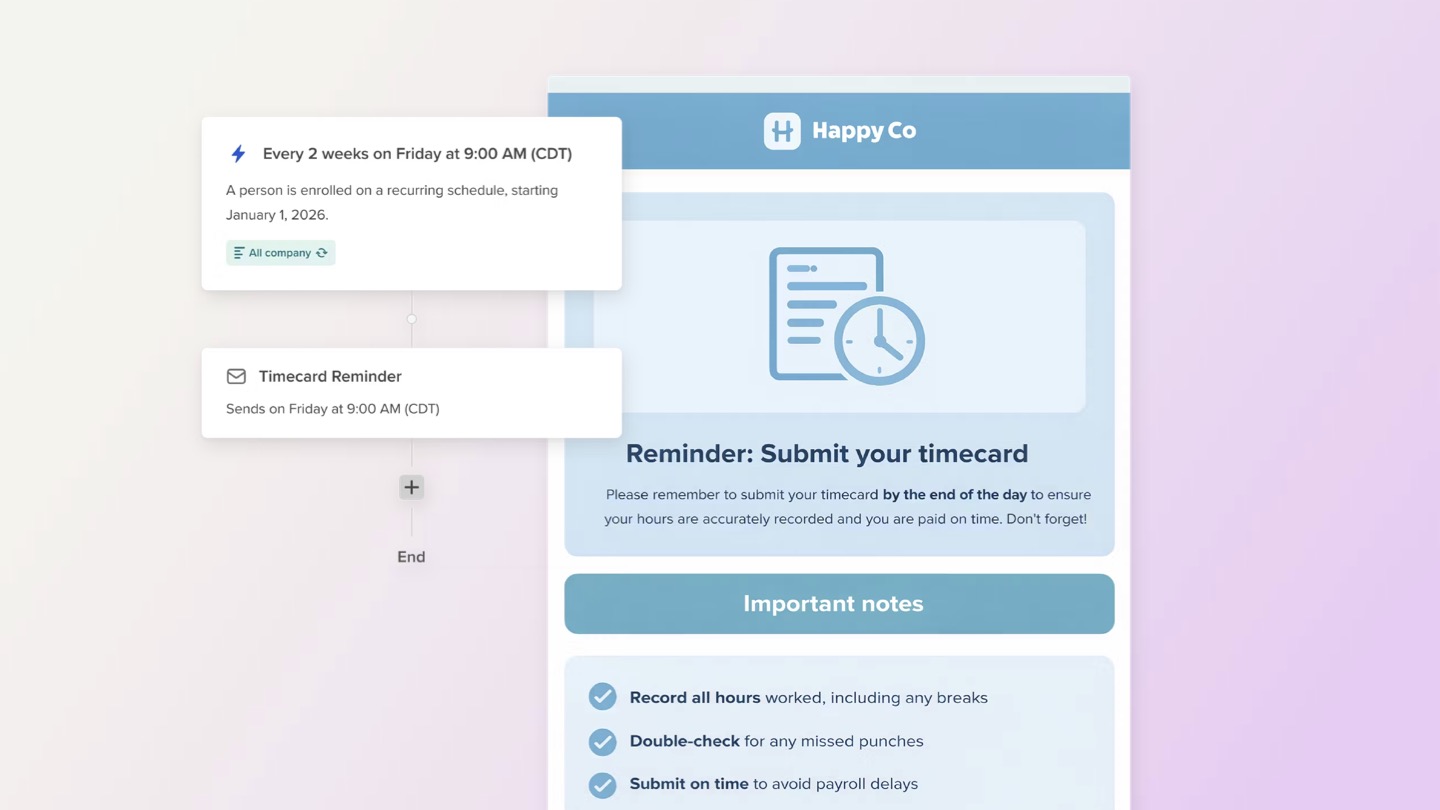
Recurring messages are some of the most important - and most repetitive - communications teams send. Now, you can automate them for good. Journeys now support an On a schedule trigger. Start a Journey automatically on a set cadence—daily, weekly,...
More powerful Pages: video embeds, better text tools, and version history

Pages are where updates, plans, and shared knowledge come together in Workshop. Today’s release makes them even better — with built-in video embeds, more flexible text tools, and a new way to preview (and restore) past versions. The goal? Help...
Bulk assign permissions — for faster, cleaner user management

As your team grows, managing permissions should feel simple and reliable! That’s why we’re introducing the ability to bulk assign permissions. You can now filter a group of users and apply a permission set to all of them at once, making...
Sort emails every which way on the dashboard

Scanning your emails is now more flexible. You can sort the list of emails by every applicable column, making it easier to organize your view and focus on the messages that matter most. Best of all, all date columns are...
See exactly what happened to your email with deliverability analytics

Ever had someone say, “Hey, I didn’t get that email,” and your first thought is, but I definitely sent it? Now you can see exactly what happened without jumping to conclusions. With per-send deliverability verification in Workshop, you can confirm...
New in Journeys: “Wait until day of the week”
When you’re coordinating employee communications, timing is everything. That’s why we’ve added a new wait option to Journeys: “Wait until day of the week.” Now you can decide exactly when your next step runs — so every employee receives updates...
Two-way SMS responses
No more digging to track employee replies. With two-way SMS responses, you can now view, manage, and export replies directly from your text messages in Workshop — creating a faster, easier feedback loop between you and your team. Why you’ll...
Test a journey before it goes live
You can now preview exactly how a journey will run with the new Test Journey action. Pick a start date, and Workshop maps out every wait step, message, and enrollment so you can preview exactly how your Journey will run...
Workshop AI: email summaries, search, writing assistance, & image generation
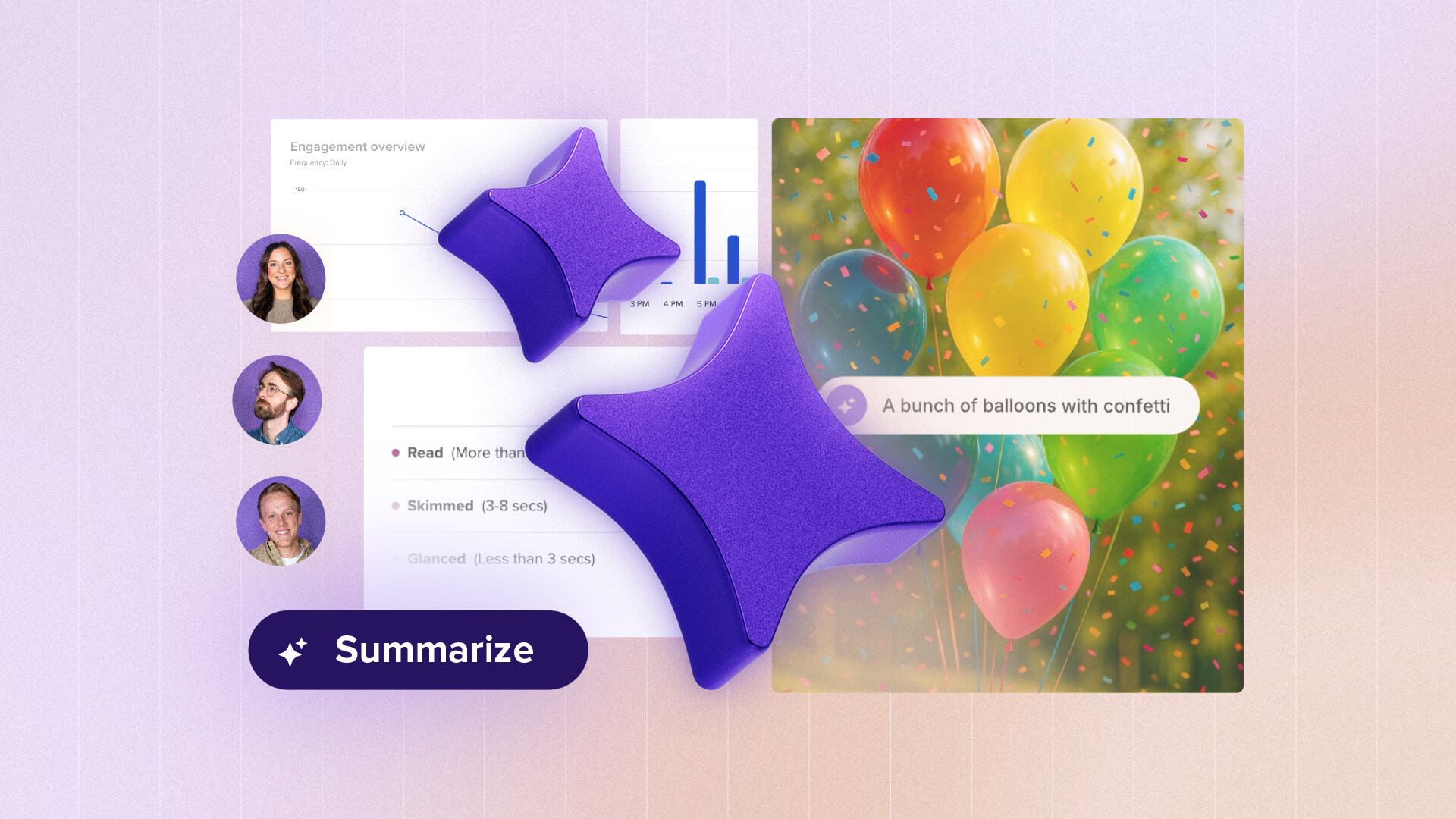
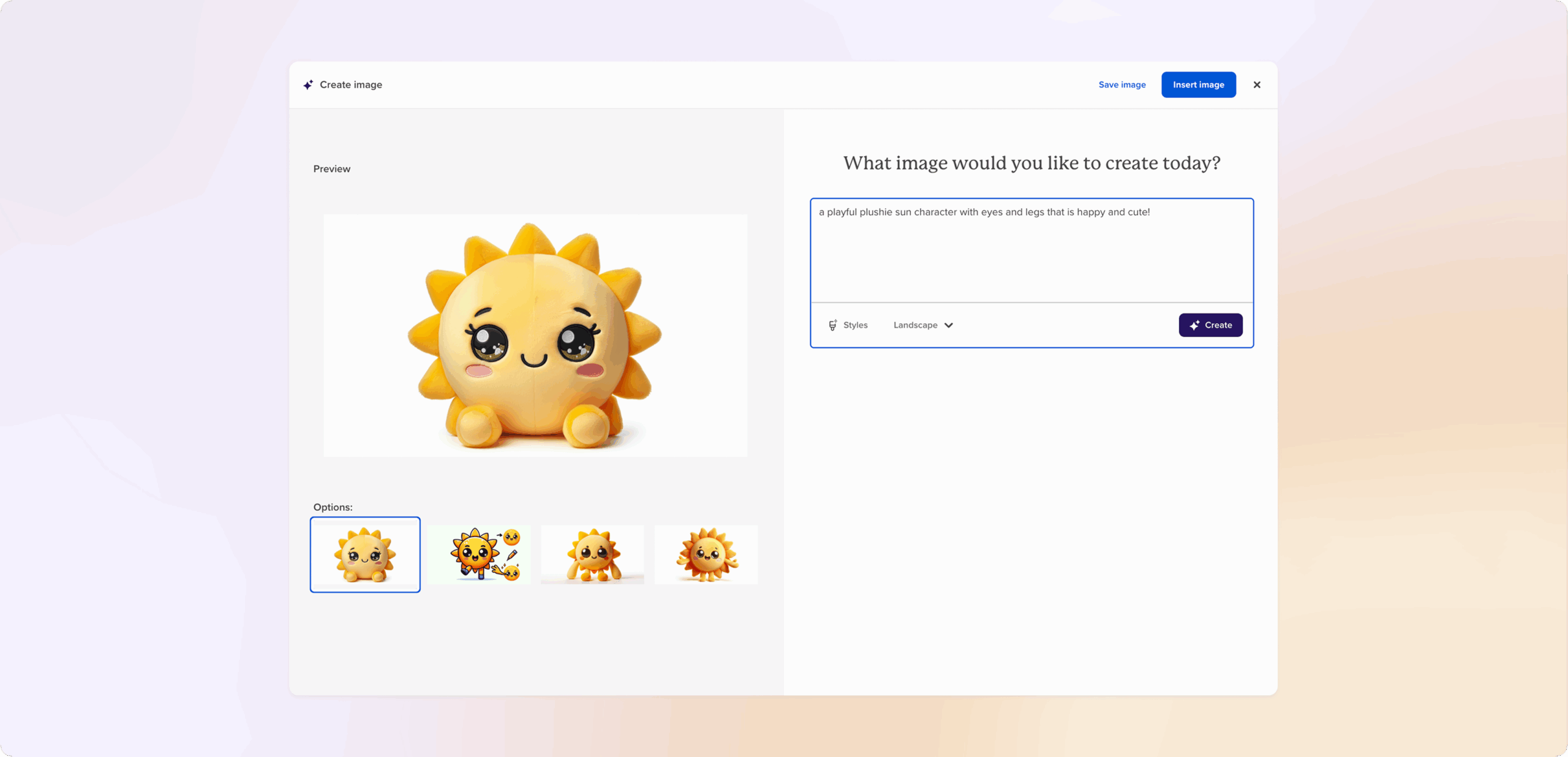
You’ve already seen how Workshop AI helps you write faster, translate in seconds, and polish messages that sound just like you. Now, we’ve added four powerful new features to make creating and measuring internal comms even smoother. Why you’ll love...
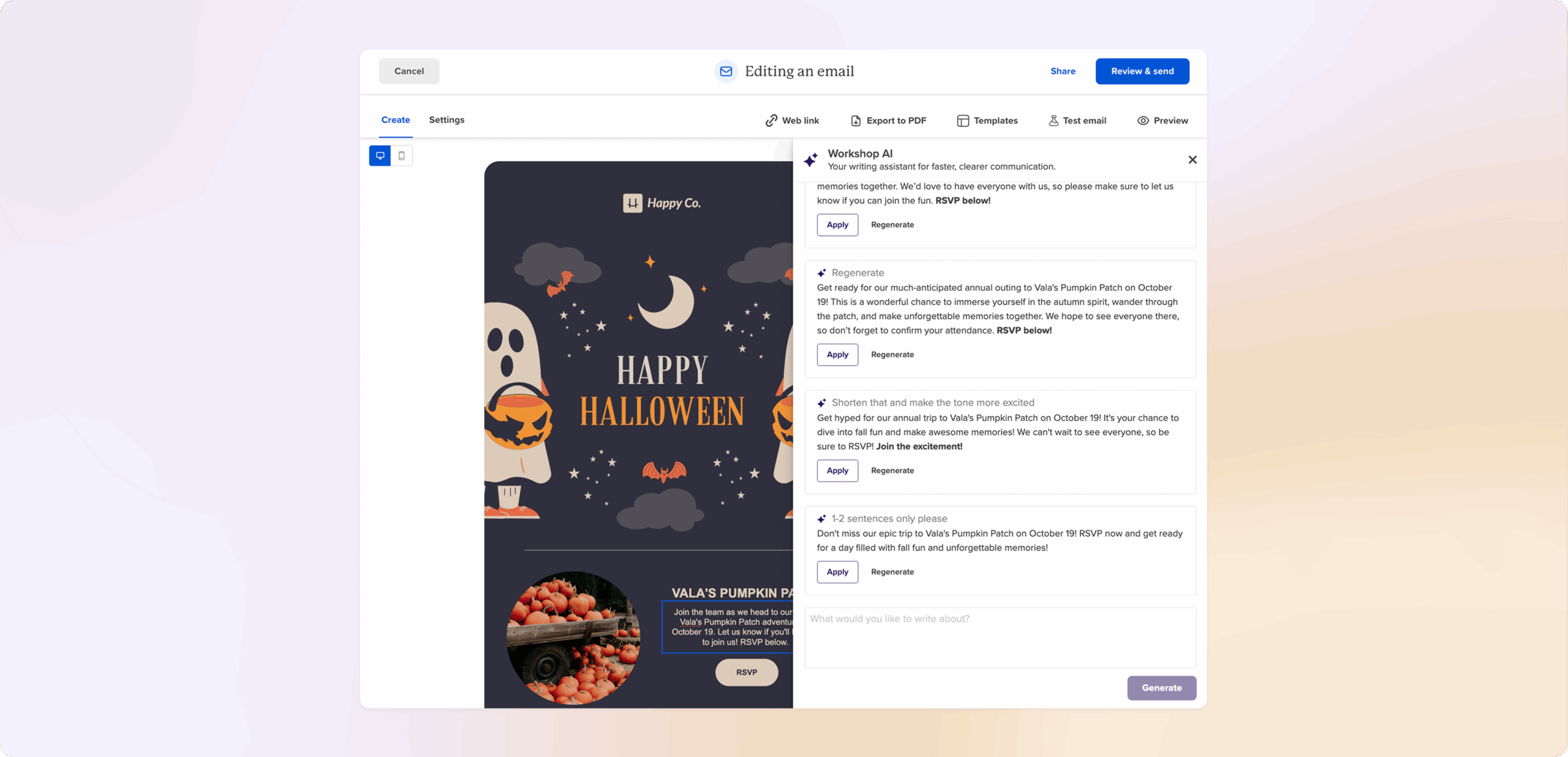
 Find what you meant to find. Our new AI-powered search in the media library understands context, surfacing the right image or campaign even if you can’t remember the exact file name.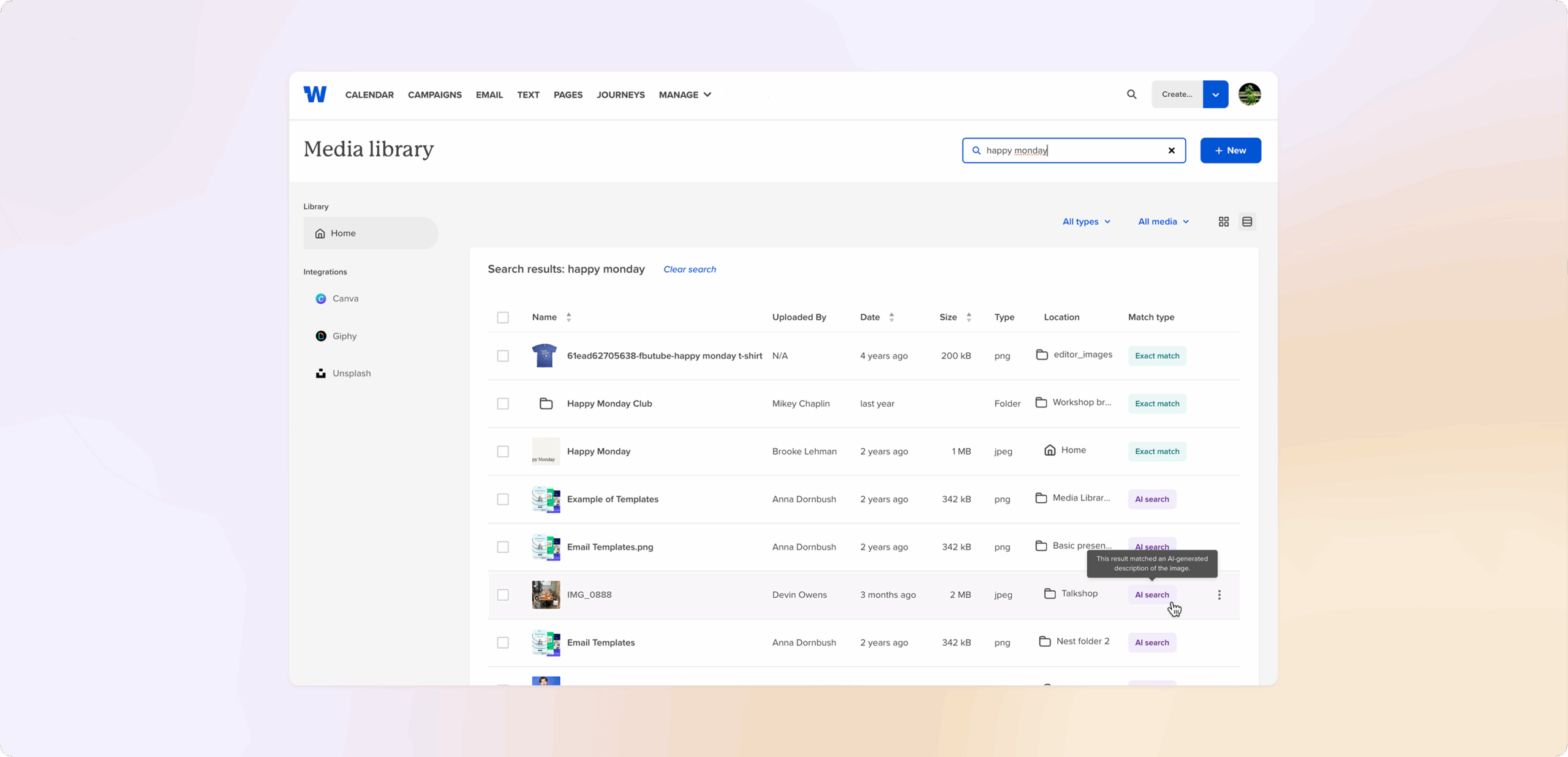

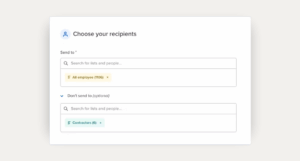
Exclude recipients at time of send
You know that moment right before you hit send when you realize, “Oh wait, this shouldn’t go to them”? We’ve been there. That’s why Exclude recipients at time of send is now available in Email, SMS, and Journeys. It lets...
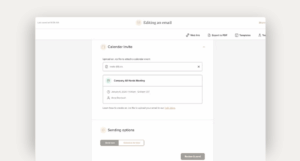
Add calendar invites (.ics files) right to your emails
When you’re trying to boost event attendance, reducing friction is everything. That’s why we’ve added a new option to email settings: Attach Calendar Invite (.ics). Now you can drop a real .ics file into any email, so recipients get the...
Realtime collaboration in Pages
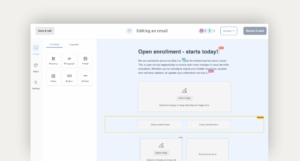
Pages are better when you can build them together. Realtime collaboration is now live in Pages, so your team can write, edit, and refine side-by-side without waiting on edit rounds. What you’ll notice Multiple people can edit at once, and...
 How teams are already using it
Save your favorite filters for a better comms setup
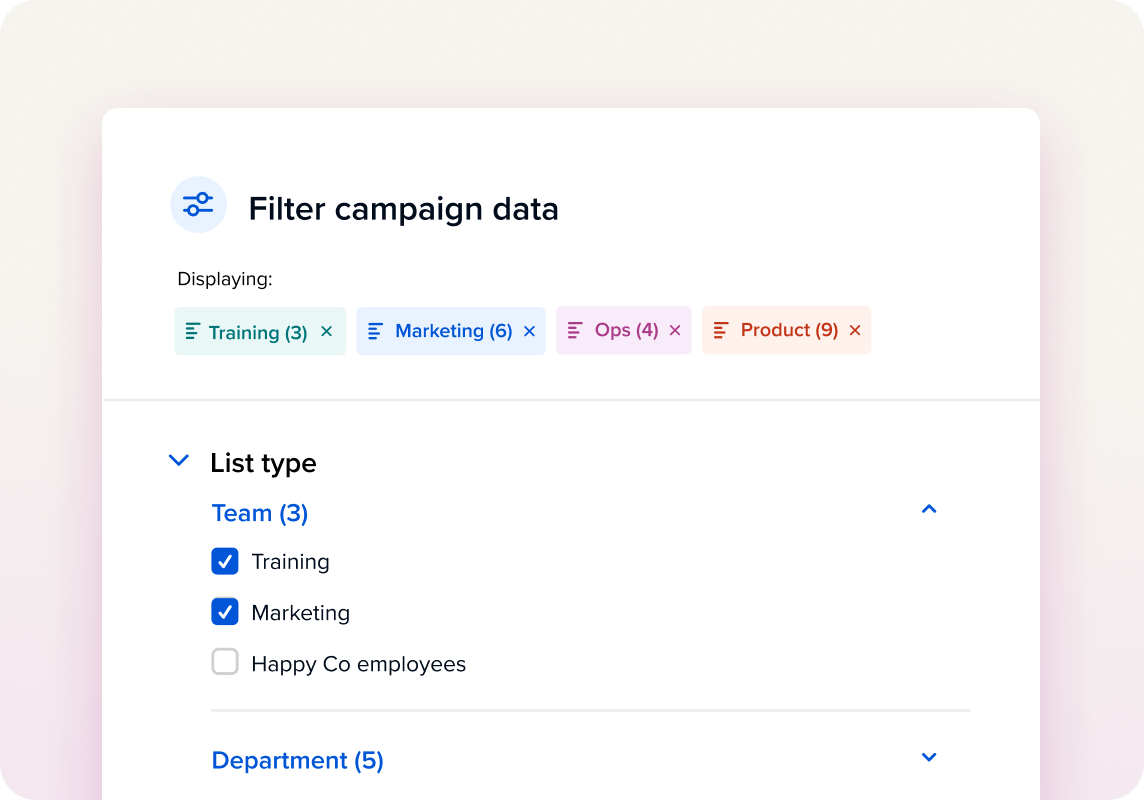
No more reapplying the same filters or column choices every time. With saved views, you can capture your preferred setup – filters, settings, and even table columns (yes, including send date!) – into reusable, named views that you can switch...
Create web links for your emails (in advance!)
Now you can generate a permanent web link for your email — right from the editor, before you even hit send. The link automatically updates once your email is delivered, so you don’t need to create a new one each...
Journeys | Create automated email sequences for birthdays, anniversaries, events & more
Journeys help you send the right note at the right moment — without rebuilding the same emails or chasing lists. Set up a simple sequence once, and Workshop takes care of timing, enrollment, and tracking. No IT tickets, no calendar...
Add emails to multiple campaigns

One of our most-requested features is now officially live! You can add one email to multiple campaigns for clearer reporting. We know internal comms often support more than one initiative — like a monthly newsletter that also ladders into a...
August product updates

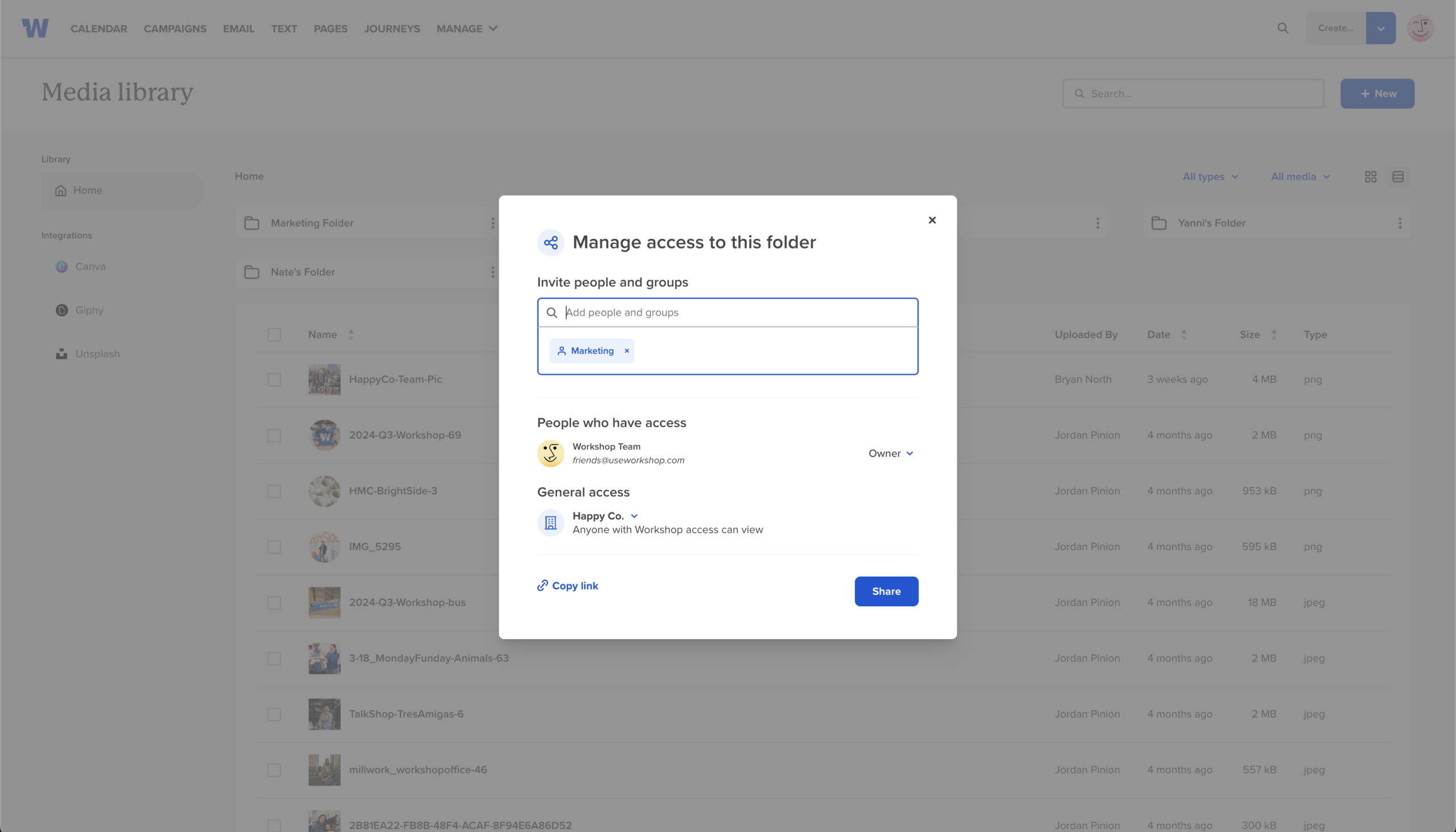
This month we’ve added four upgrades to help you keep sensitive files private, reach more employees in their language, write higher-performing subject lines, and plan with less guesswork. ✨ Private folders in the media library Keep HR docs, executive assets,...
Create branded landing pages just for internal comms
Say hello to Pages, a no-code way for internal comms teams to spin up branded, mobile-ready landing pages, embed them in an email, text them to frontline teams, and edit them later without breaking a single link. It’s the perfect...

Click maps, group sharing, + account analytics

This month we’re delivering three upgrades designed to make sending, sharing, and measuring your emails better than ever. :) Spot engagement trends at a glance with click maps Ever wonder which button really pulled your readers in? Click maps overlay...


Recent product updates
Our product team has rolled out a few product updates to keep your comms flowing smoothly! Recently, we’ve rolled out improvements that help you lock down brand consistency in translations, plan ahead with more clarity with email filters, and avoid...

Send text messages using designated phone numbers for clearer communication

When internal teams share one number for every type of employee text (that’s HR updates, leadership messages, crisis alerts, and everything in between!) it's easy for lines to blur. Employees unsubscribe from non-essential messages, and suddenly they’re missing out on...
Boost your internal email open rates with merge tags in subject lines

As you’re crafting content in Workshop, we know your goal is to get employees to actually open and engage with your emails. And while a great design, relevant content, and interactive elements (like polls and videos) help make the content...
Find, organize, and add visuals faster with media library updates

Workshop’s media library just got a serious upgrade, making it easier than ever to find, organize, and add the perfect visuals to your internal emails. Whether you’re searching for the right GIF, stock image, or your latest Canva creation—we’ve got...
Save time & stay consistent with 30+ new email template designs

We know that internal communication is the backbone of every successful team, and we believe it should be simple, impactful, and stress-free! Our email templates help teams create and send beautifully designed, on-brand emails in just a fraction of the...

Control your comms calendar with blackout dates

Timing is everything in internal communications, and there are key moments when you don't want *any* messages going out. Whether it's a company holiday, a geographic or political event, or a crisis situation, you need to be able to control...


Reach every employee with enhanced SMS features

We know how important it is for internal communicators to connect with their teams effectively, no matter where they are or what they do! That’s why we’re thrilled to introduce a few new features for our SMS platform that make...

Set up auto-replies for text messages

We’re excited to roll out our new SMS auto-reply feature! Designed to make internal communication even easier, auto-replies help companies set clear expectations with their employees about SMS replies—no extra inbox management needed. Why auto-reply? We know managing an inbox...

Get AI-suggested subject lines & preview text (based on the content of your email!)

We’re thrilled to announce our brand-new AI content features—designed to help you craft more engaging internal communications, faster and more effectively than ever. Our goal? To make your life easier by removing blockers and increasing efficiency, without requiring you to...

Plan out all of your future comms with calendar notes

Internal communications can be complex, with multiple teams and departments needing to coordinate messages, events, and updates. We’ve heard from many of you that you needed a way to mark important dates, jot down ideas, or simply hold space for...

Add email graphics & designs directly from Canva

We completely understand the importance of having visually engaging content in your internal communications, but you don’t always have access to the design resources you need to make it happen! Whether your marketing team knows it or not (we won’t...


July product updates

In between sunny days and snow cones, our product team added all of the following features: NEW! See who clicked a link (and how many times) From the “Clicks” section of a sent email, you’re now able to see...


Updates to our SMS platform: MMS & user permissions

We've added a few new features as we continue to expand and improve our rapidly growing SMS platform! NEW! MMS images are now fully supported Our two-way employee text messaging platform now supports images of any size and GIFs under...

New & improved content blocks and image editing

We've added a few new drag-and-drop content blocks and image editing features to make it easier than ever to create an engaging internal email! NEW! Table block No need to mess with HTML or make a table in Canva; you...


Reach your employees quickly & easily via text

When your teams are on the move, in the field, or on the floor, it’s crucial to communicate with them directly and instantly. Workshop now offers seamless, super-fast two-way texting to ensure your messages reach your employees, no matter where...

Schedule emails based on employees’ time zones

Boost your open rates and deliver a better employee experience with time zone sending! By automatically scheduling your emails according to employees' time zones, you can ensure your emails are received during the most optimal time of your team’s day....


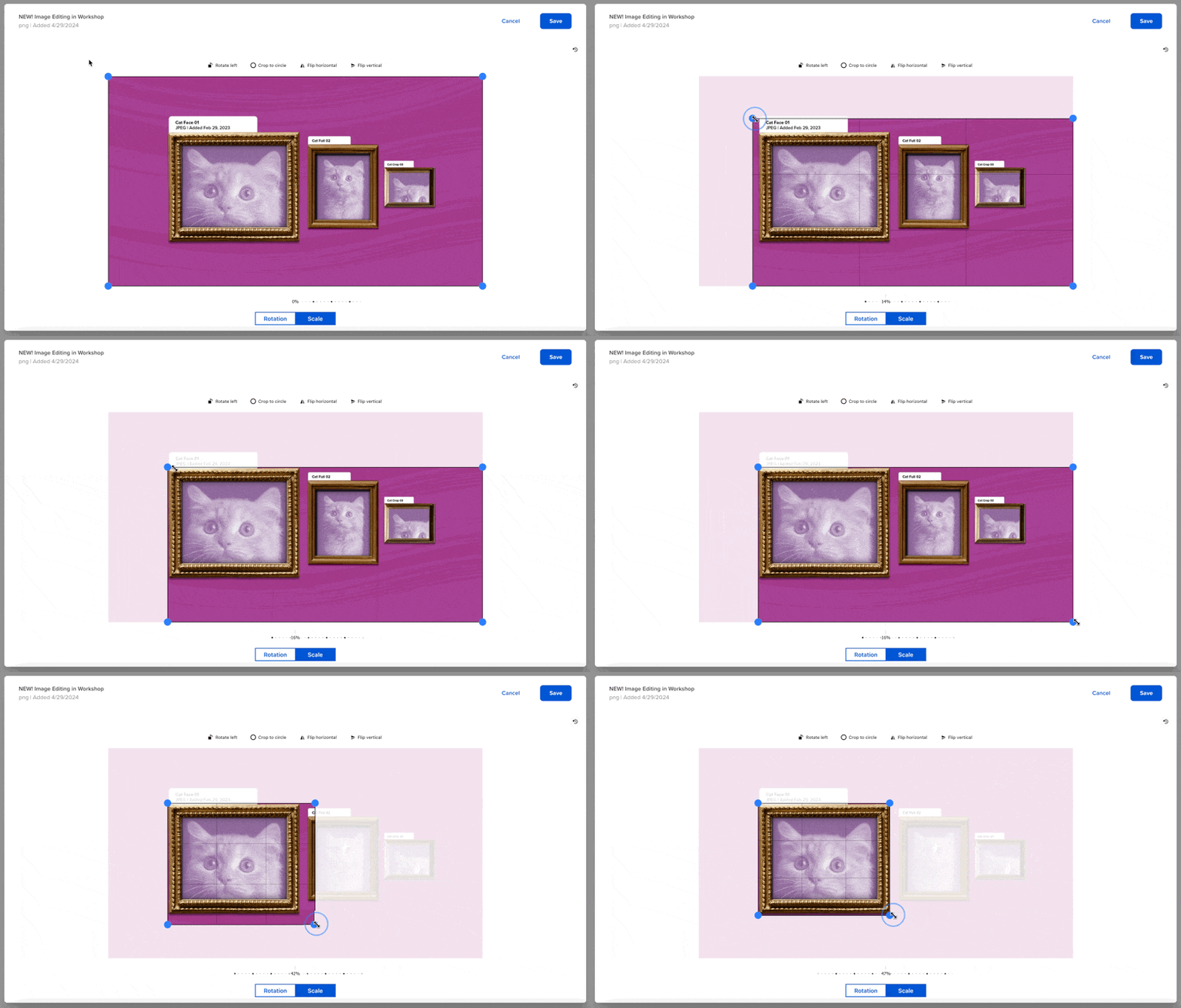
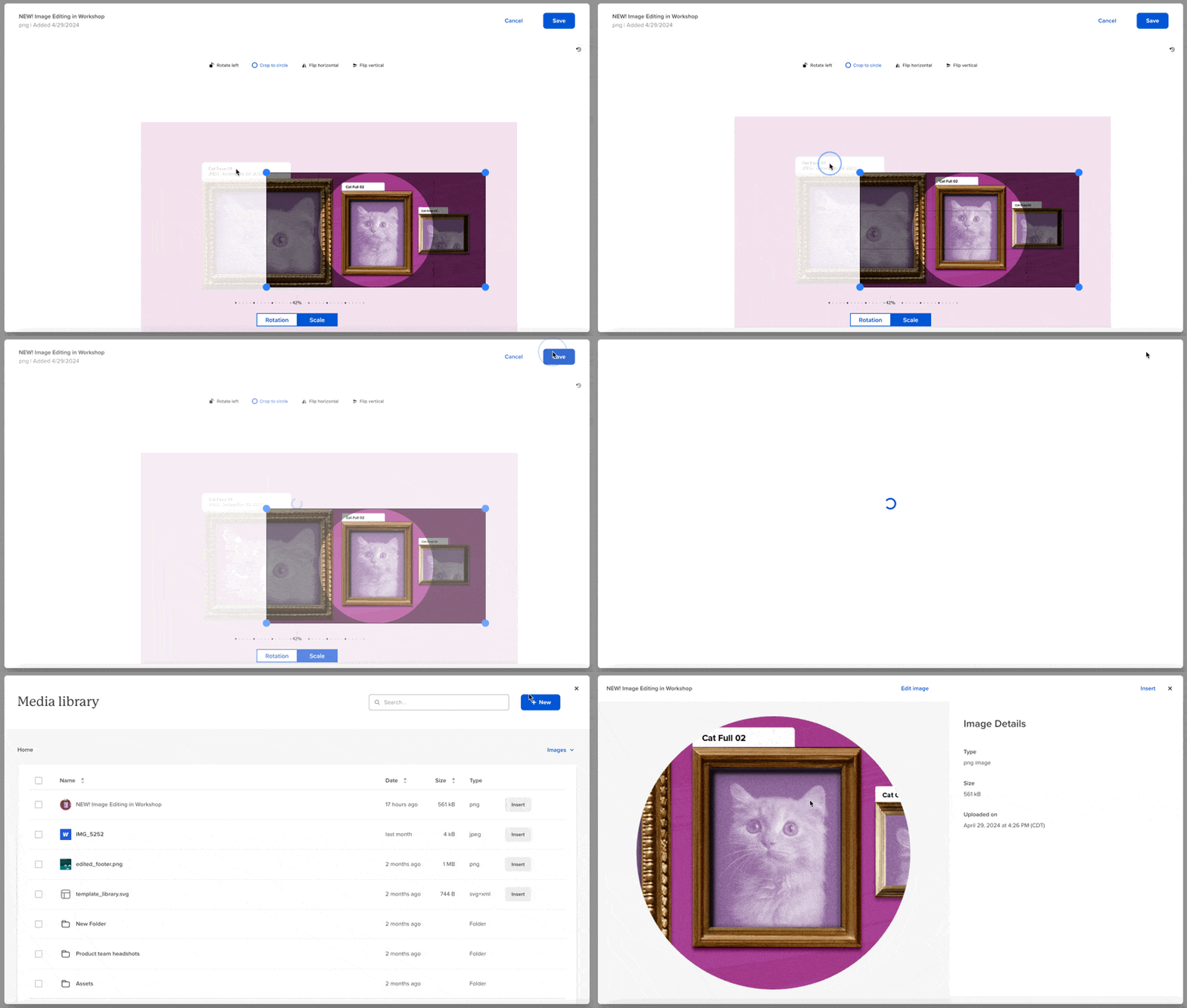
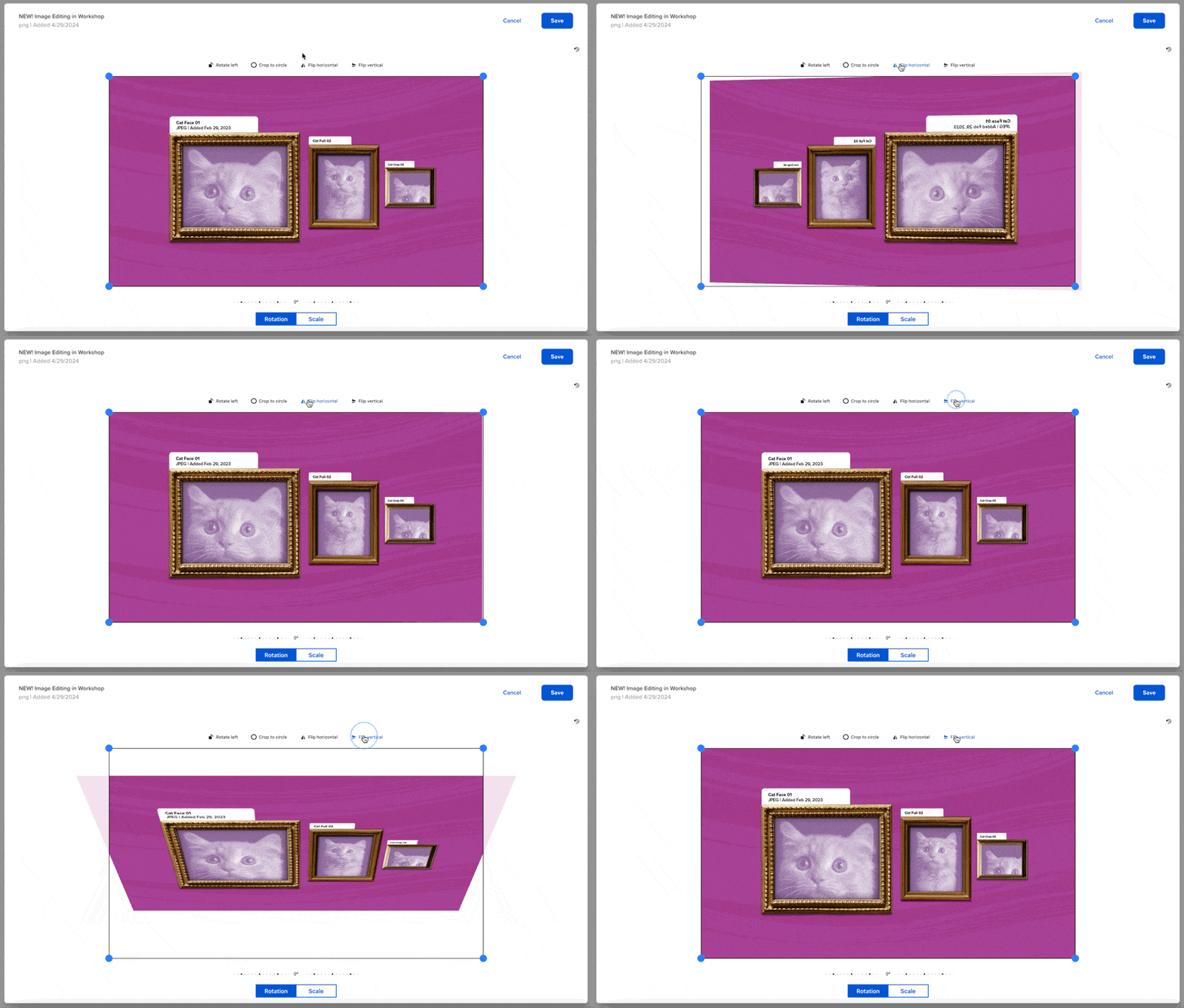
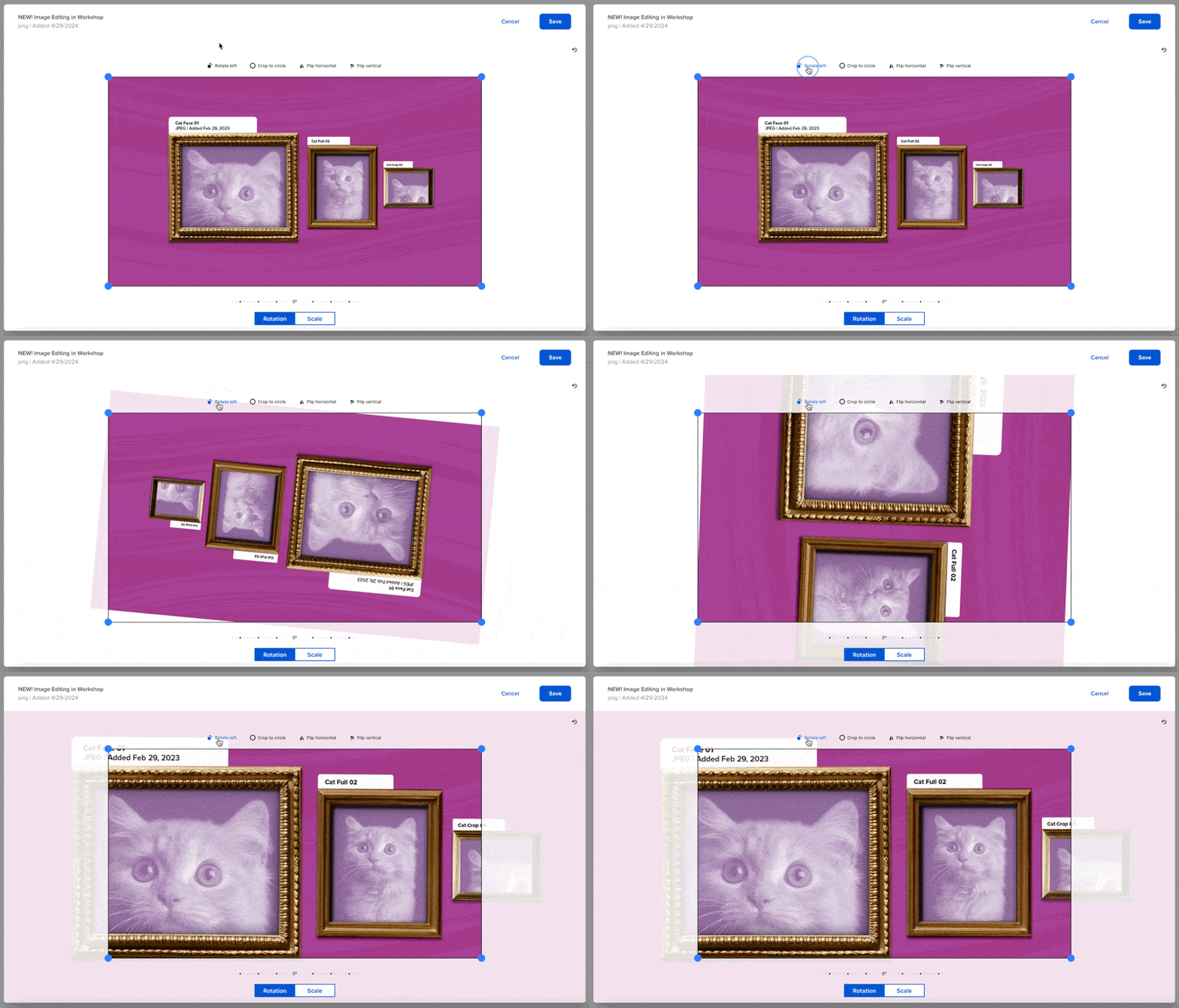
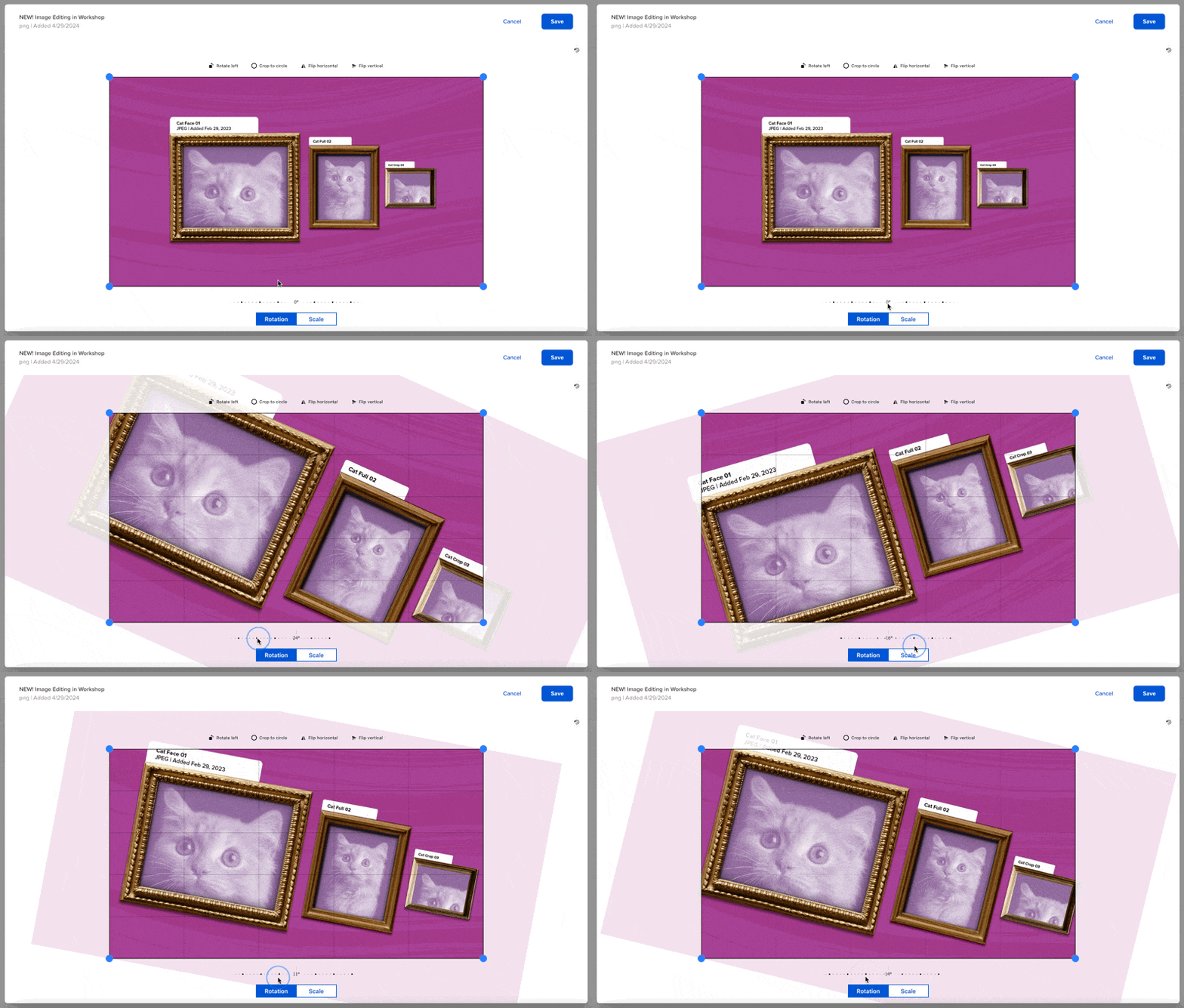
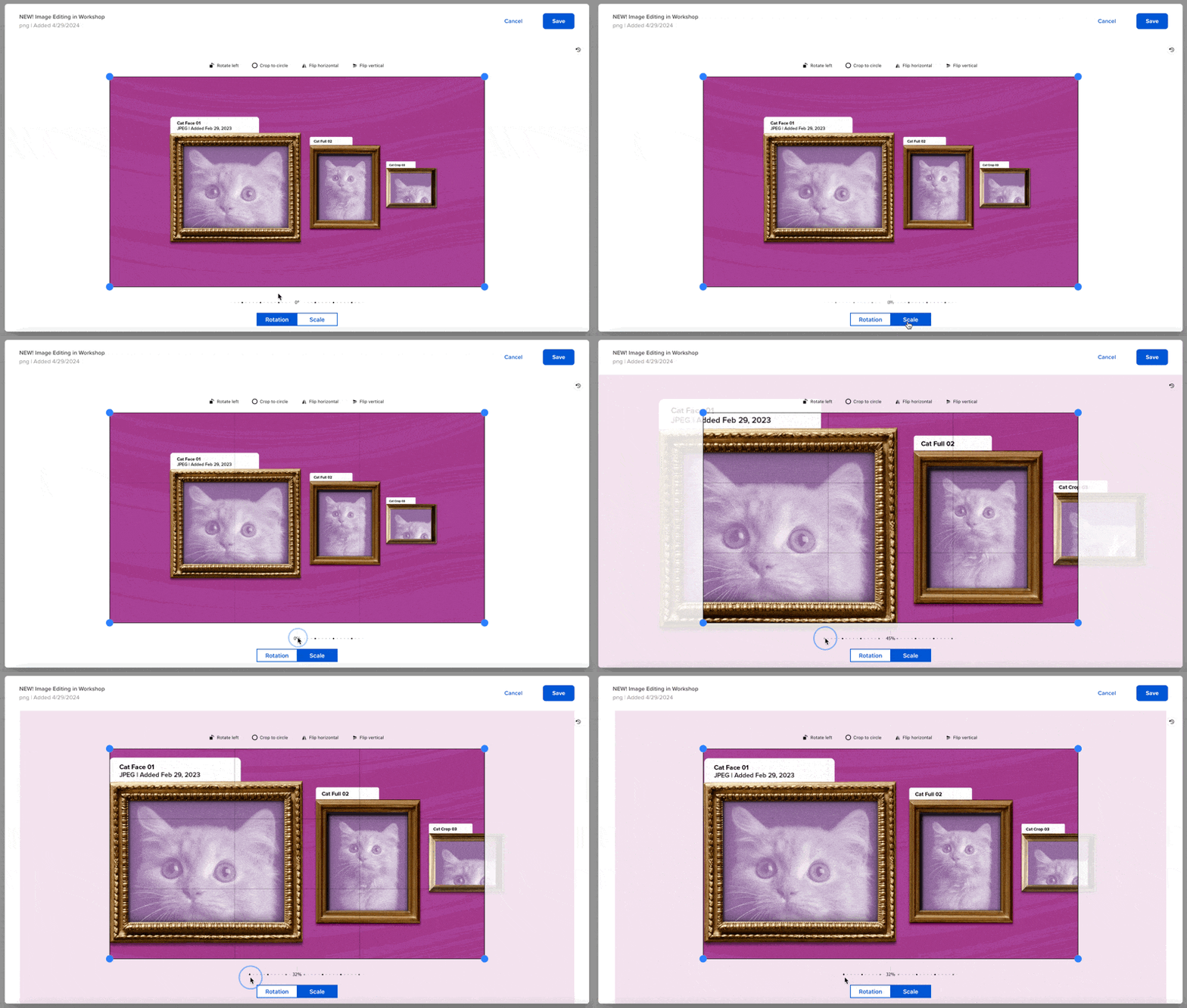
Crop and rotate images directly in the email editor
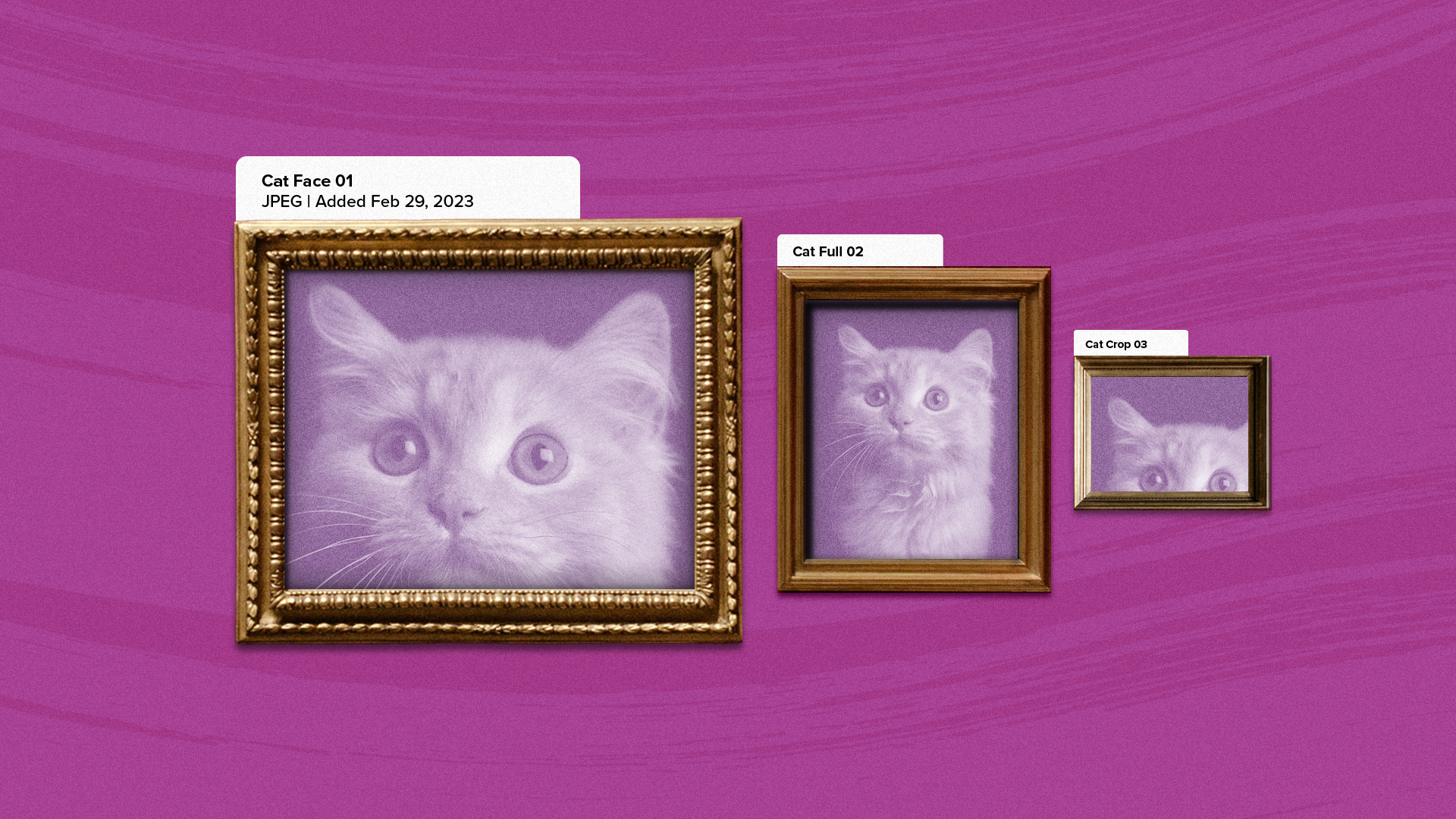
Crop 'til you drop! You can now edit images directly in Workshop! Our team has been hard at work building image editing directly into the platform, which means creating on-brand employee emails that people love to open and read is...
Fix or edit links within a previously sent email
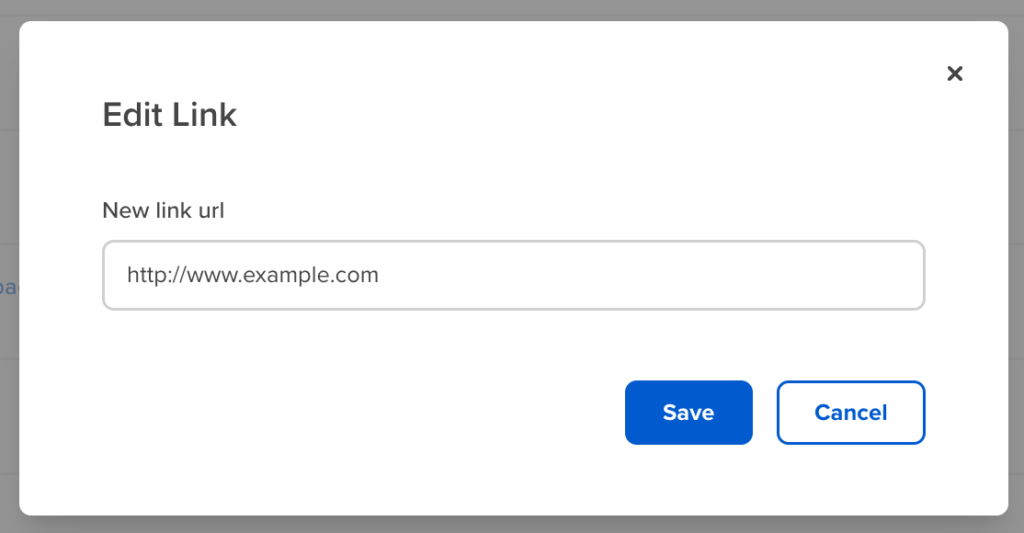
Have you ever sent out an email to your whole team only to realize there’s a broken link? It happens, but don't worry! You can now edit links within a previously sent email in Workshop. Any and all links you've sent...

Easily access your files, folders, and images with an upgraded media library
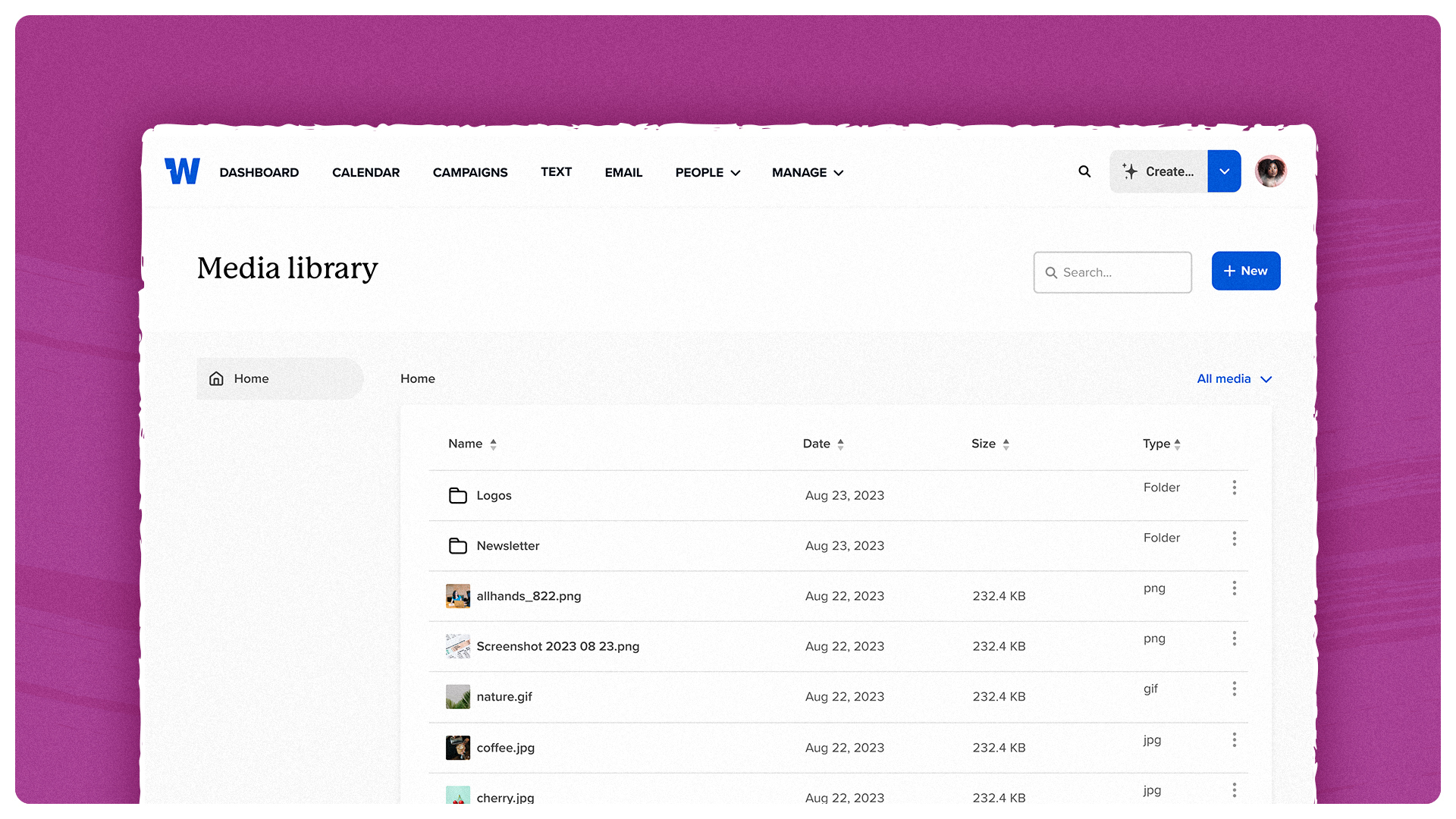
We’re rolling out the first of many updates to the File Manager. For starters, it’s now called the Media Library! There’s a nicer look and feel, and you can now access the Media Library outside of the email editor (you’ll...
Create a single archive of your email campaigns for easy reference
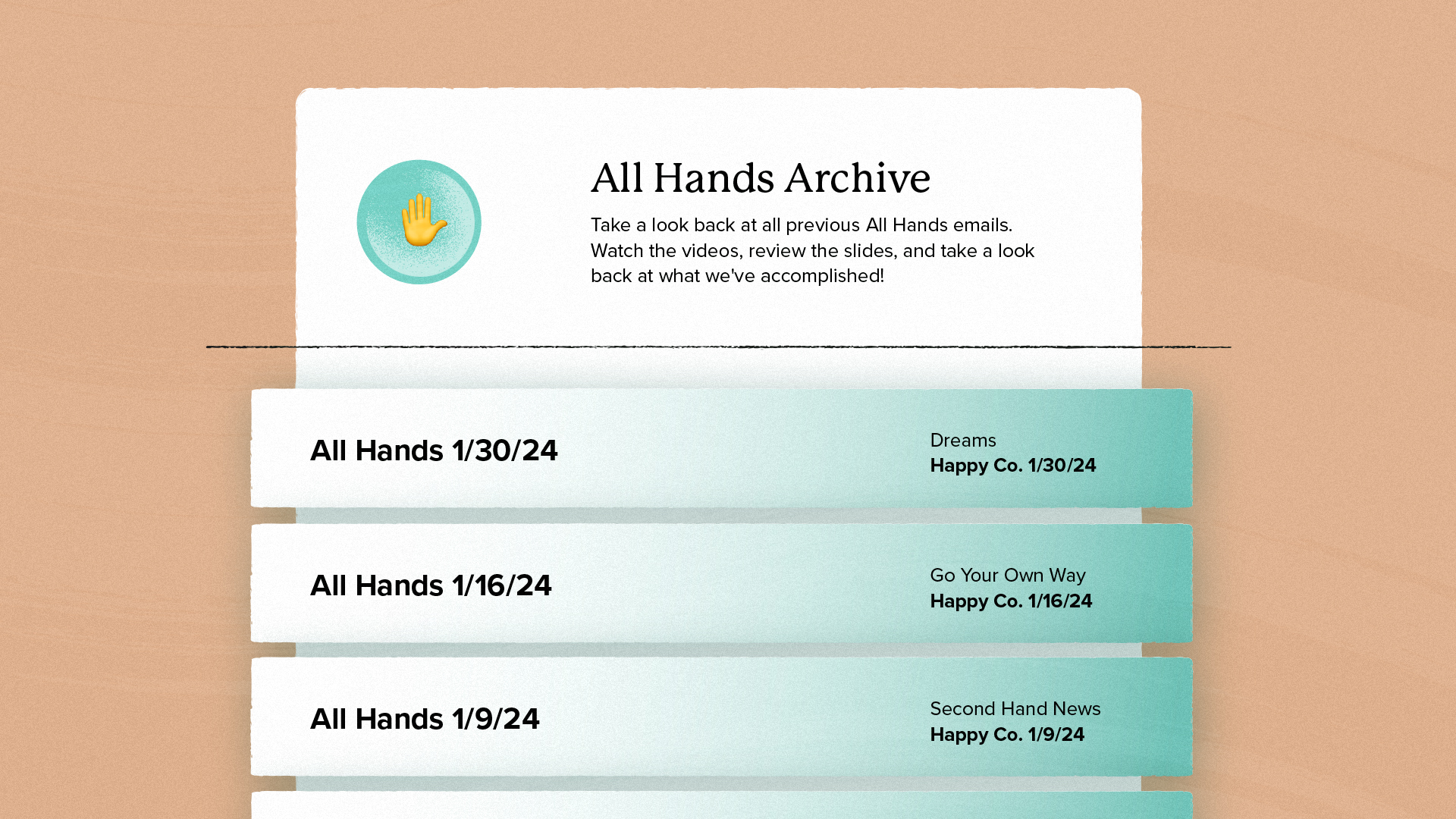
Teams that use Workshop love our campaigns feature, which allows you to plan and group communications around a specific topic and study the data and effectiveness of that campaign over time. Whether it’s all-hands meeting recaps or the monthly employee newsletter,...
Export your internal emails as PDFs for easy sharing

We know that not every employee reads their emails digitally—some messages need to be printed, posted, or shared in physical formats. That’s why we’re introducing one-click email export to PDF, making it easier than ever to create a polished, printable...
Generate a QR code for an email with just one click
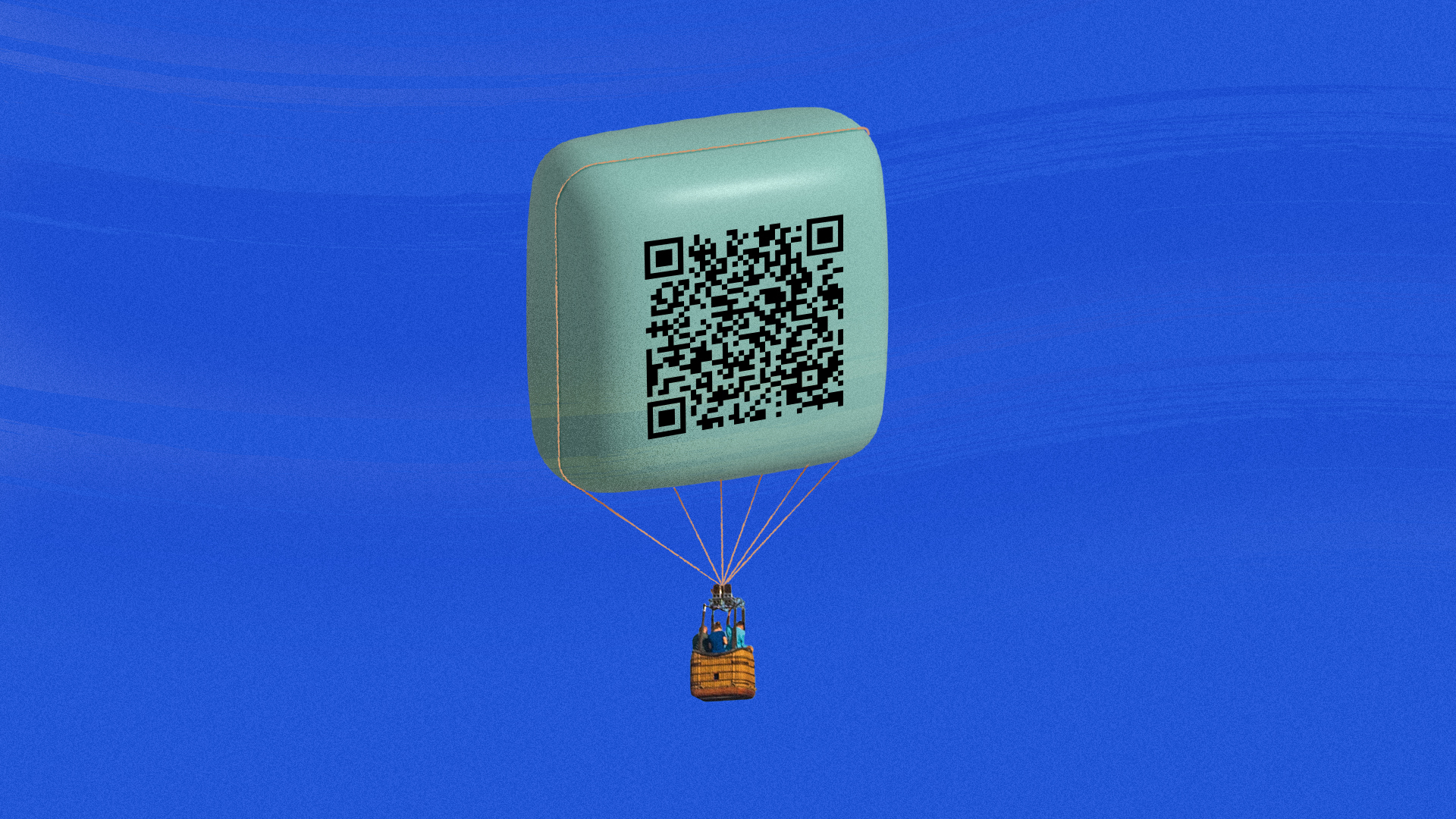
When you're working with frontline teams, it's incredibly important to meet them where they are (and often, that's not at a desk)! The best way to accomplish this is to make sure that your announcements, updates, and messages are not...
See a bird’s-eye view of your internal communications calendar
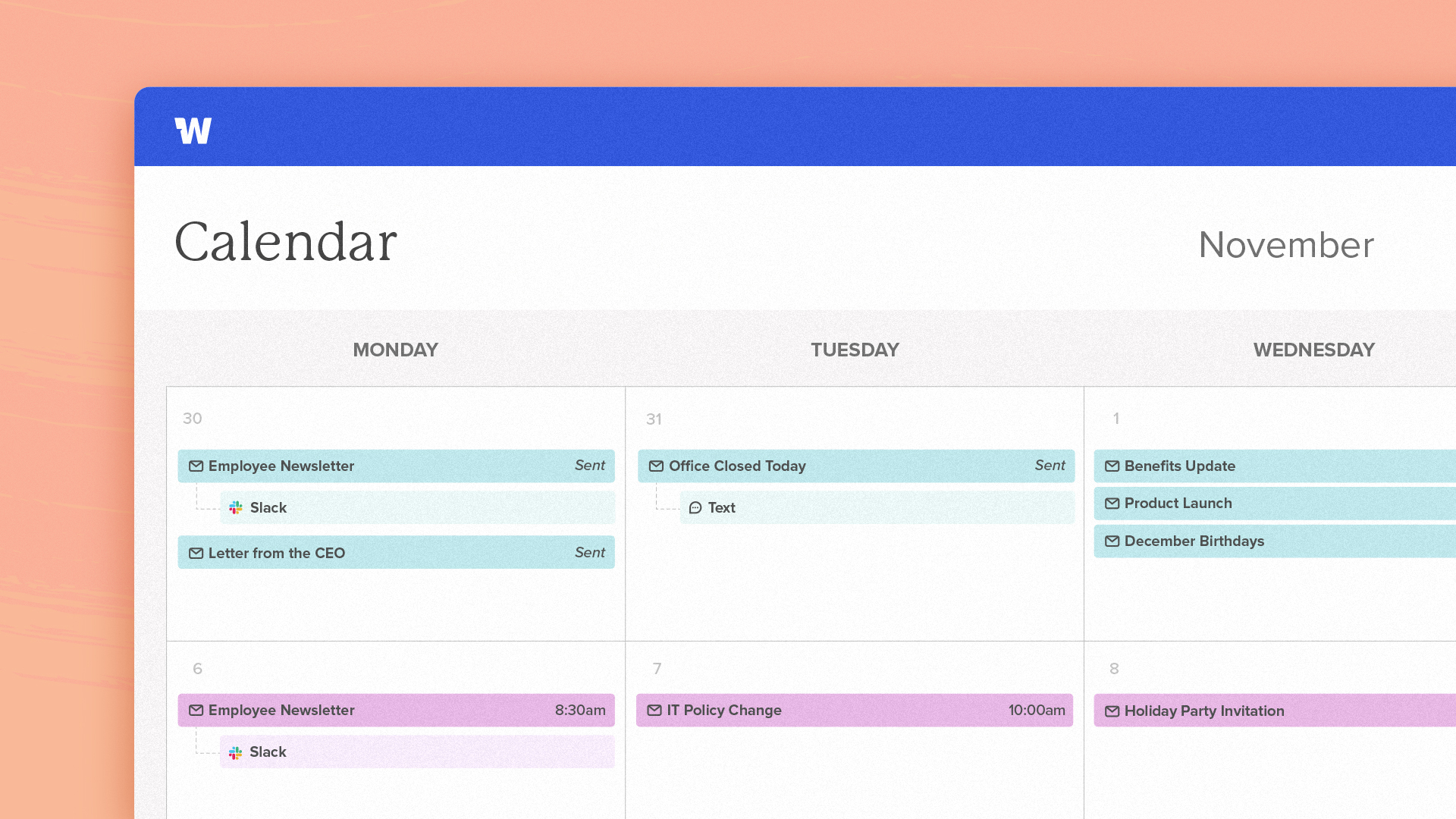
With Workshop, you can now see a complete overview of all of your internal communications emails, all in one place. Our new communications calendar tells you what emails have been sent and gives you a complete look into the future...
Translate internal emails into multiple languages (with AI!)
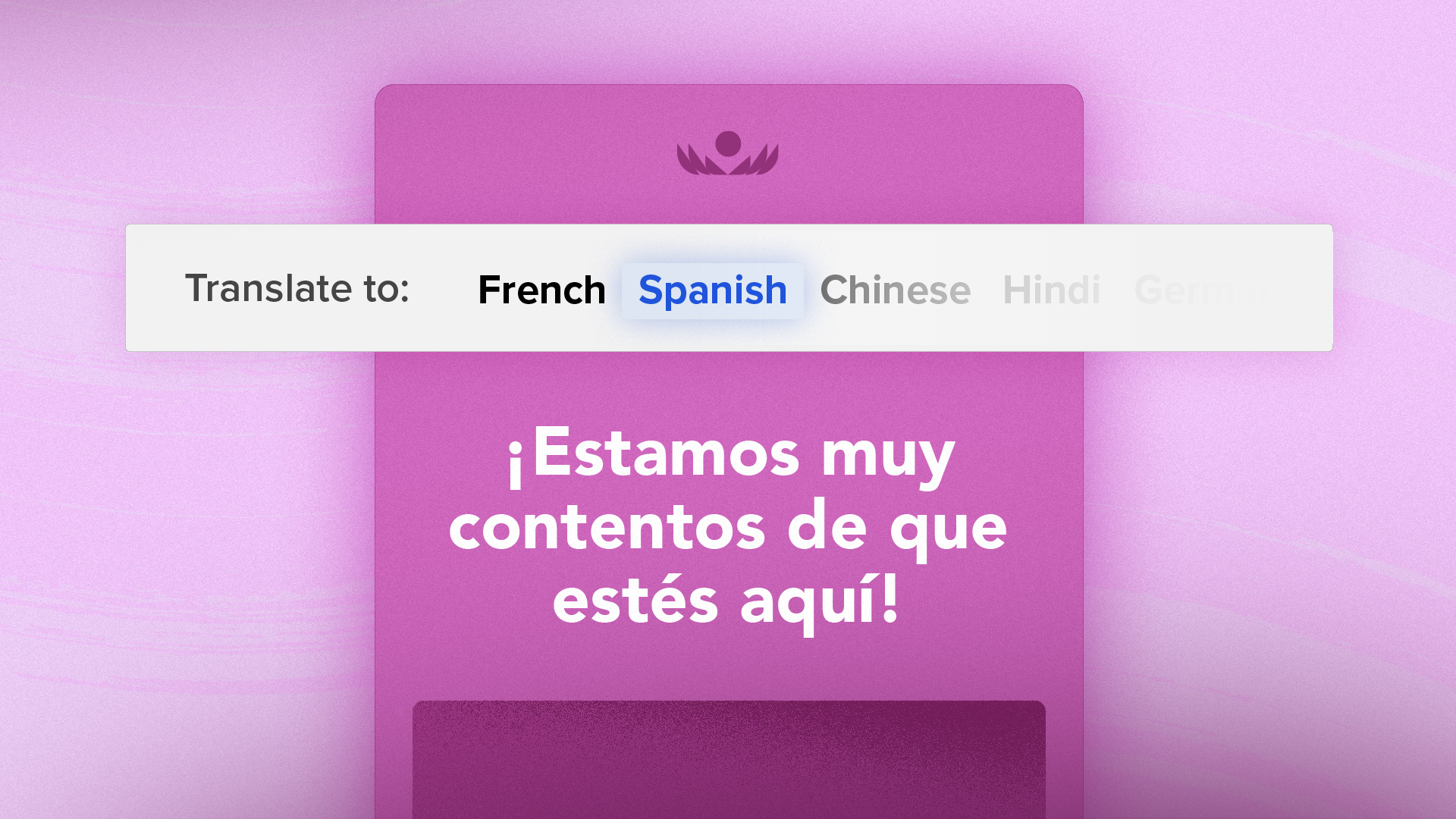
Effective communication within a diverse workforce often means you have to translate content into different languages. Whether it's sharing company-wide announcements, mission-critical news, or everyday project updates, ensuring that every employee can understand and engage with the content is a...
Add collaborators (or keep comms private) with sharing and privacy settings
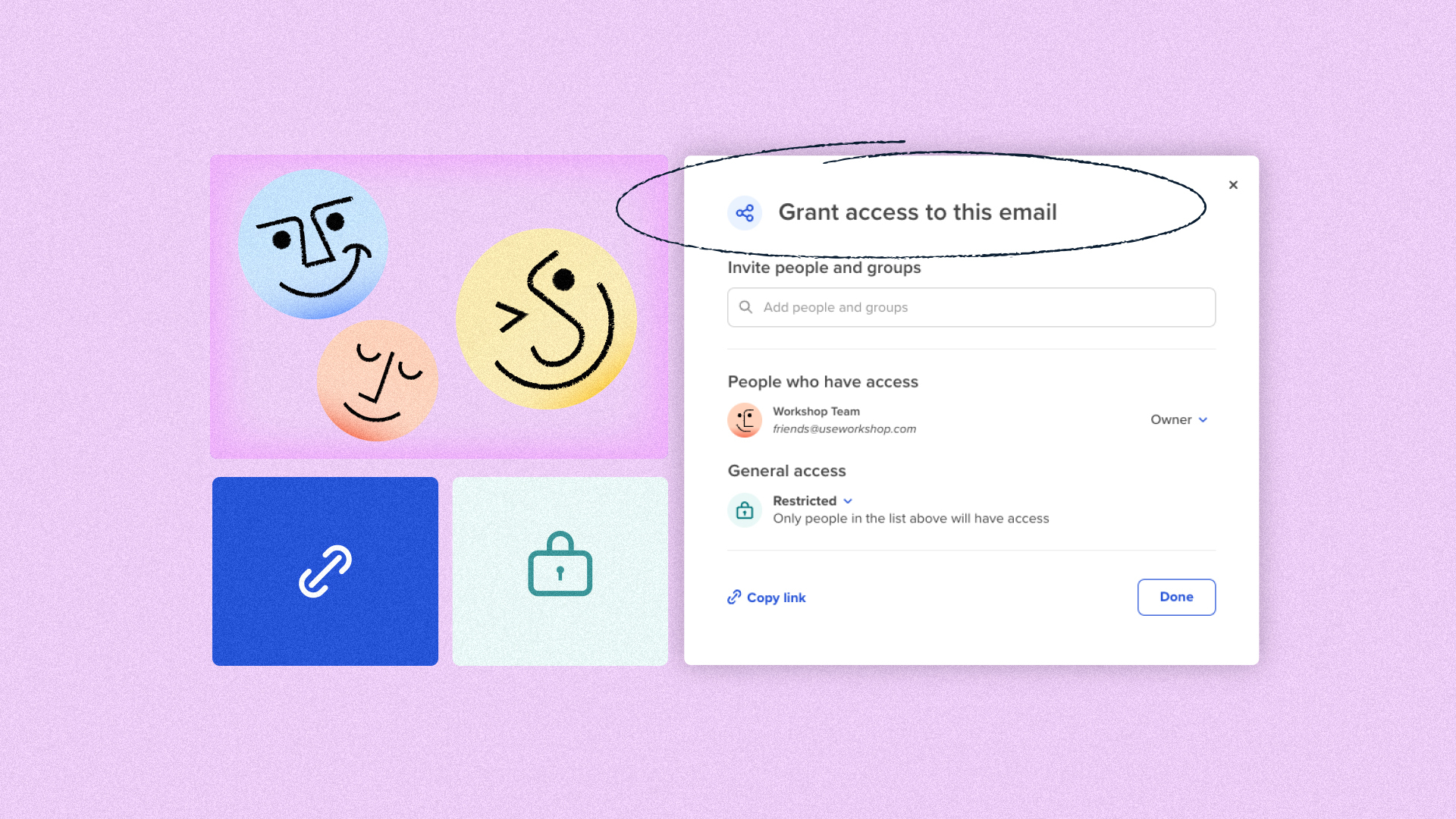
With Workshop’s sharing and privacy settings, you can seamlessly collaborate with other users, teams, or departments…all while maintaining privacy for sensitive communications, if you need it! Similar to Google Docs-style sharing, this feature creates a more organized view of your...


Connect your email data to business intelligence platforms with our analytics API

Dig into every detail of your email campaigns and gather new insights on your internal comms with Workshop API! You can now connect your email analytics to the business intelligence and data visualization tools used within your organization, helping you...

Gather insights to elevate your internal email campaigns
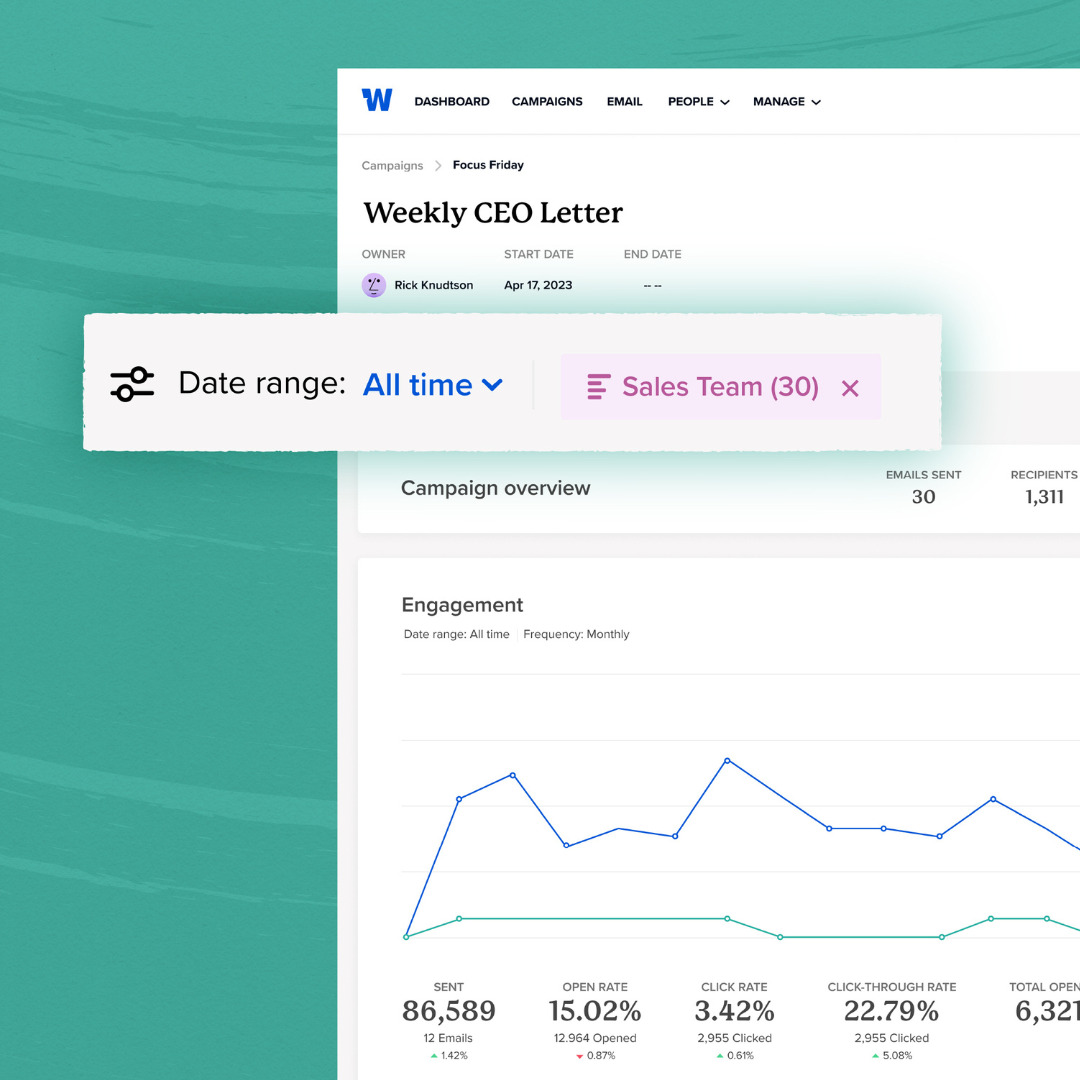
https://useworkshop.com/wp-content/uploads/2023/07/Final-Campaigns-Customer-Newsletter.mp4 Exciting news! We've officially rolled out significant improvements to our campaigns feature. Now, you can apply filters to your campaigns, enabling you to dive deep into meaningful analytics. Revamped Campaigns with powerful analyticsEasily filter and analyze your overall campaign...
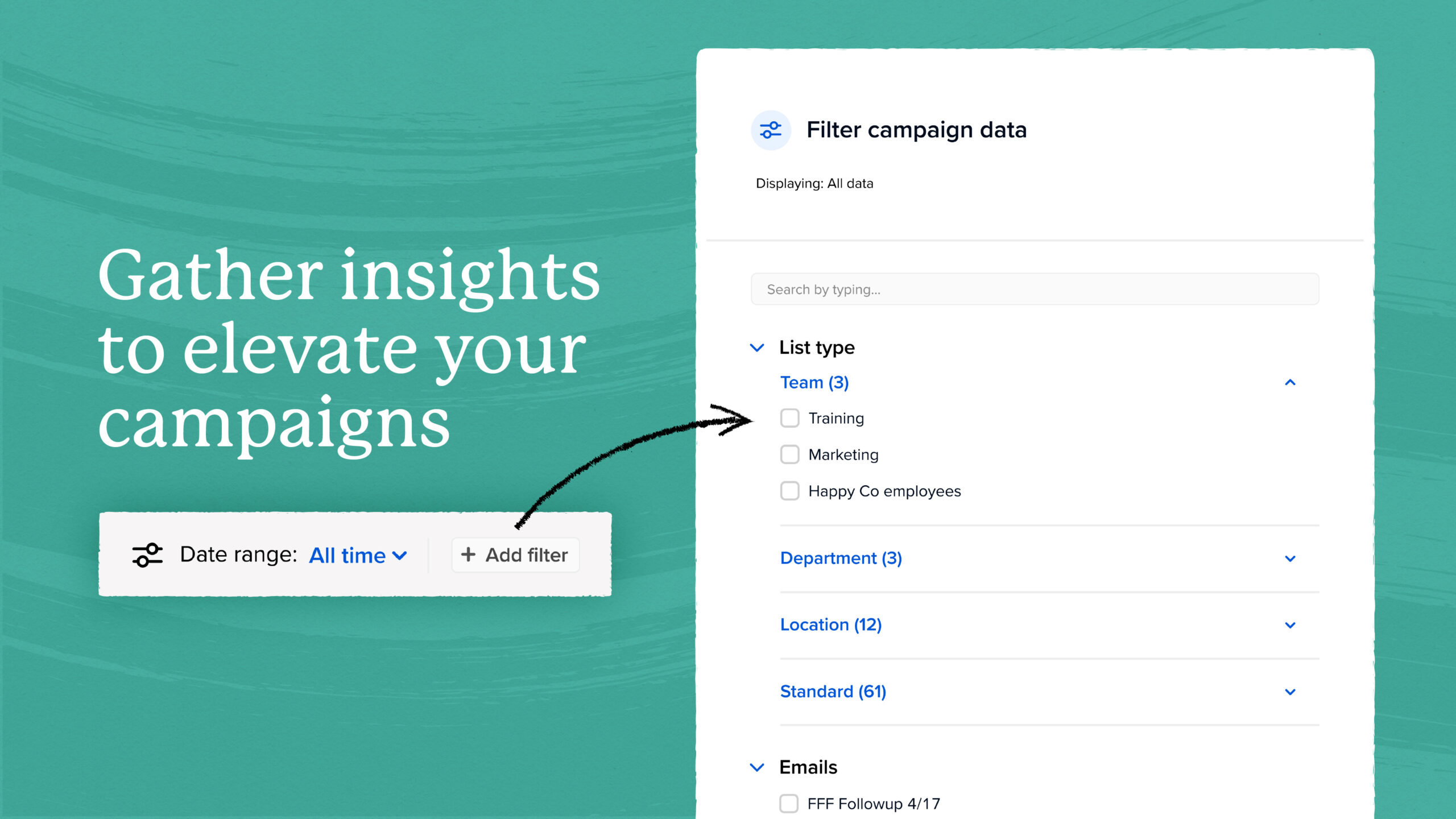 Easily filter and analyze your overall campaign performance by role, department, location, and more. You can even filter emails within the campaign to compare their performance. This is one of the most powerful ways to understand which audiences are more or less engaged with your message and gives you insight into how to maximize your email strategy.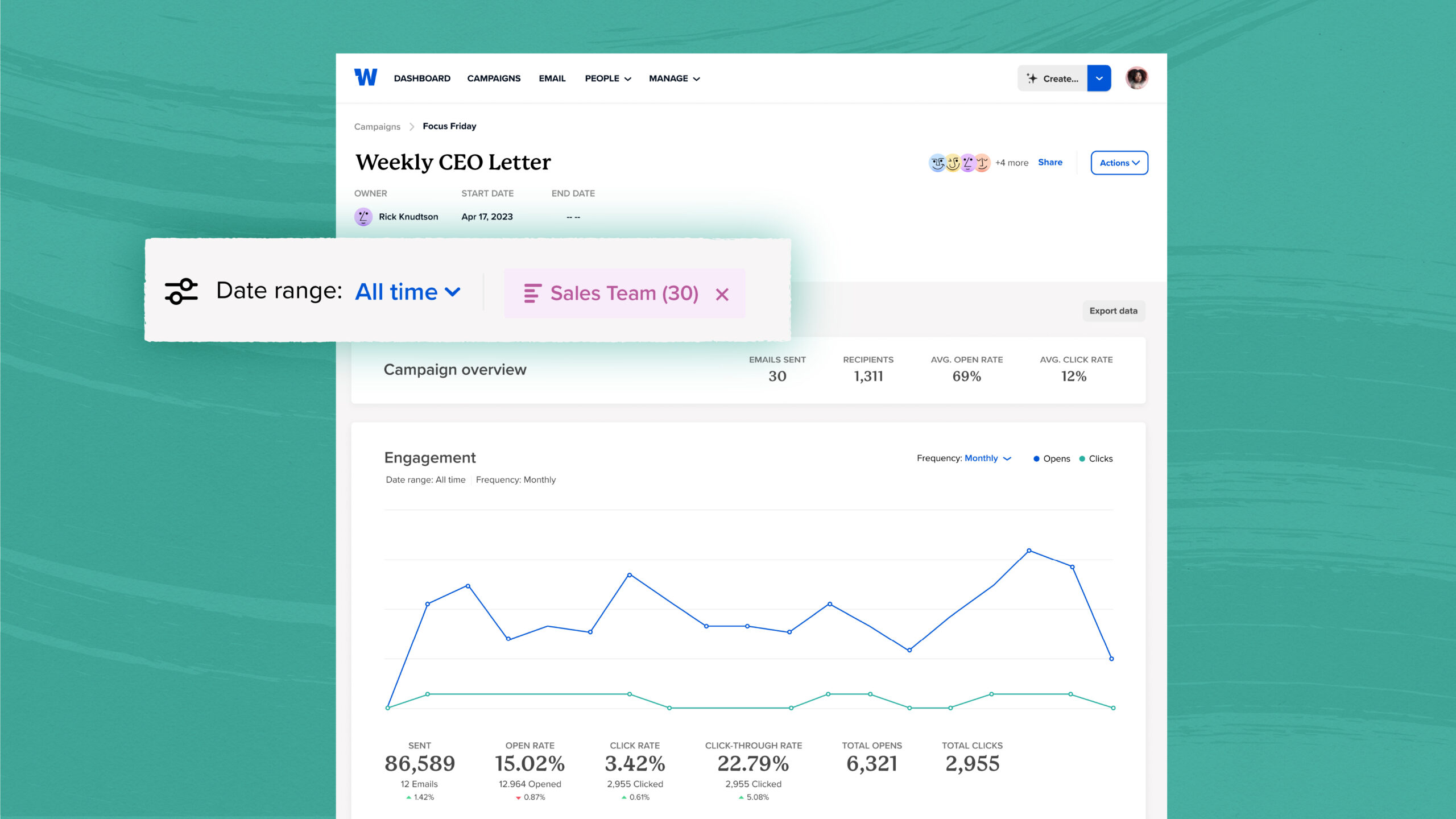
A brand new Workshop!

We've recently rolled out a rebrand! While our logo, fonts, and colors have all changed, you'll still find all of your favorite Workshop features in the exact same place. Take a few moments to explore the new design and let...
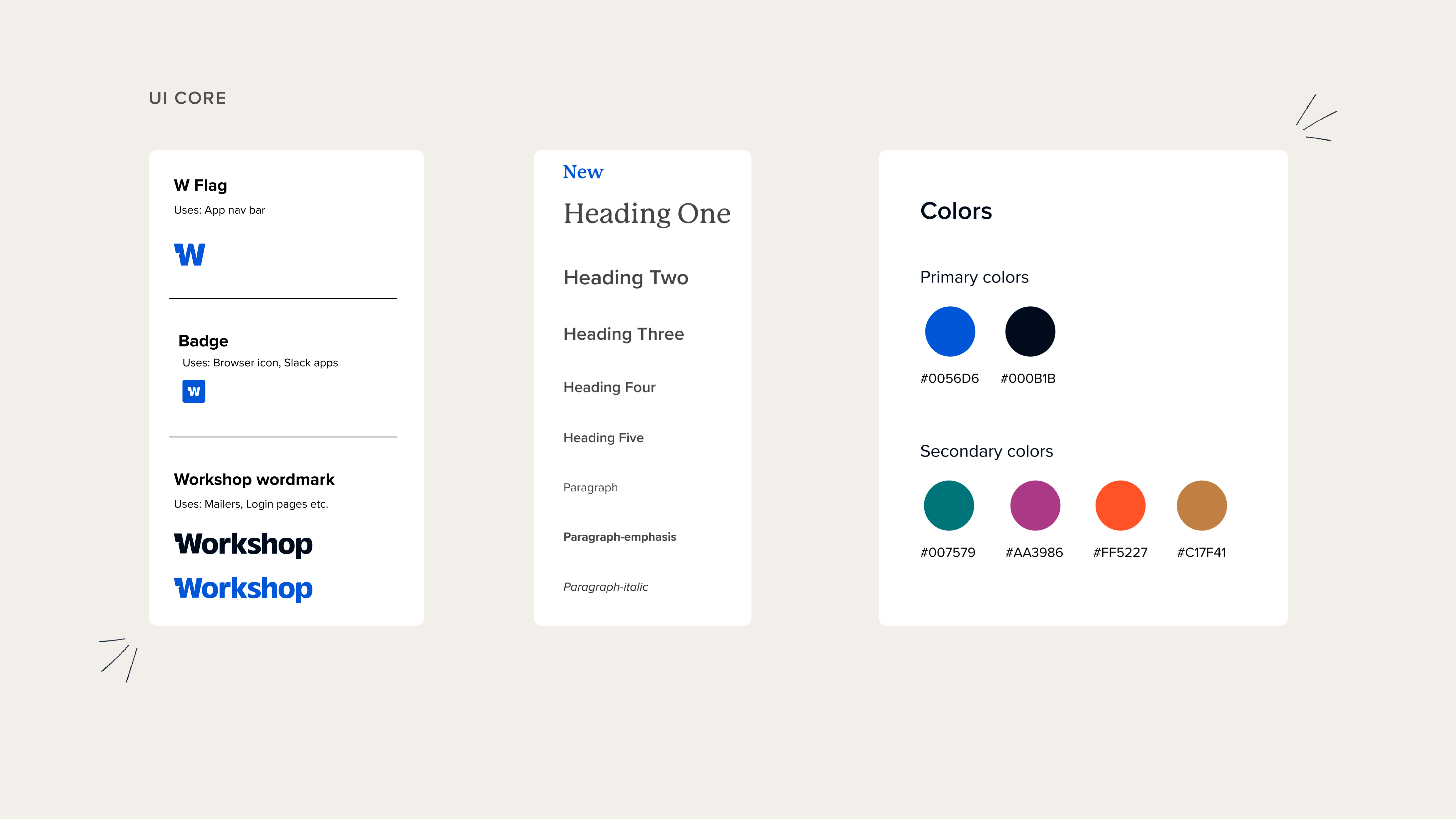 You’ll notice some major visual changes! We swapped logos, colors and fonts, giving the app a modern and sleek appearance. This is just the first pass at updating our app interface to align it with our new brand. Next steps will be adding in some more delightful elements, such as a new illustration style. We’re committed to continuously and iteratively refining the app to reflect our new brand identity!
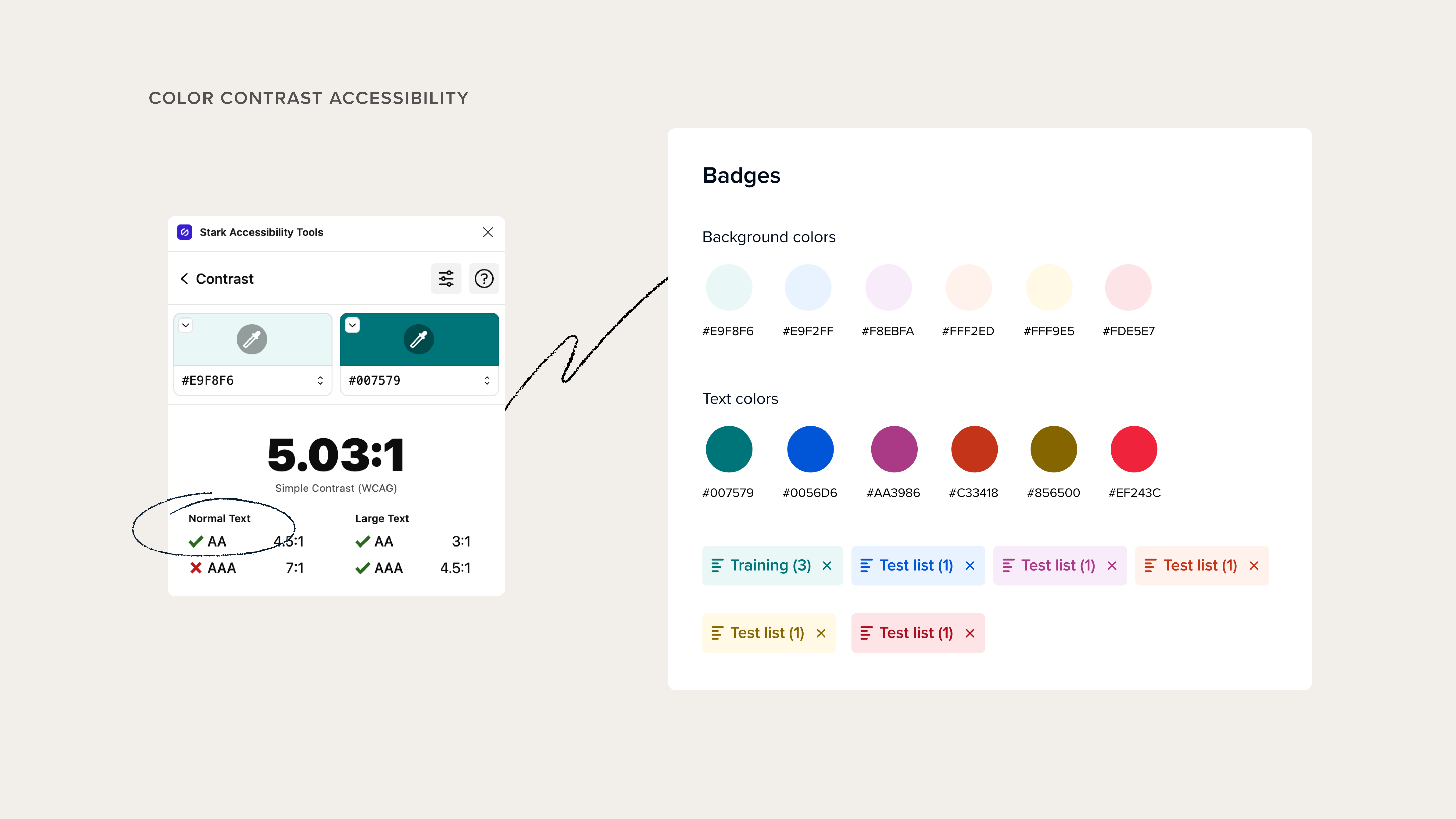 As part of our rebrand, we've updated our color palette in the app. But it's not just about aesthetics—it's about accessibility too. We adhere to the Web Content Accessibility Guidelines (WCAG) standards, which ensure that digital platforms are accessible to all users. We've rigorously tested our colors to pass the AA standards for color contrast ratios, making Workshop more inclusive and user-friendly for everyone.
Grab the perfect stock image in seconds with Unsplash
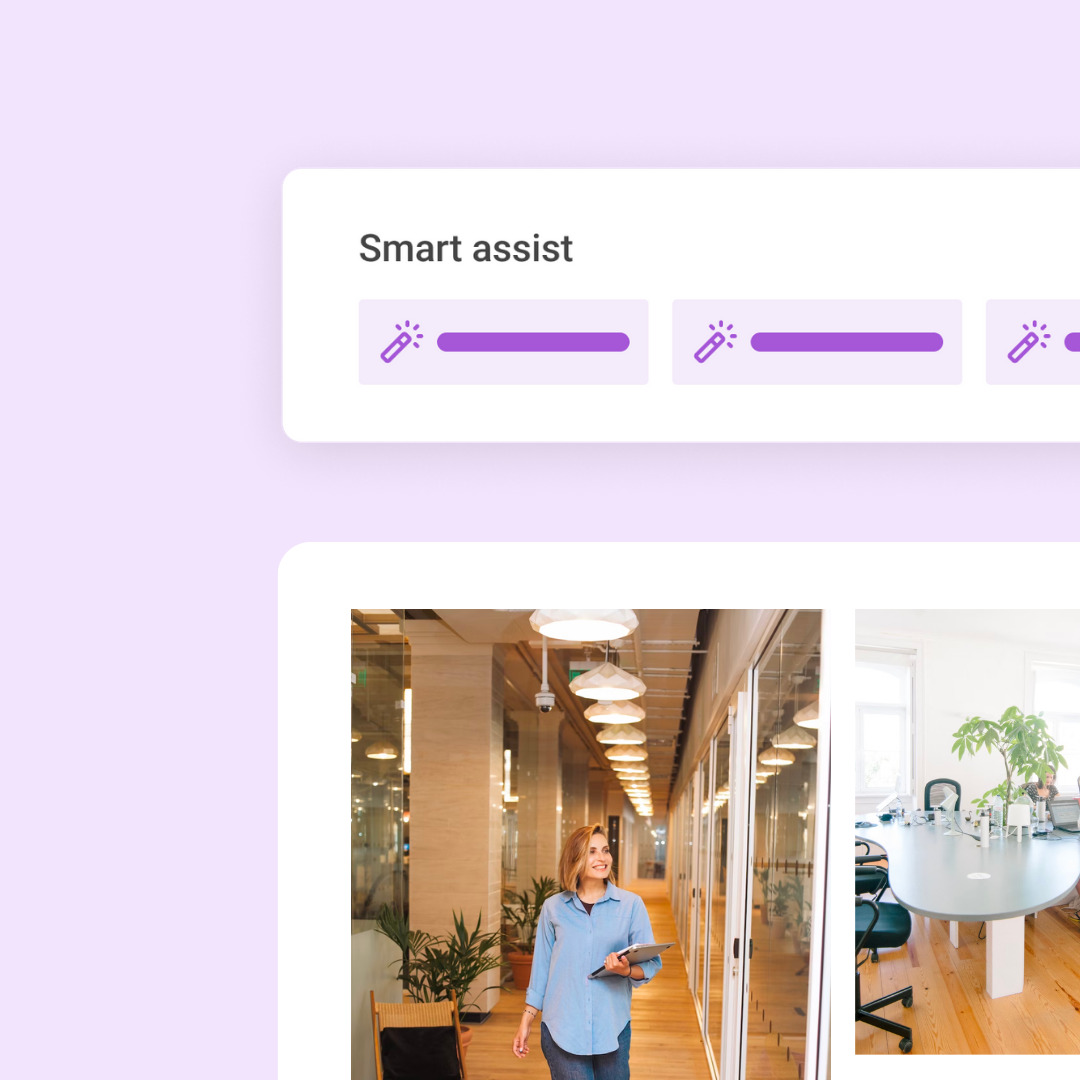
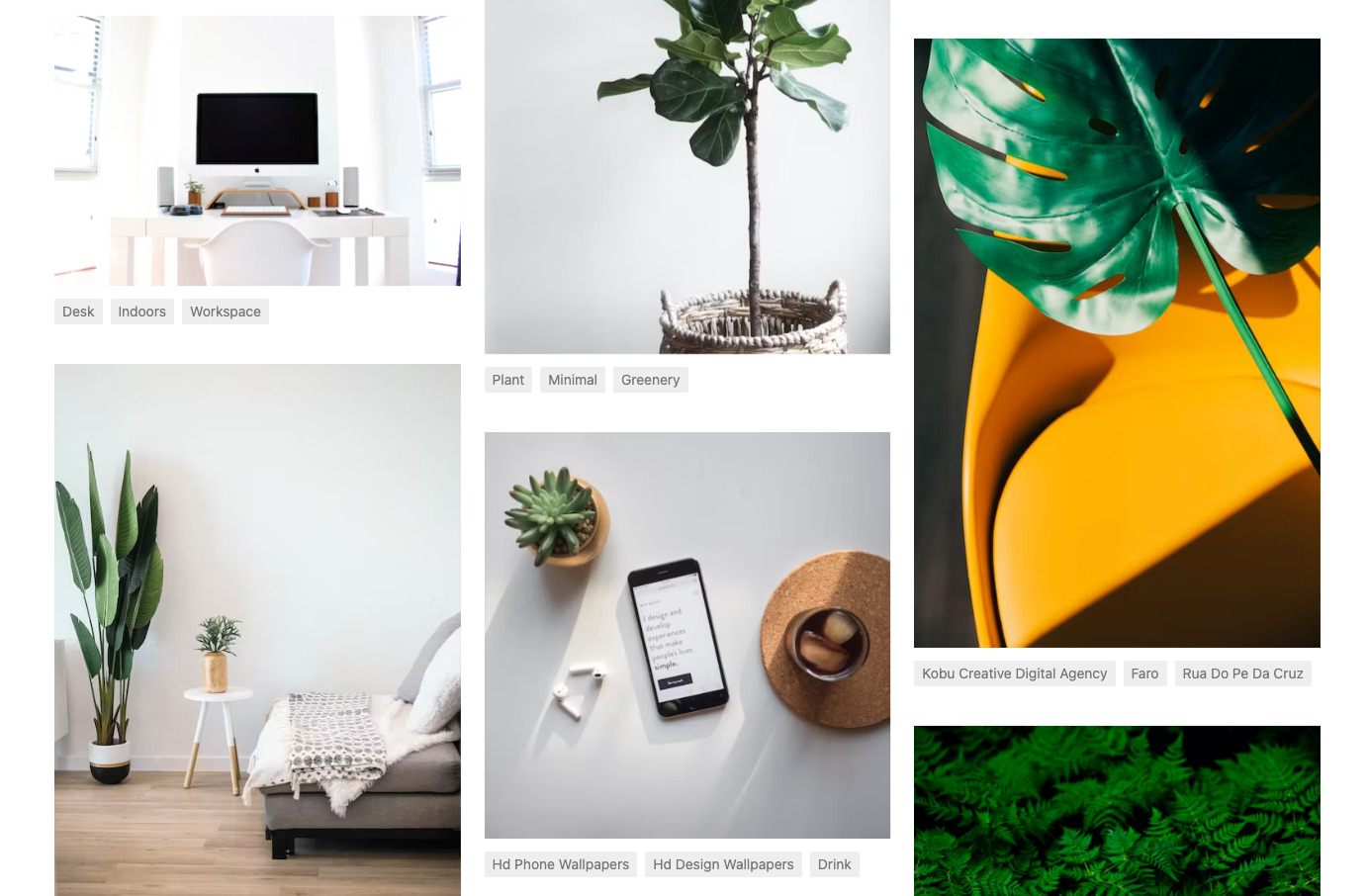
Get access to over 2 million free stock images and photos in Workshop's email builder! With our new Unsplash integration, you can easily and instantly search through a huge library of professional, free stock photos from right within the email. ...
Product Updates | April 2023
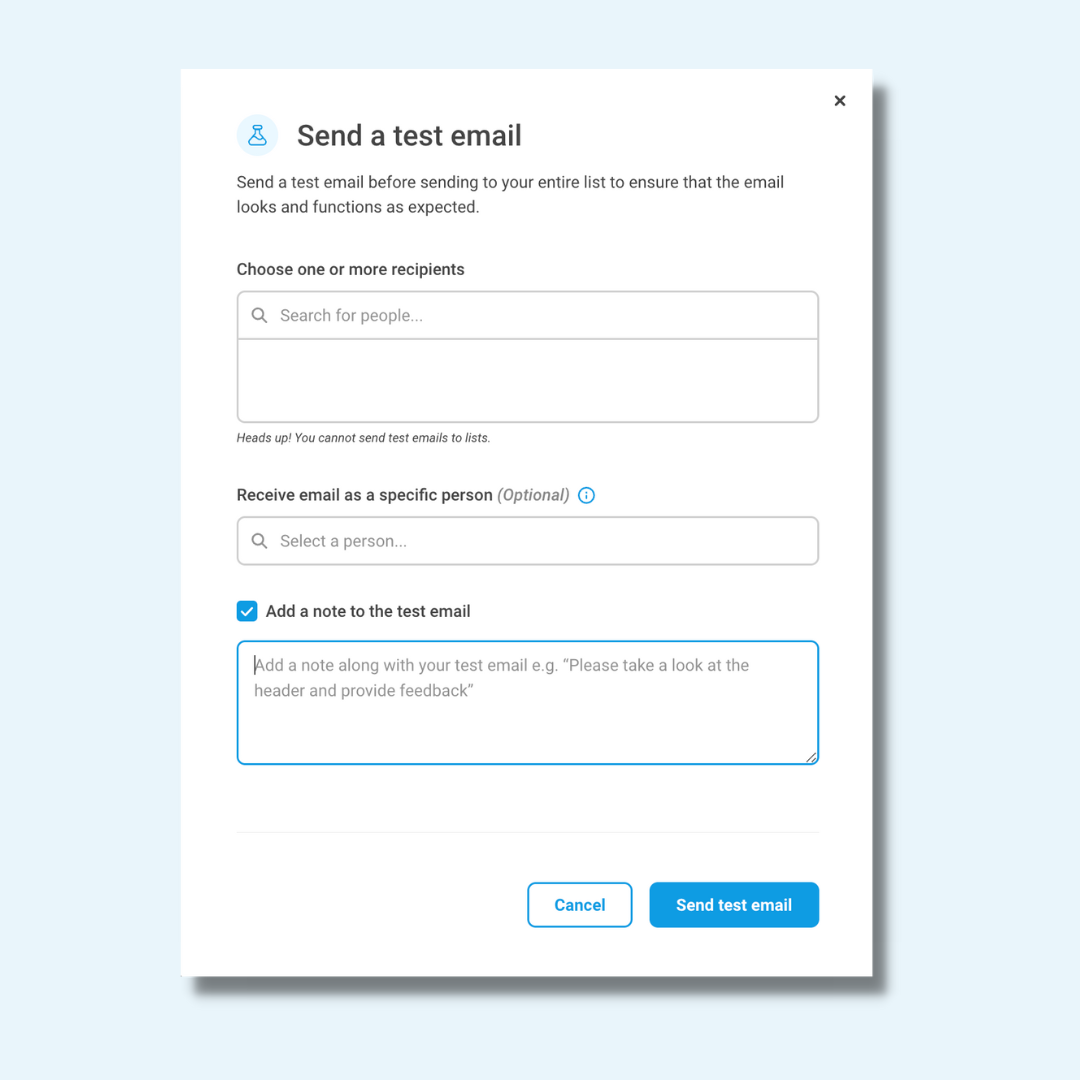
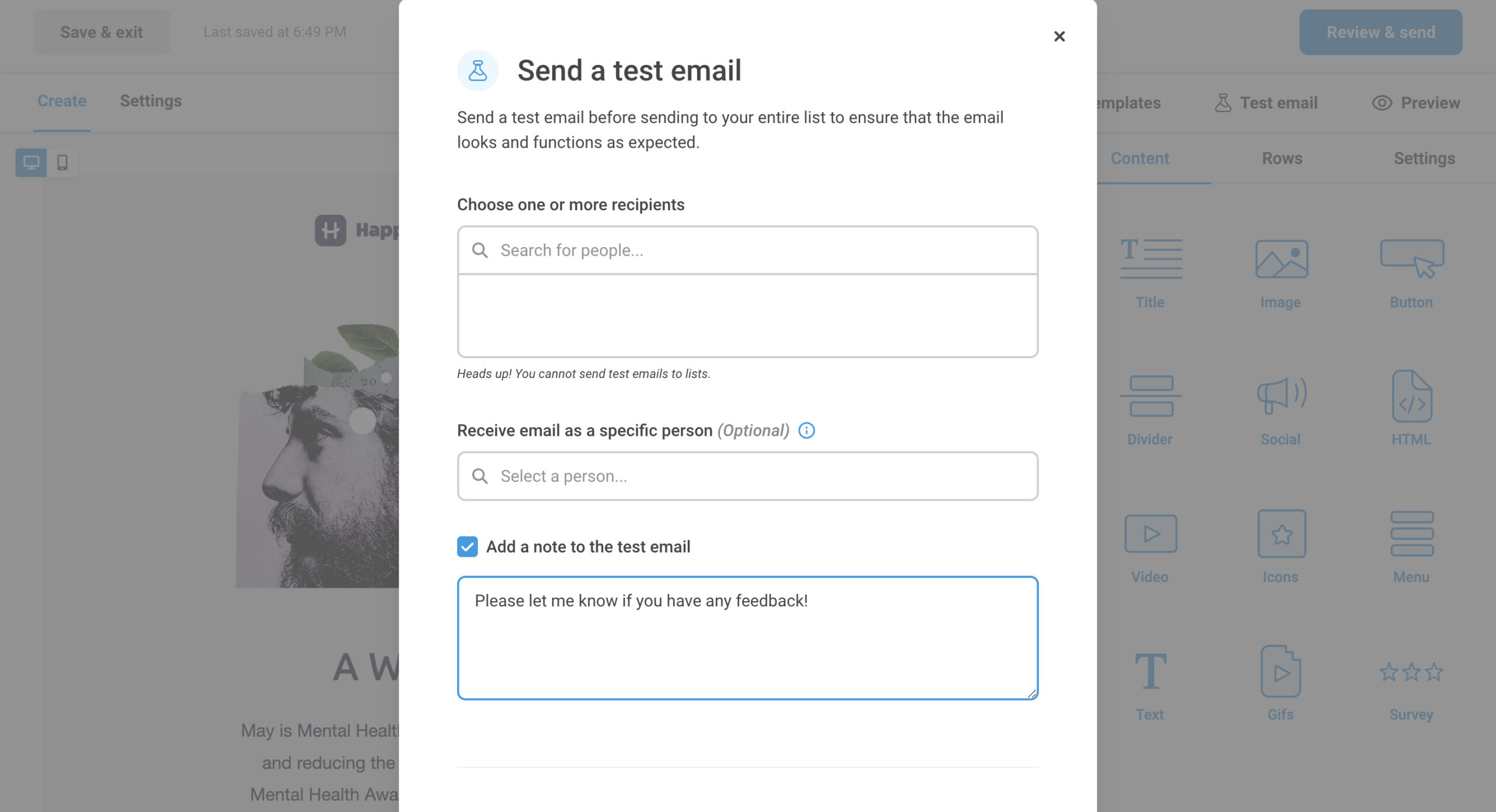
We are excited to share a few exciting new features we have been working on that will help you send your emails with confidence and ease. Add a note to a test email Are you ghostwriting for a team member...
Personalize content & boost engagement with audience segmentation
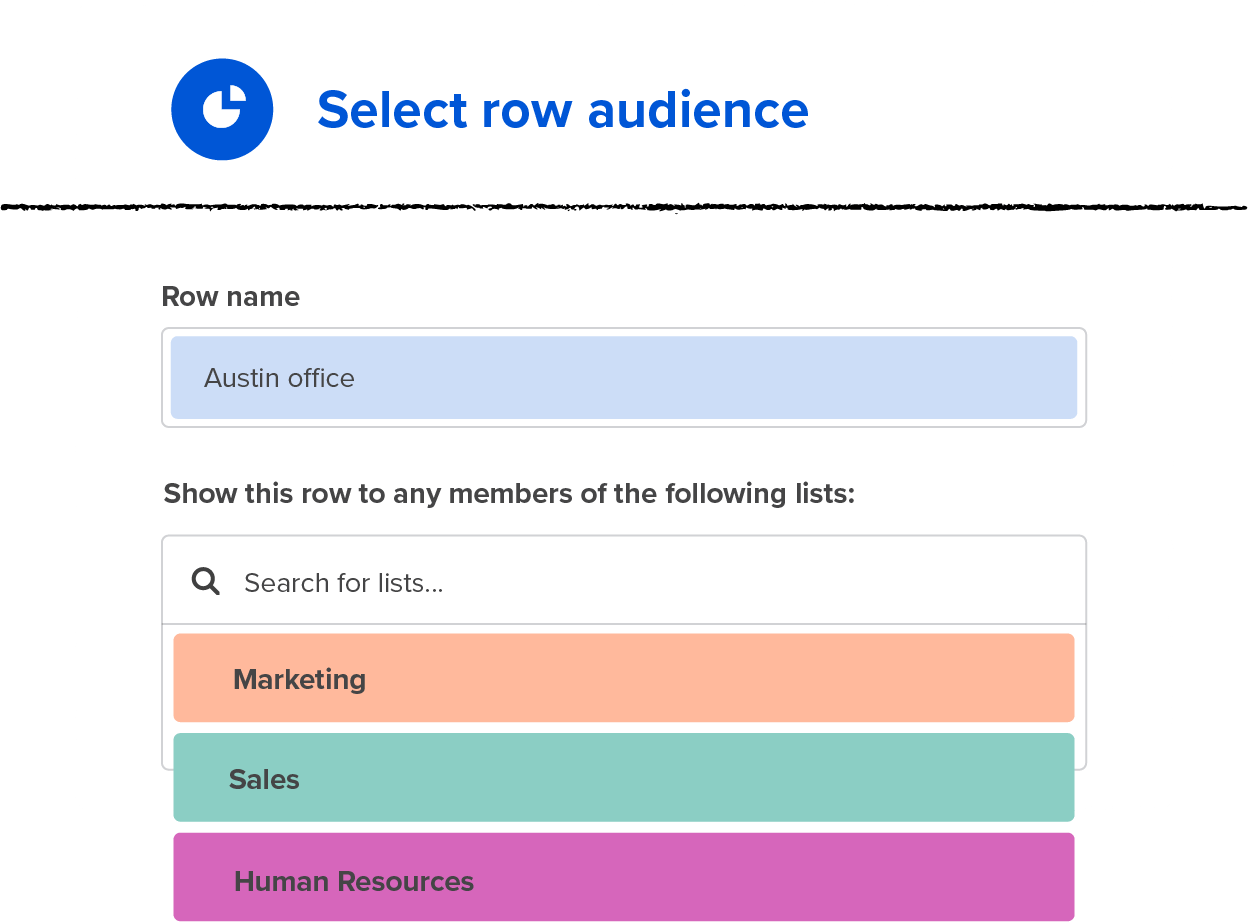
In any row in your email, you can create content that’s displayed based on the employee’s list membership. This is an excellent option if you have different content you want to show to different types of team members. For example:...

Personalize your employee emails with merge tags
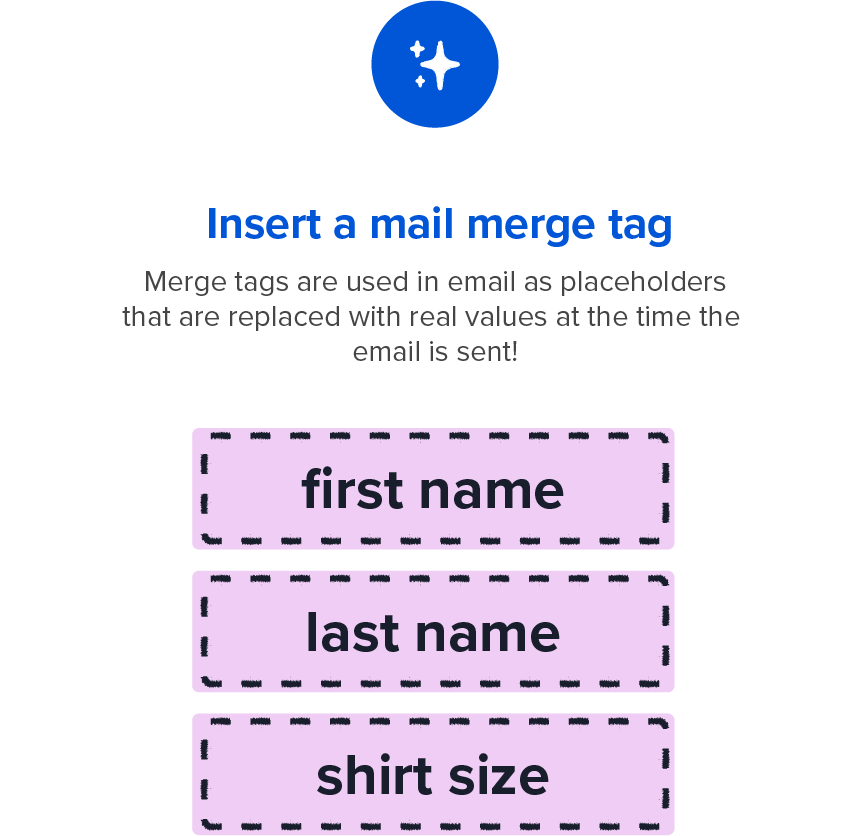
As you’re crafting content in Workshop, we know that your ultimate goal is to drive up employee engagement at your company. Concise and targeted content, on-brand visuals, and more interactive messaging (polls, videos, etc) are a few ways to improve...
Work collaboratively and confidently with user permissions
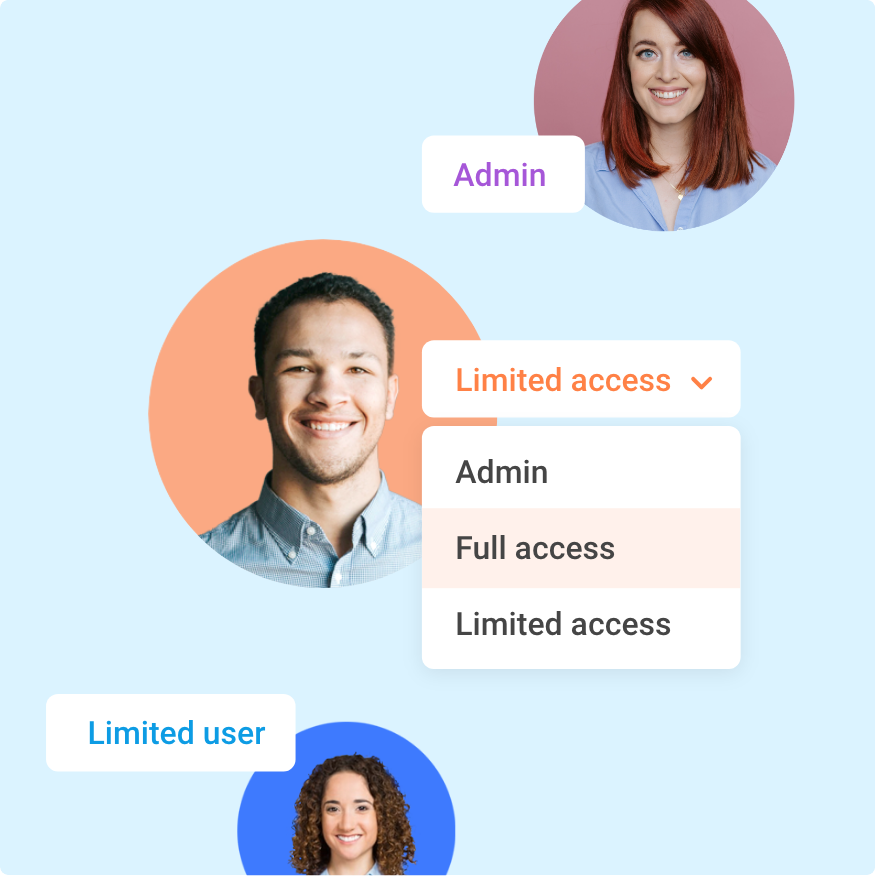
Workshop’s power is truly unlocked when your entire team is on the platform creating content and building engaging communications. However, we know that communicating to employees is risky business and not all employees should get full access to Workshop. Your...
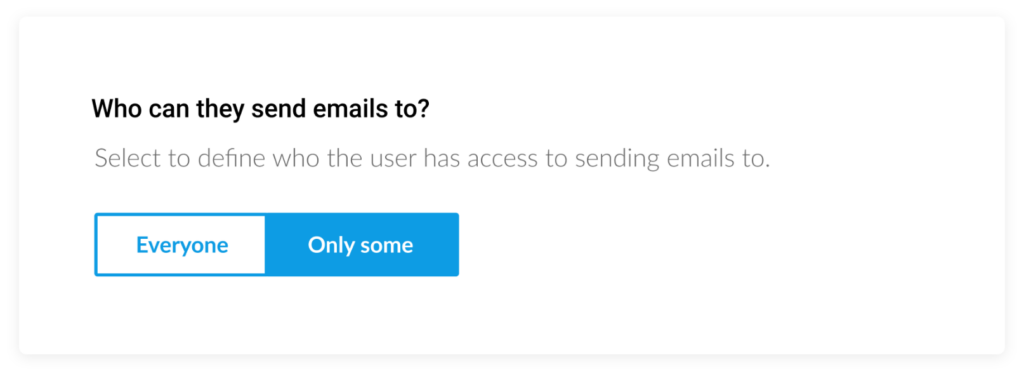
Automatically update your employee distribution lists
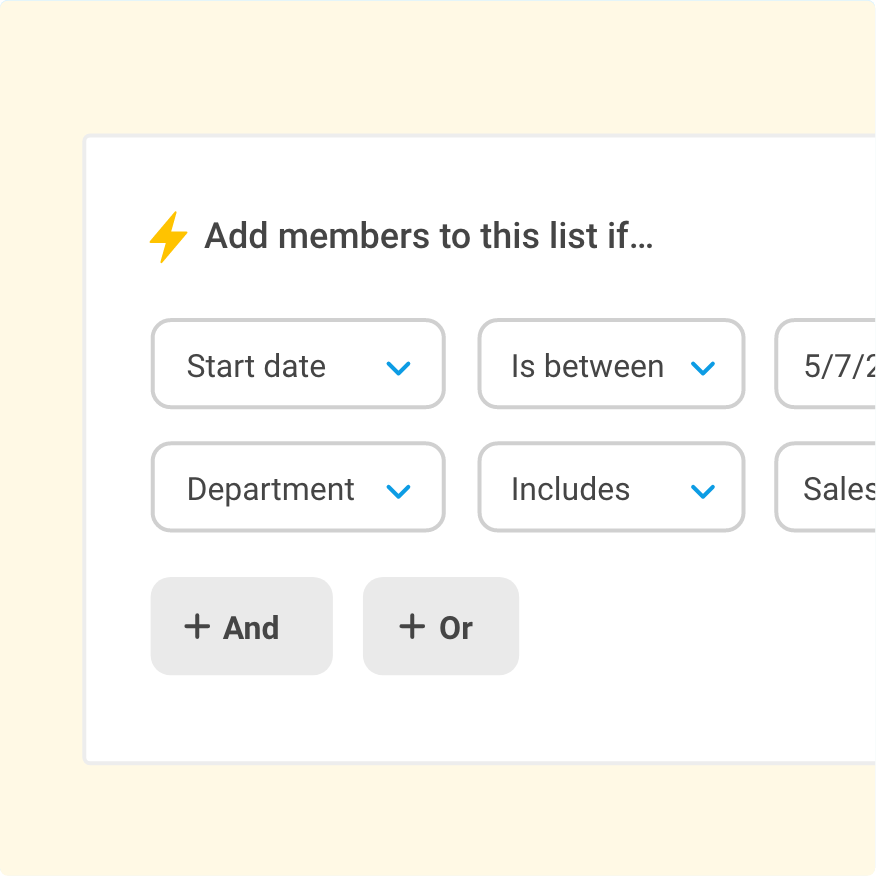
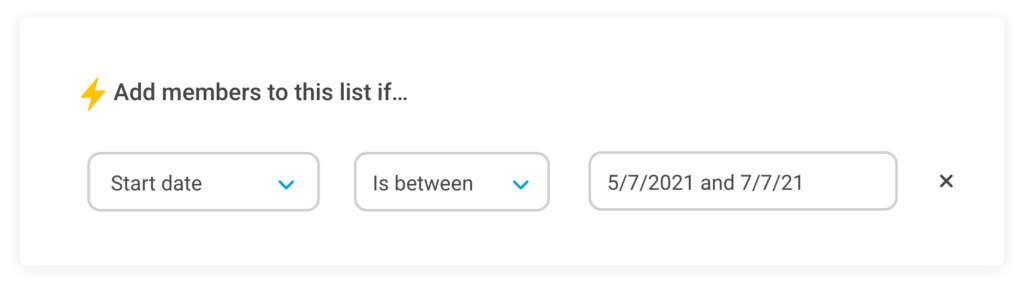
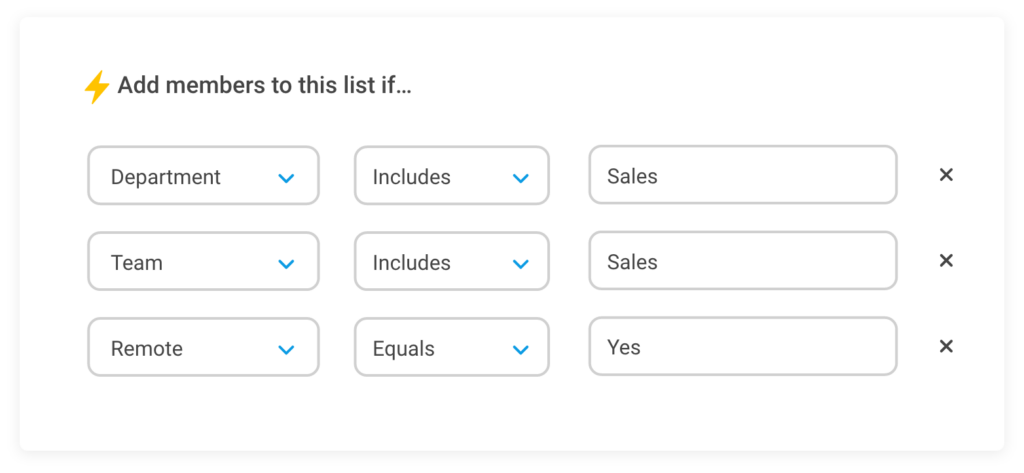
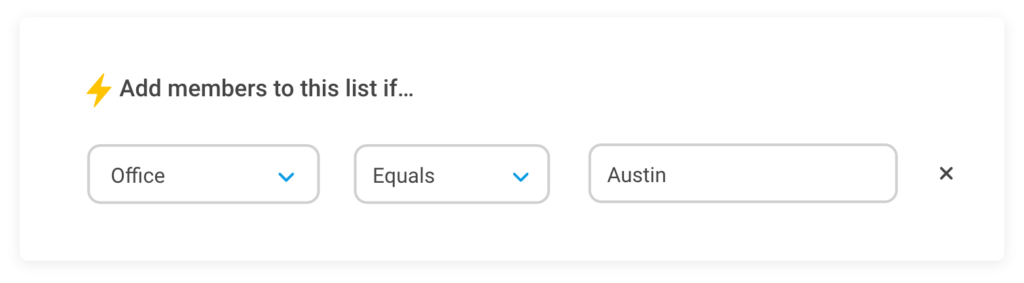
Internal communicators should be able to independently build and manage employee distribution lists. They shouldn’t have to wait on an IT request, upload a CSV of new employees, or manually double-check if the all-company list is accurate. They should be...
Showcase your internal comms ROI with custom reporting
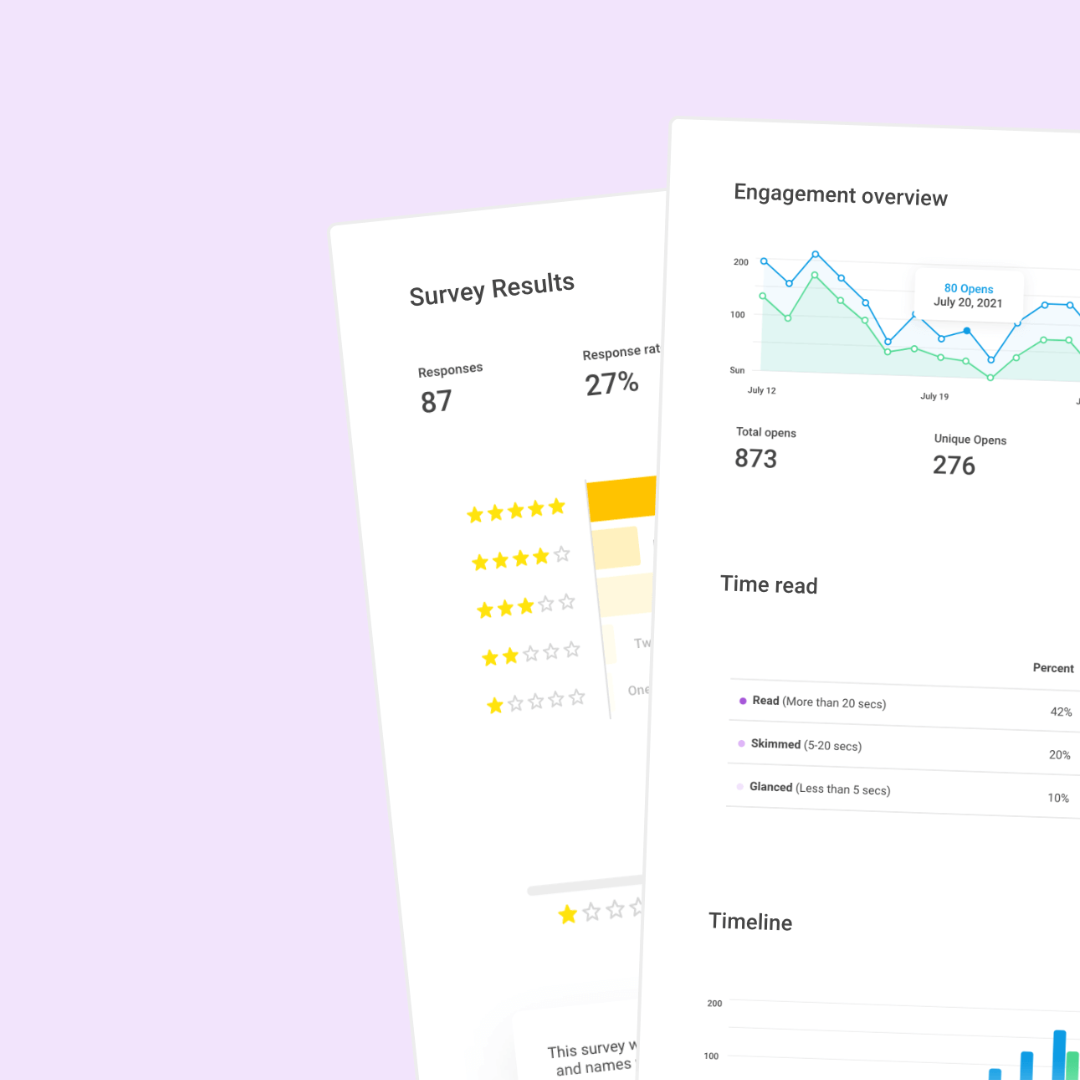
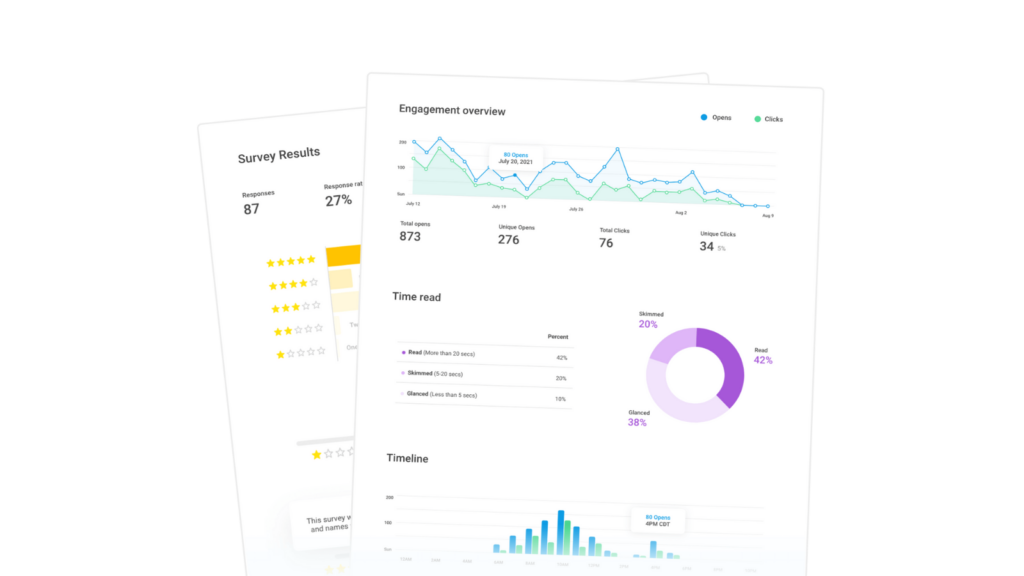
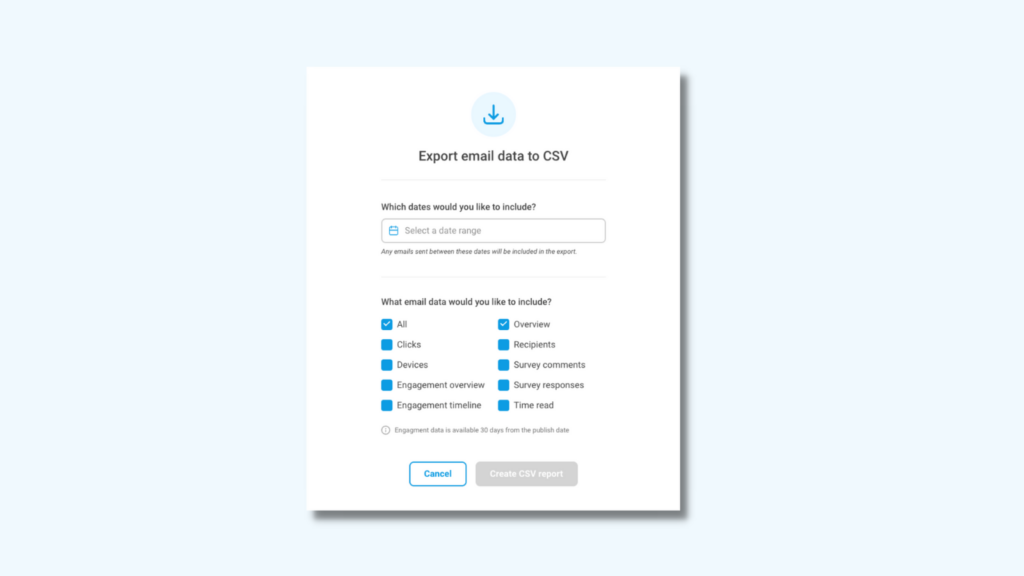
Workshop now gives you the ability to download any email’s analytics! Share beautifully designed PDF reports with your team and leadership, or create your own graphs and spreadsheets by downloading all the raw data you need via CSV. Download PDFs...
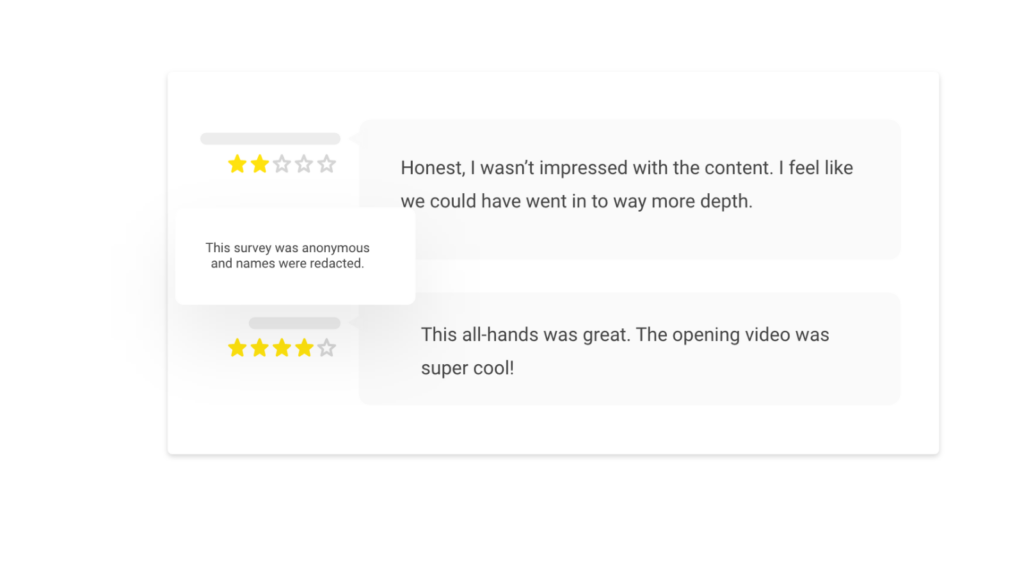
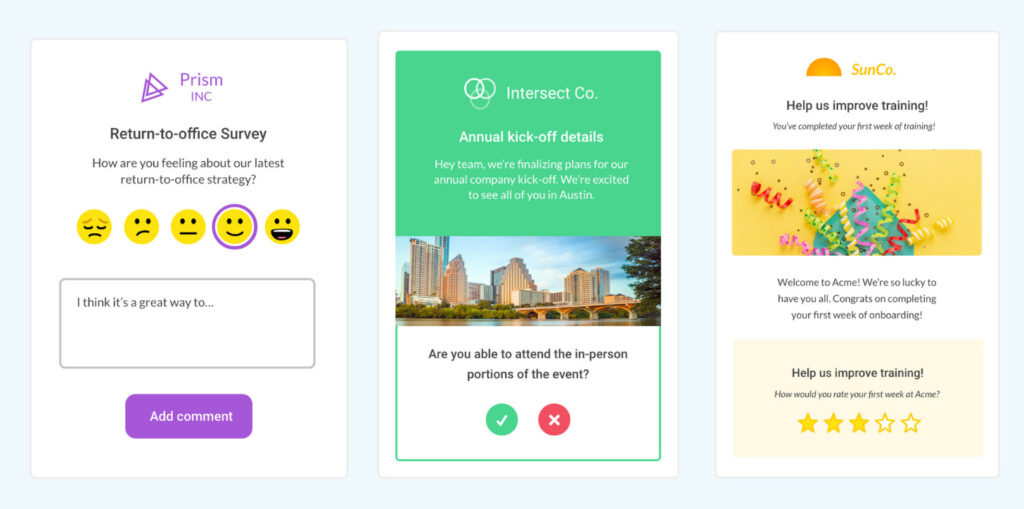
Gather employee feedback with embedded pulse surveys

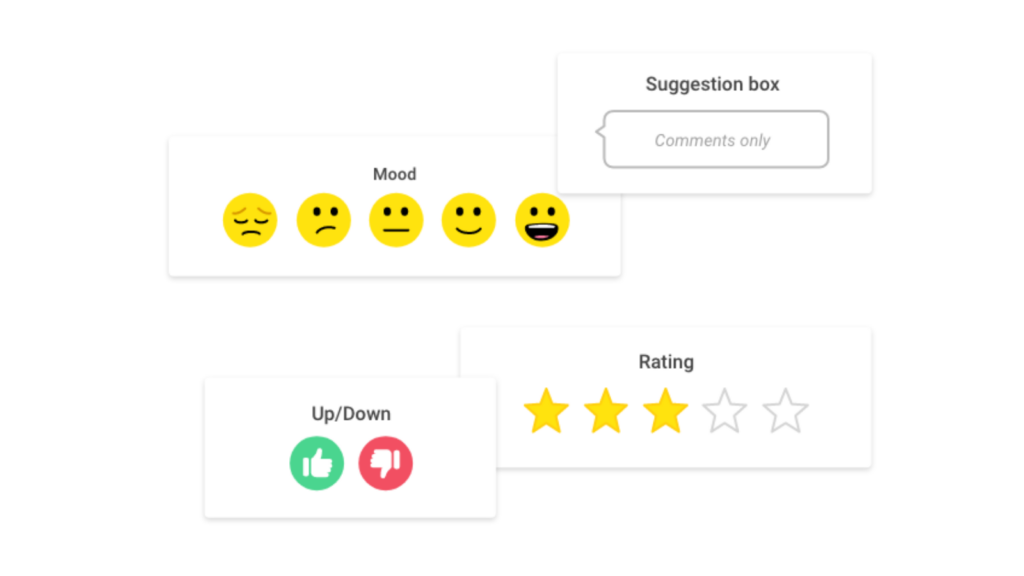
Employee surveys are one of the most meaningful tools we have to gather feedback from the organization at scale, but it’s really easy to overdo it! Rather than sending long-form surveys with your team every other week, you can add...
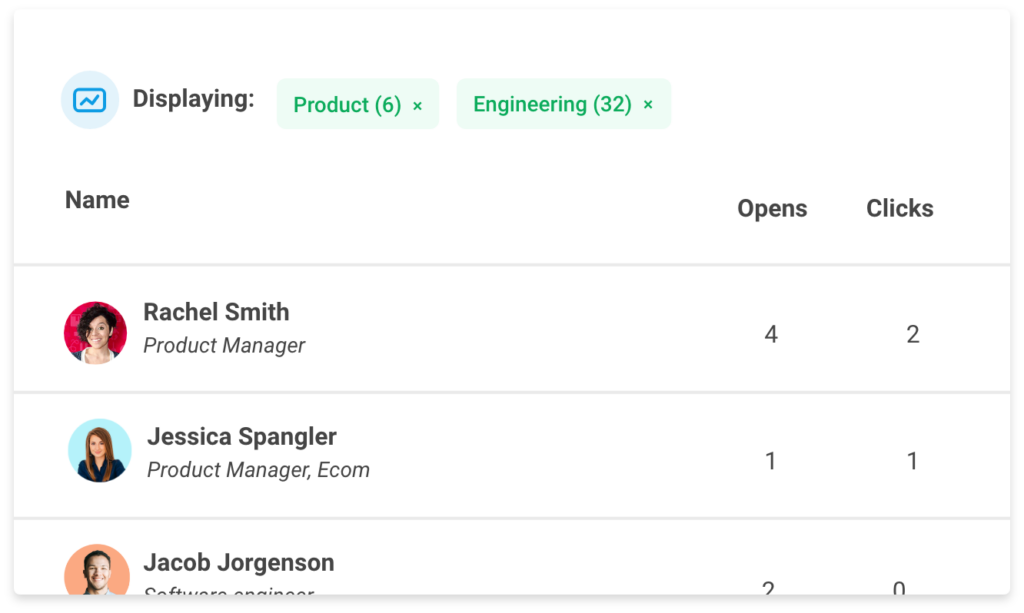
Break down your email analytics by department, location, and more
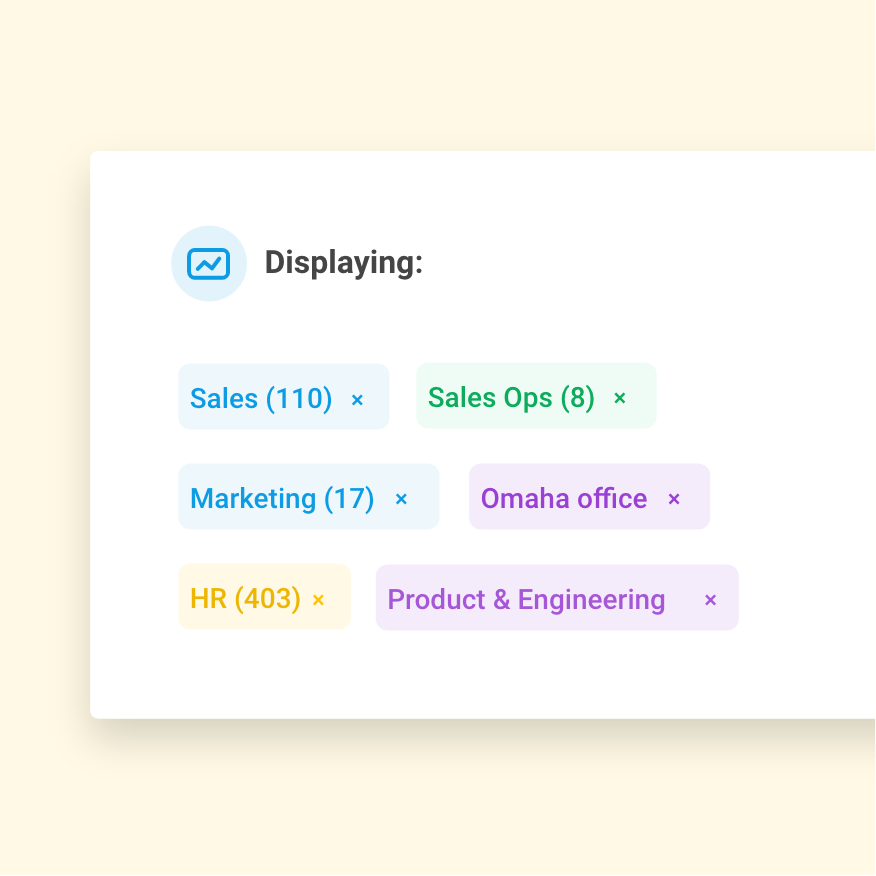
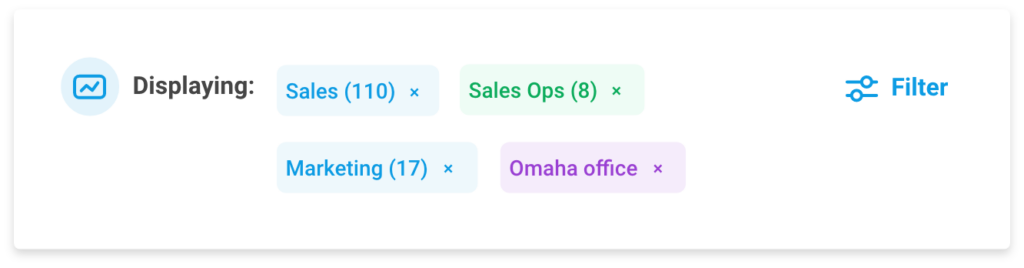
Effective, intentional communication is the key to increasing engagement and alignment across your company. Of course, we know it’s not one-fits-all: what inspires teams in different departments or locations varies drastically. That’s why it’s important to look at not only...
Make better decisions with more data
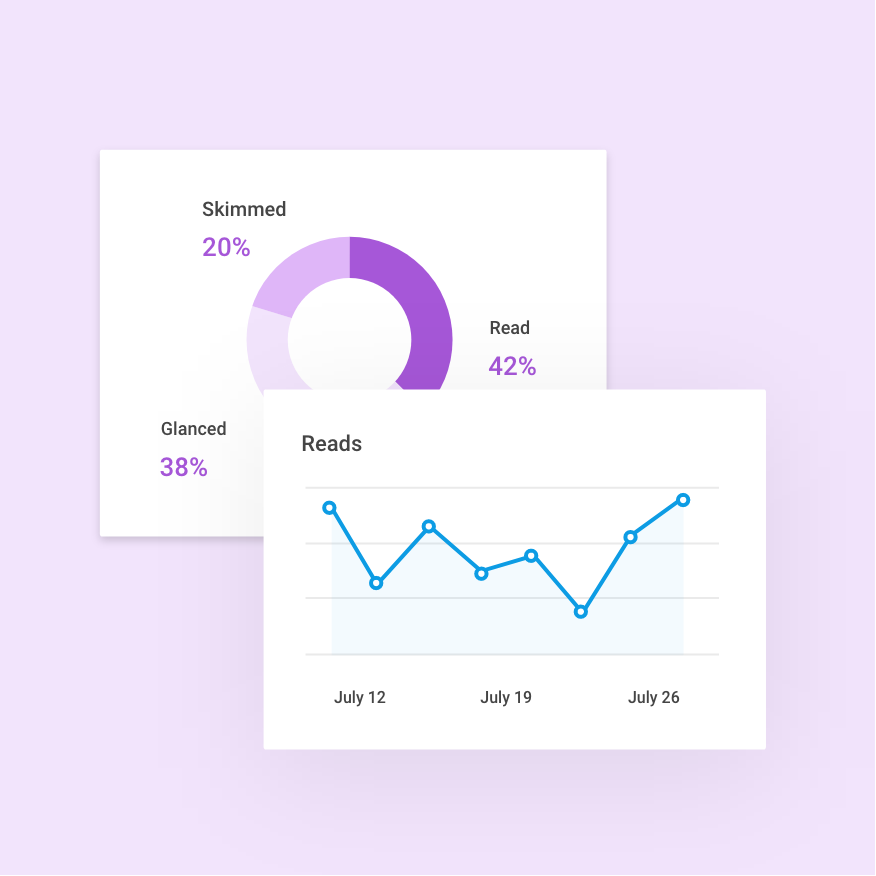
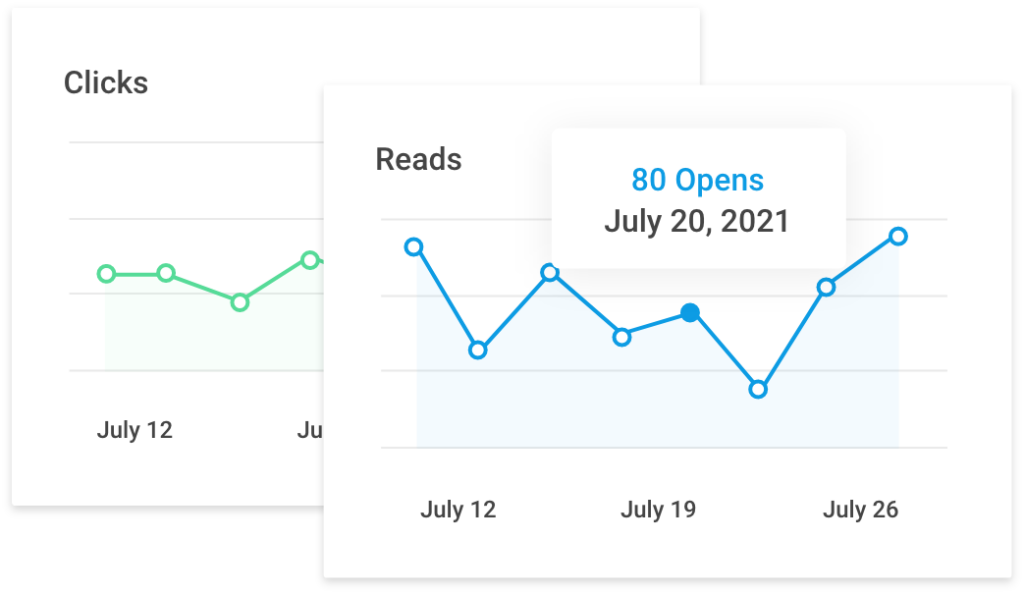
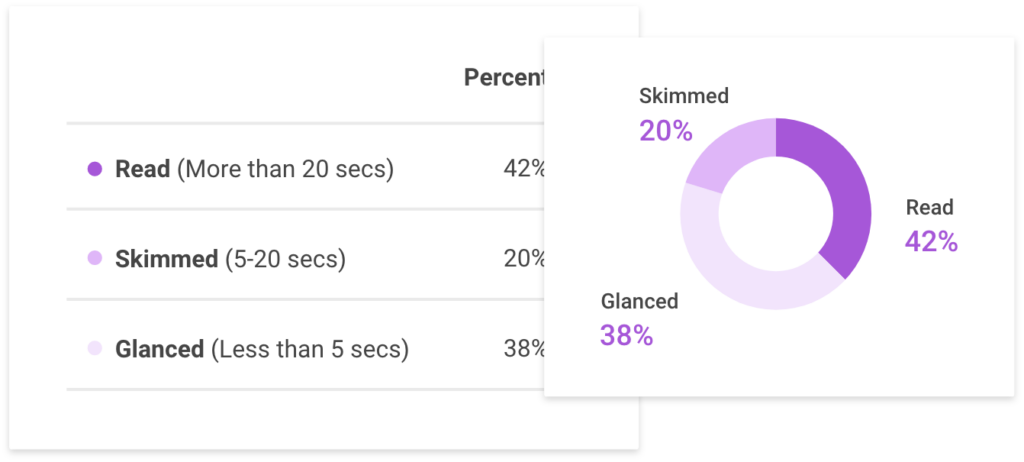
Many internal communications teams spend hours crafting detailed and strategic campaigns, but lack the data to understand how they perform. With Workshop, your team can make more informed decisions and answer those important questions to better inform strategy going forward. ...
How Workshop handles security differently
Internal communication is meant to be just that: internal. We understand that in many cases, the information and data you want to share with employees isn't meant to be shared with the general public. And on top of that, we...
Introducing campaigns!
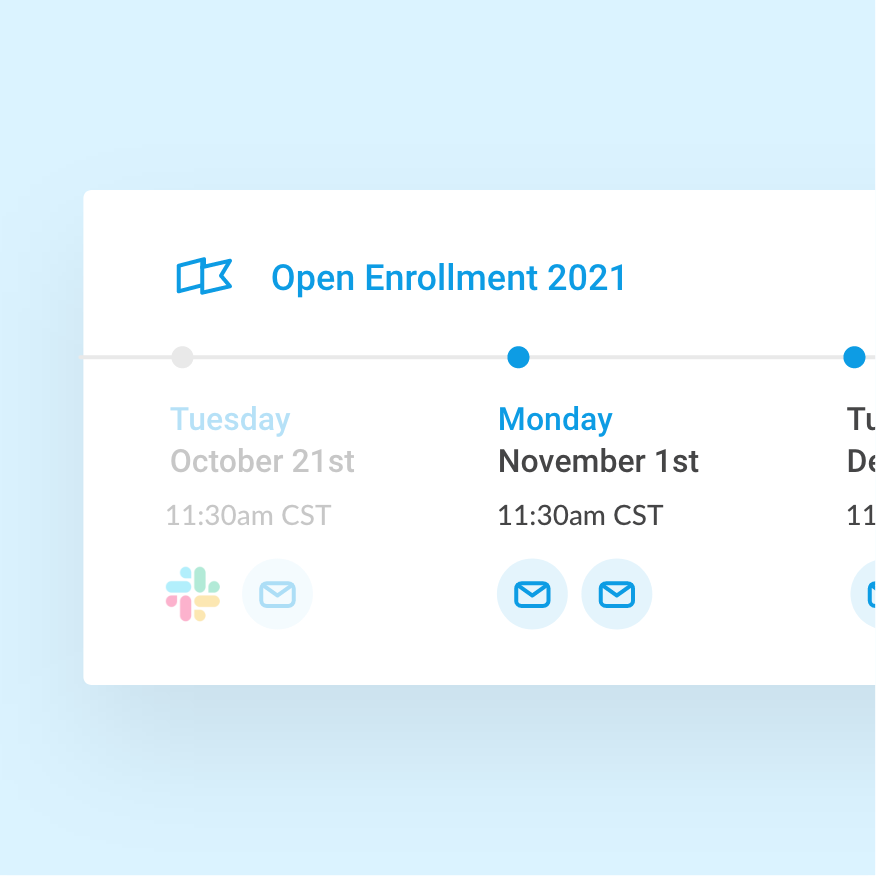
Great internal communications strategies make use of multiple touchpoints across some period of time: like your company’s monthly newsletter, weekly letters from the CEO, or the annual emails you send out about open enrollment. Each of these examples are a...
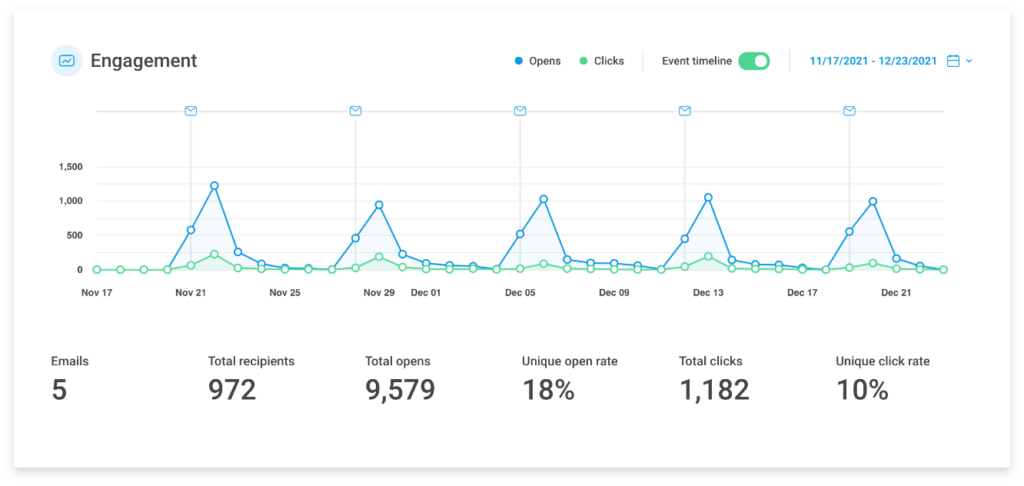
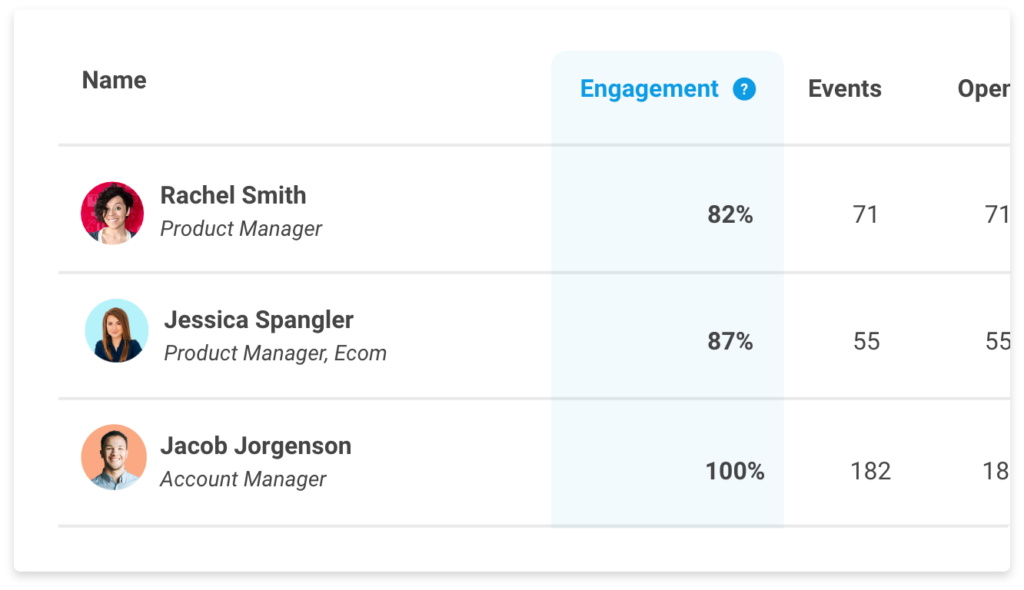
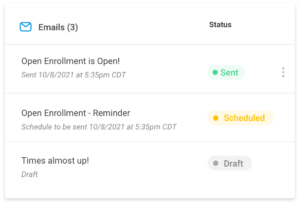
Workshop’s new dashboard
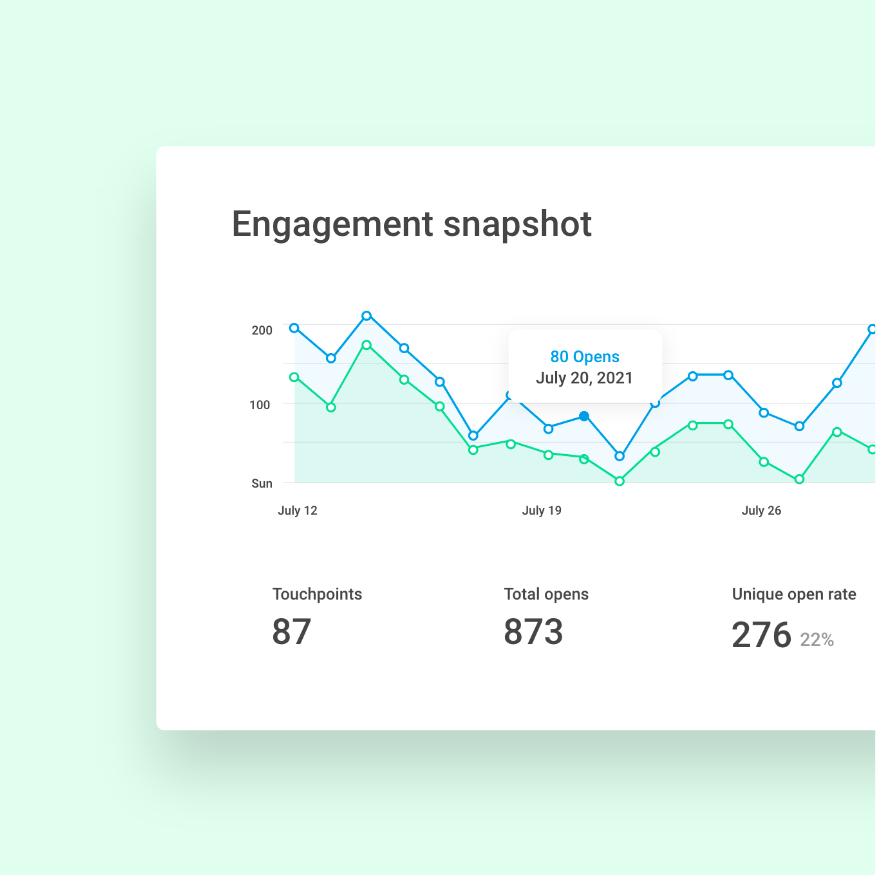
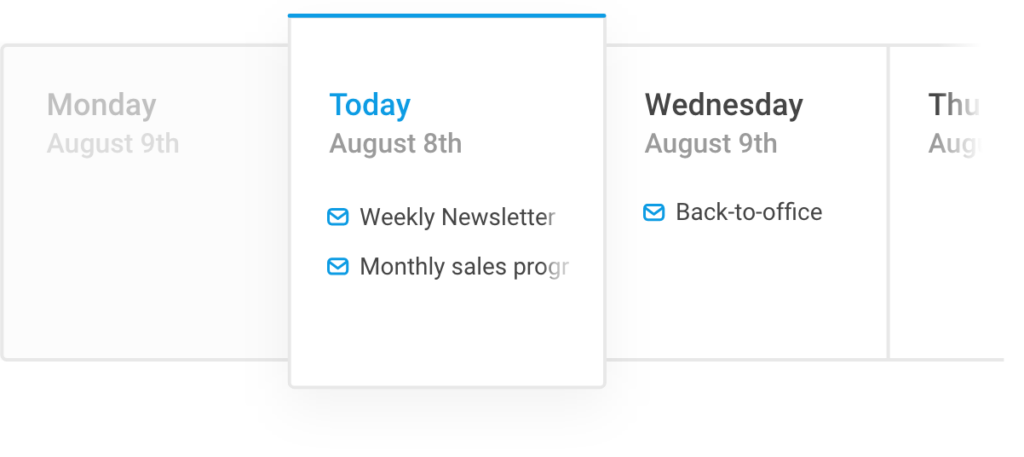
Internal communications leaders are busy. We understand that your team is small and your resources are sometimes limited. You’re spending your morning focused on next week’s newsletter, putting communication fires out over lunch, and studying your ongoing campaign’s effectiveness in...
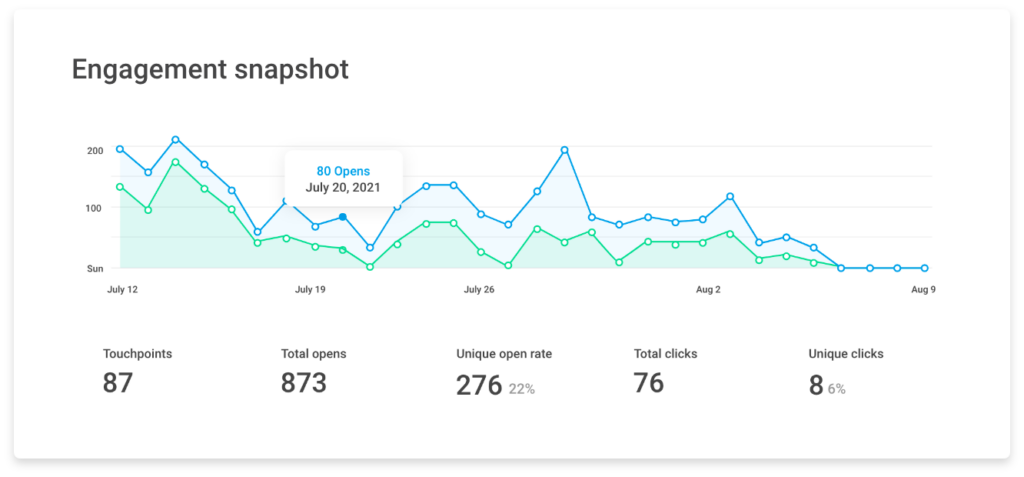
Beautifully designed templates
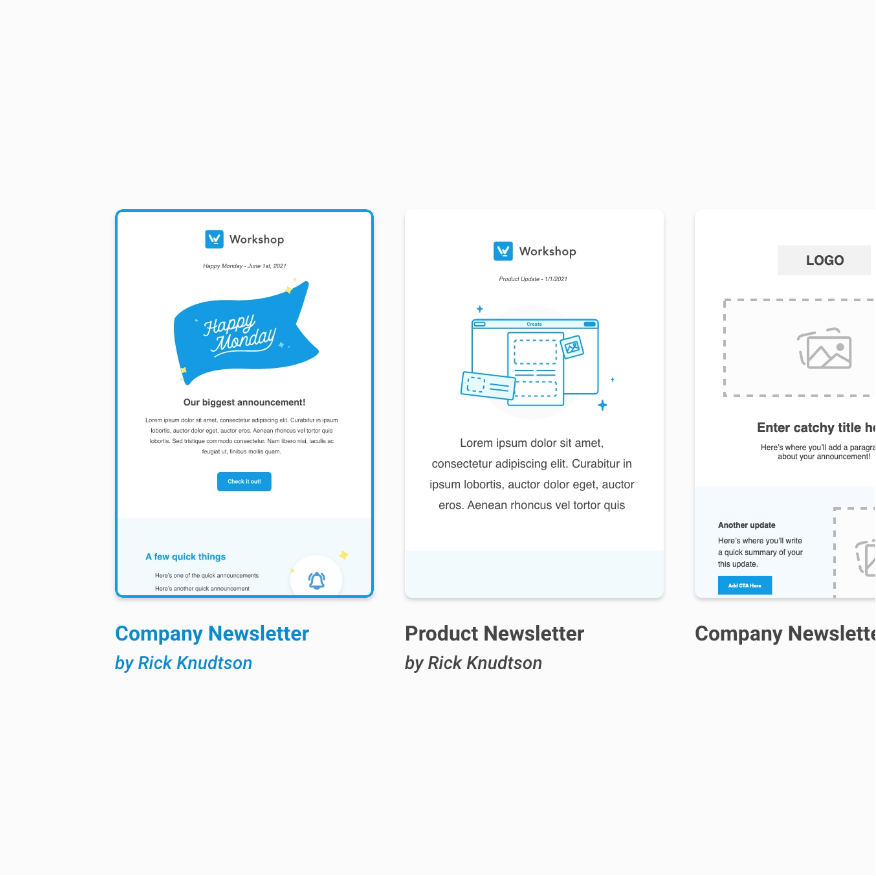
Every great company cares deeply about their internal brand as much as their external brand. Internal communications teams spend a lot of time ensuring their messages maintain a consistent voice, are on brand, and are designed to be engaging. However,...