





 Teams
Teams SharePoint
 Slack
Slack QR Codes
 PDF
PDF Active Directory
 Workday
 ADP
ADP Canva
Canva
Pre-send check
One last look before you hit send: spelling, broken links, clarity, tone, and anything that might trip up engagement. (The best part? Our AI agent won’t just identify errors; it’ll fix them for you, instantly.)

AI, made your way
Skills turn the internal comms tasks you do over and over — like planning a month of sends, stack-ranking your latest comms, or giving an email one last check before it goes out — into a saved set of instructions that you can run with a quick click. Set a skill up once, and you (or your team) can run it in seconds.
You don’t have to start from scratch — most teams start with one of these!
One last look before you hit send: spelling, broken links, clarity, tone, and anything that might trip up engagement. (The best part? Our AI agent won’t just identify errors; it’ll fix them for you, instantly.)

See how your email reads on a phone and fix what breaks on a small screen before your employees ever notice.

Take one announcement and adapt it for email, Slack/Teams, intranet, and digital signage in one go.

Map out next month’s sends and catch the pile-up days before an audience gets buried or skipped.

Find the duplicate and stale lists dragging down your targeting, plus the segments that overlap when they shouldn’t.

Review your send frequency, topics, and audience overlap to spot fatigue, gaps, and redundancy.
Check a communication for errors, broken links, unclear language, tone problems, and engagement risks before send.
Perform a final review that finds issues that could harm accuracy, clarity, trust, or engagement before a communication is sent.
Context to gather
Method
Deliverables
Quality rules
Review an email for phone screens and fix layout, hierarchy, tap targets, image behavior, and readability.
Make an email easy to scan, read, and act on from a phone without harming desktop usability.
Context to gather
Method
Deliverables
Quality rules
Adapt one announcement for email, Slack or Teams, intranet, and digital signage while keeping its meaning consistent.
Turn one approved announcement into channel-ready versions that preserve the same facts, action, and intent.
Context to gather
Method
Deliverables
Quality rules
Build a balanced monthly communications plan across topics, audiences, priorities, owners, and send dates.
Build a practical plan for the requested month that supports business priorities without overloading employee audiences.
Context to gather
Method
Deliverables
Quality rules
Find duplicate, stale, unused, and overlapping audience lists so targeting data remains trustworthy.
Review audience lists for duplication, staleness, disuse, ownership gaps, and risky overlap, then recommend safe cleanup actions.
Context to gather
Method
Deliverables
Quality rules
Audit send frequency, topics, and audience overlap to uncover fatigue risks, coverage gaps, and redundancy.
Audit a communications program over the requested period and identify avoidable collisions, gaps, duplication, and fatigue risks.
Context to gather
Method
Deliverables
Quality rules
…and then have AI do it for you again! If you complete the same task or process even just 2-3 times, that’s the perfect candidate for creating a skill. We especially love skills for anything that follows a pattern: reviews, checklists, recaps, reformatting, and other things you like done a certain way every time.
Skills have all the instructions baked in, so anyone on your team can run an accessibility review or a brand check and get the same quality result every time. Your best practices stop living in one person’s head (or, better yet, their task list)!
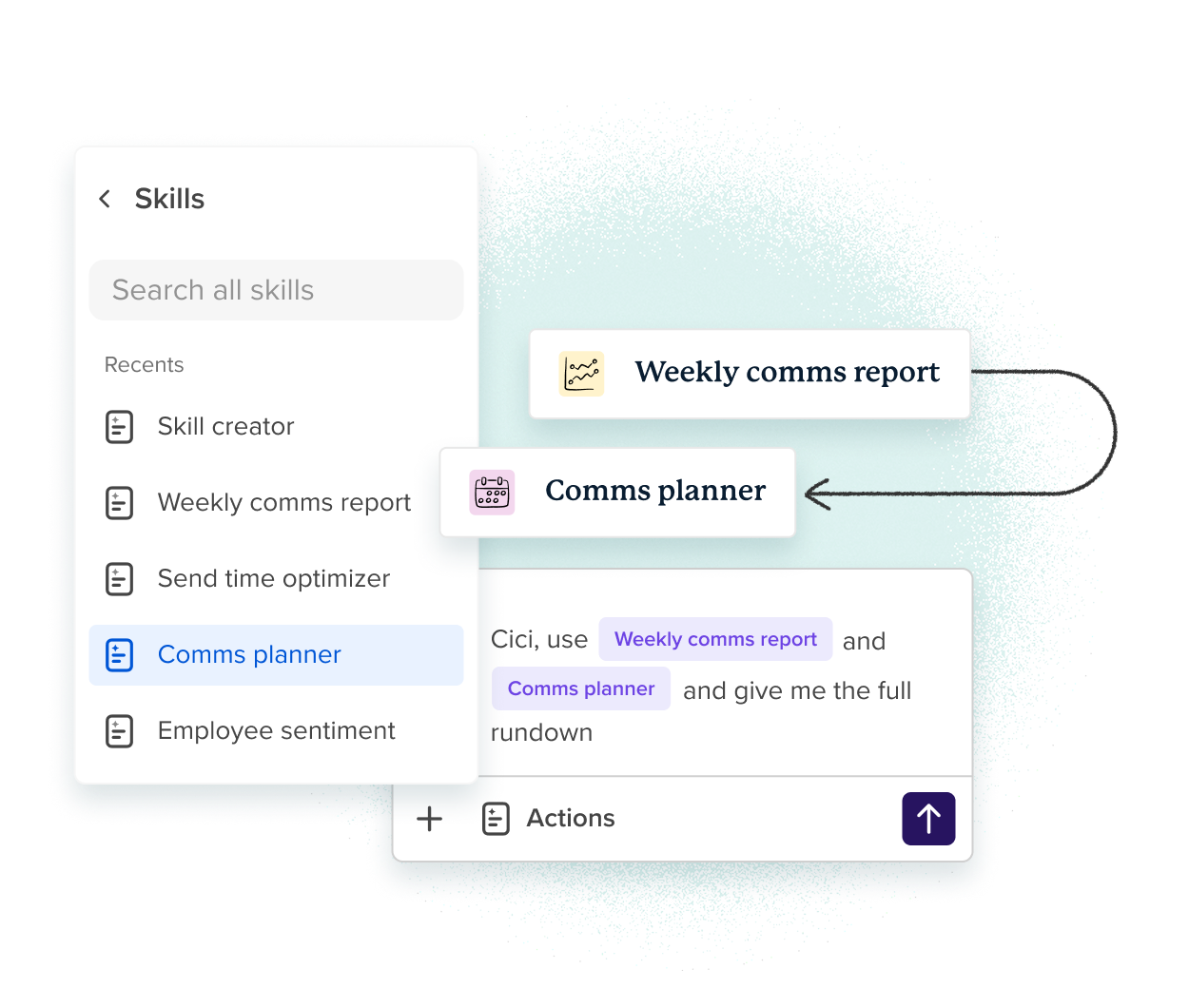
Just open up the chat, pick your skill, and go! You don’t need to remember the “right way” to prompt or recall the steps to get the right outcome. That repeated, everyday work just becomes a single, quick command.
Skills handle the repeatable work, so your time goes to the comms that really need you. It’s the perfect way to get all of those “order taker”-type tasks off of your plate.

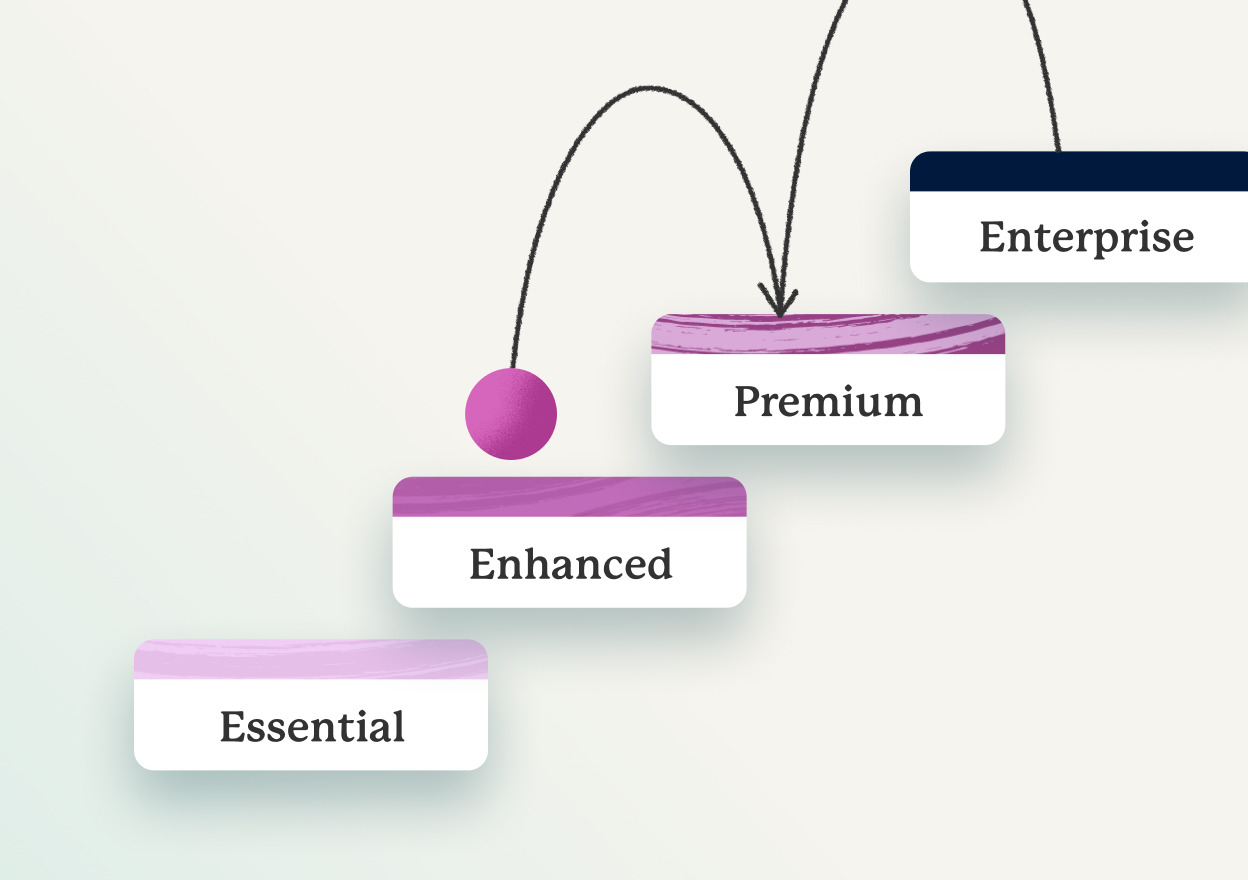
Skills are available on every plan, with no add-on or upgrade required!
Create your own AI skills
Describe the task or process, exactly the way you want it done. Our AI agent, Cici, can also help you draft the perfect set of instructions.
You can ‘grab’ and use skills right in your workflow with simple shortcuts (like / commands or just selecting them from a dropdown!)
Set a skill up once and everyone on your team can run it, so you’re instantly improving comms across the entire company.
Take a quick tour with someone from Workshop and see how skills fit the comms work you're already doing.

A skill is a reusable set of instructions you save once and run whenever you need it — a reliable playbook that tells Cici what to consider, which steps to follow, and how the result should look. Build it once instead of explaining the same task from scratch every time.
A prompt is what you ask AI to do in the moment — basically, any chat with Cici. This is great for quick, one-off tasks. A skill is built to be reused: it captures how a task should be done, so you don’t rewrite the whole thing every time. Skills are more like recipes.
Anyone on your team. Set one up once and the rest of your team can run it, too!
Not at all. Describe the outcome you want in your own words, or start from one of Workshop’s built-in skills and adjust it to fit how your team works.
You’ll find a growing library of Workshop-made skills for planning, content, pre-send checks, and governance — ready to run as-is. When you want something specific to your team, you can build your own in minutes.
A skill only uses the data, access, and permissions the person running it already has — it never opens up anything you couldn’t see otherwise. When you run a skill, that chat is private to you. The skill itself can be shared with your team, but your inputs and outputs stay yours.
Skills are included on every Workshop plan, for every user — no add-on and no upgrade. They’re rolling out to customers now, so the quickest way to see them in action is a demo, and we’ll walk through the ones that fit your team.

Start your week inspired and energized with our practical newsletter about positive company culture! It features actionable articles and little surprises, sent every Monday morning.

Get a live demo & your questions answered with one of our product experts.
We'll also make sure you leave with: