



 Teams
Teams SharePoint
 Slack
Slack QR Codes
 PDF
PDF Active Directory
 Workday
 ADP
ADP Canva
CanvaThe fastest way to reach every employee
Some news can’t wait for the traditional inbox. Workshop’s two-way texting meets deskless and on-the-go employees where they are — for urgent alerts, benefits changes, closures, and the everyday updates too. They can text you right back!
Built for real conversations, not just alerts
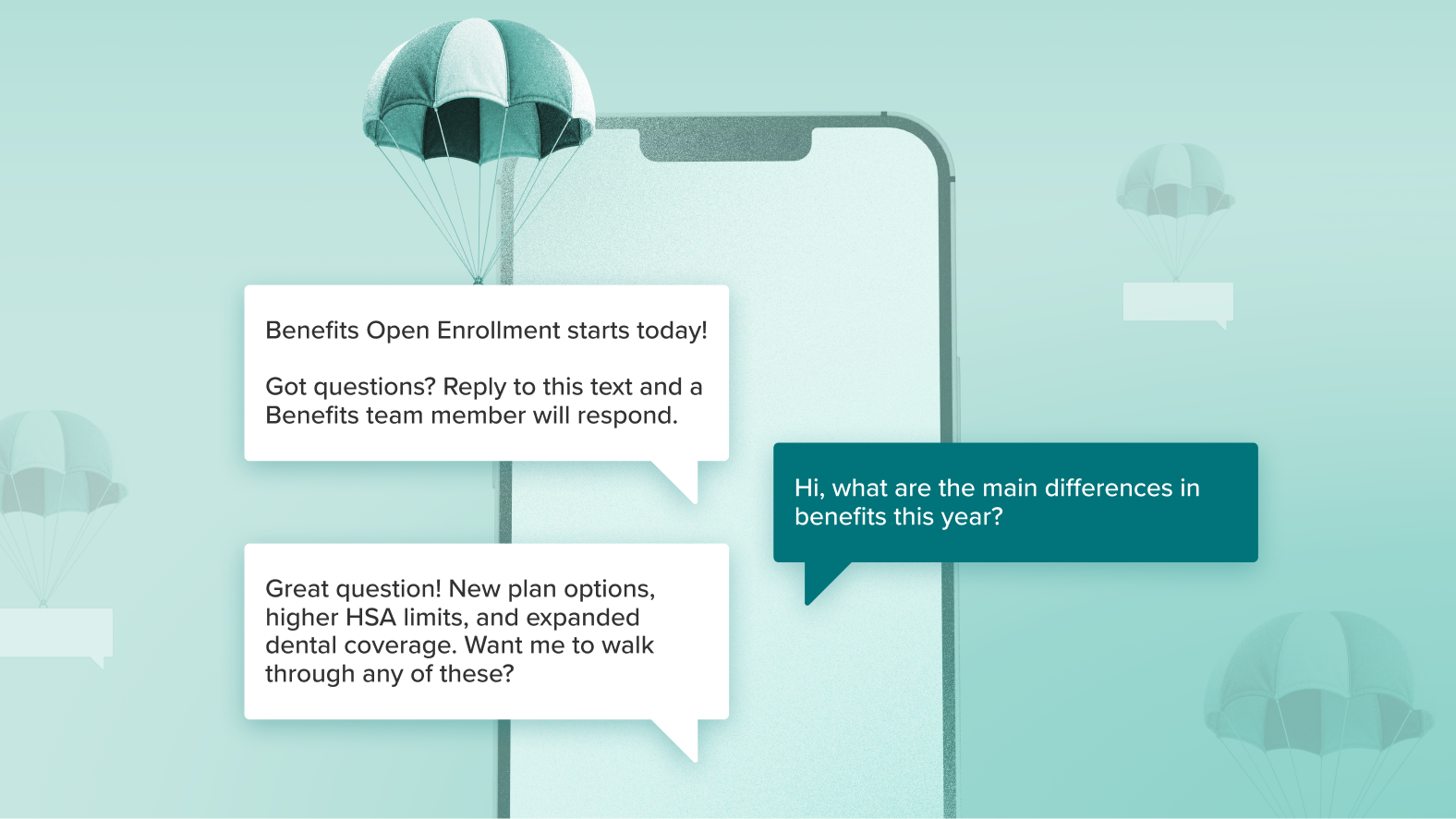
Most texting tools stop at “sent.” Workshop keeps the conversation going. Get real-time replies, have back-and-forth exchanges, and actually hear from your team — especially the frontline and deskless employees who are hardest to reach through traditional channels.
The best employee text messaging platform
Our tool was built for a better employee experience and offers an easy way to boost engagement.

Lists that build themselves
Create custom distribution lists without IT, then let your HRIS sync keep them current as roles, locations, and teams change.

Add extra users & departments
Easily add team members from HR, marketing, IT, and more to your account.

Translation
Easily pick out of 135+ languages and every message is translated automatically — no extra steps required!

Best-in-class support
With a 95% satisfaction rating and a 20-minute median response time, trust us to help you from start to finish!

Comprehensive analytics
See what’s landing and what’s not, with real insight into every conversation.

Send & receive pictures and videos
Employees can easily snap and send a photo straight from the field – no email needed!
INDUSTRY BENCHMARKS
Extend your reach beyond the inbox
Most industry benchmarks are built on marketing email data. These are SMS insights from internal comms teams using Workshop to reach their workforce so you can feel confident in your potential impact.
18 sec
Median time from send to first click
29%
Avg. SMS click rate
3%
Avg. opt-out rate
Built for the urgent moments – and everything in between
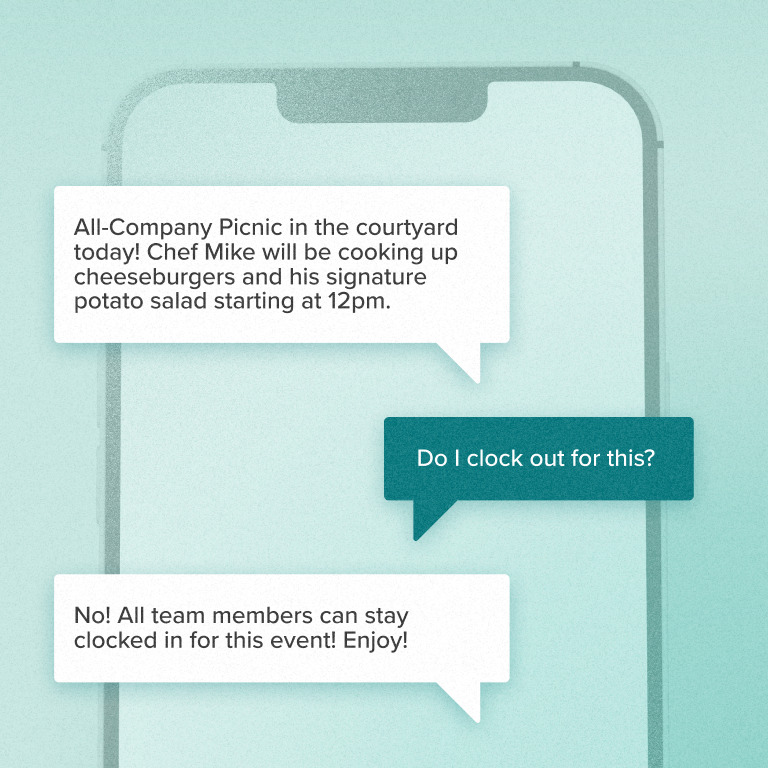
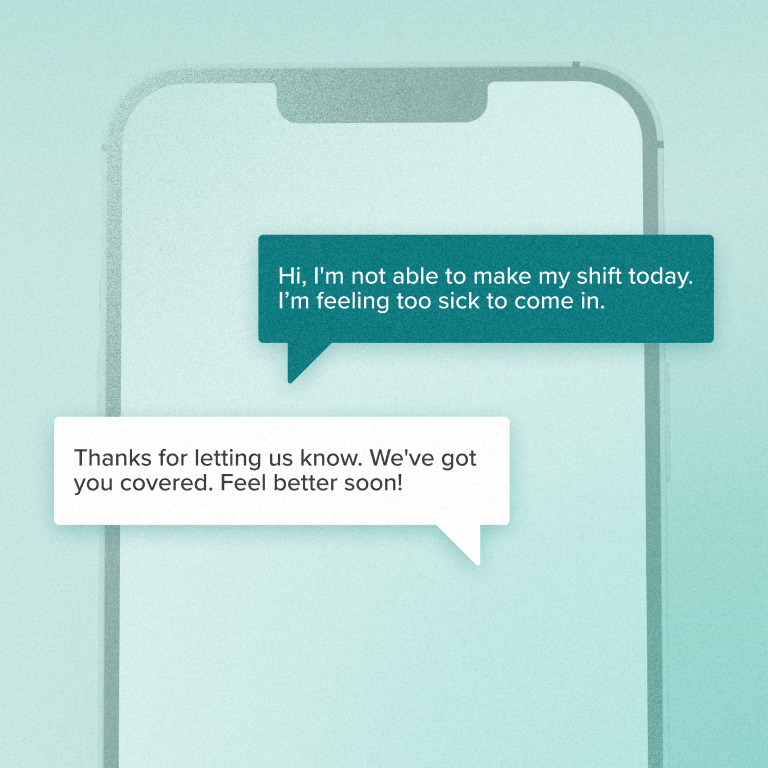
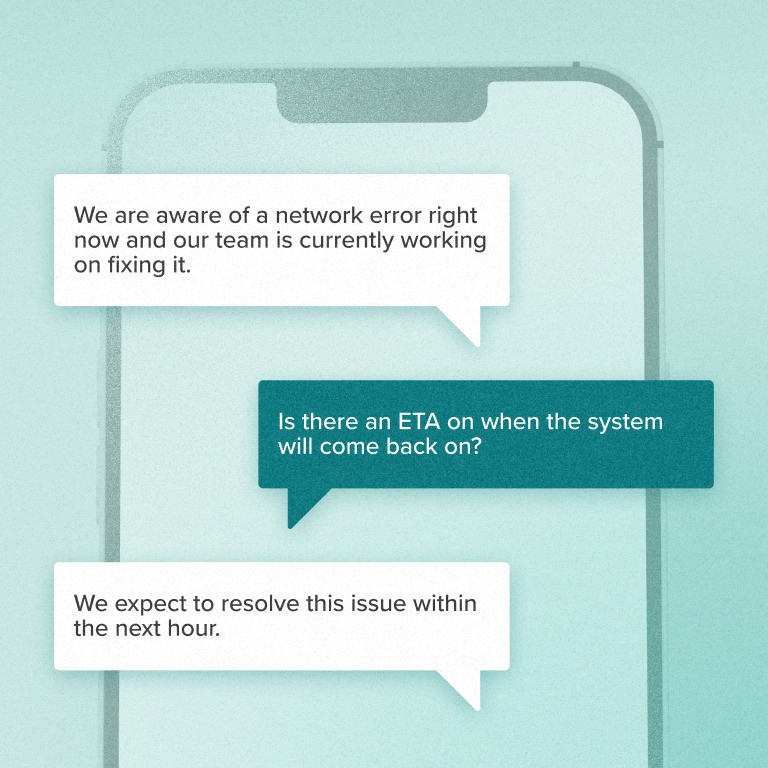
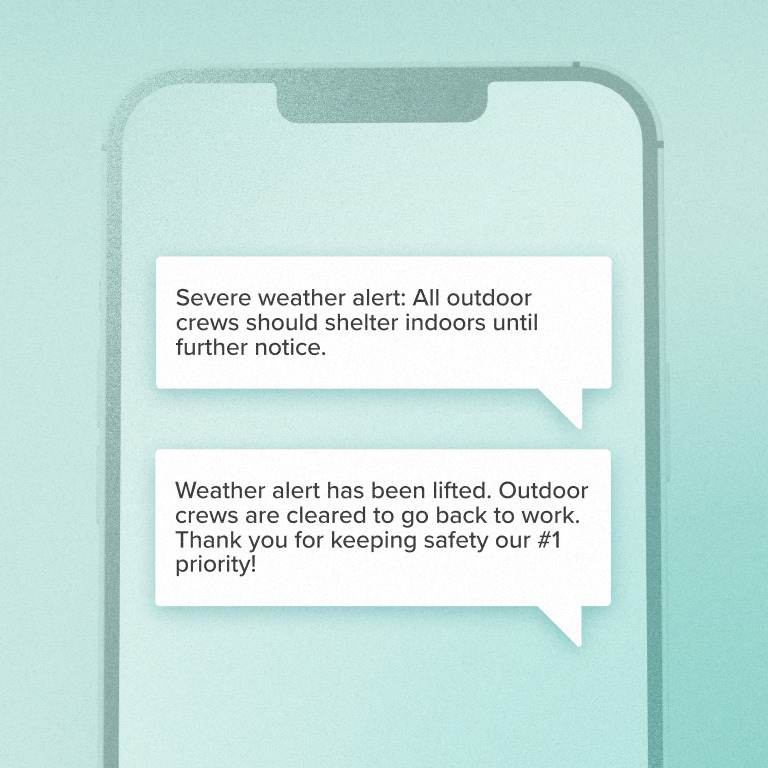
Companies turn to Workshop SMS first for weather closures, safety alerts, and IT outages — the messages that can’t wait. So what about the day-to-day? Teams can use SMS for everything else too: benefits reminders, shift coverage, new hire onboarding, and the business-as-usual updates that keep frontline employees in the loop. Here’s how our customers put it to work:
- Benefits updates
- Event invites & reminders
- Scheduling changes
- IT outages or office closures
- Safety notices
Starting at just $220 a month*
*Pricing for a company size of 250 employees.
No need to worry about credits or usage, either; you can send as many texts as you want! It’s one of many reasons why hundreds of distributed companies in healthcare, tech, finance, manufacturing, and food/beverage distribution have switched to Workshop for employee text messaging.
FAQs
Pricing is based on the number of employees you’ll be sending to! Our plans start at $220/month for companies under 250 employees, and scale up depending on your total recipients and/or senders.
From there, you won’t need to worry about how many text messages you can send; it’s unlimited!
Yes! Best practice is to manage consent through the employee onboarding process and have employees agree to text communications via their employment agreement.
Many providers also use “implied consent” to communicate with employees, which basically states that if an employee inputs their phone number into the HRIS, they are implying they are OK receiving SMS messages until they opt out.
Workshop does support collecting and managing opt-ins directly within the platform — capturing an explicit response from each employee on top of onboarding or implied consent. This “double consent” approach immediately adds opted-in employees to a distribution list, so you have a clear record of consent alongside your messaging.
(Note: There is also an exception for certain emergency situations.)
When rolling out a new SMS communications tool for employees, you should describe all the types of texts you plan to send. For example, you should explain if you plan to text employees only for emergency alerts, or if you also will text them to notify them of company events, facilities updates, benefits eligibility, and other important content. (This will also help decrease your opt-outs and increase engagement!)
There are a number of good options for getting consent, and Workshop can help you implement them!
The best practice is to manage consent through the employee onboarding process and have employees agree to text communications via their employment agreement.
Many providers also use “implied consent” to communicate with employees, which basically states that if an employee inputs their phone number into the HRIS, they are implying they are OK receiving SMS messages until they opt out.
For explicit consent, you can also collect opt-ins directly within Workshop — employees opt in through the platform and are immediately added to a distribution list, giving you a clear, documented record of consent on top of onboarding or implied consent.
Workshop is specifically designed to facilitate the communication of timely updates and reminders related to the employment relationship, not to communicate commercial marketing or sales messages. You are not permitted to use our texting platform to send any commercial, marketing, or sales messages, including any messages that encourage participation in a commercial activity as defined under CASL in Canada (and similar laws will apply in the US).
Yes, employees should be notified of the purposes for which their mobile phone number will be used, including the types of text messages that will be sent! Depending on the type of messages, you may need to provide your employees with the option to choose how they wish to receive the text messages. You can find more details on gaining consent above.
Laws may vary from state to state, and it’s important to consult with your legal counsel to ensure you are compliant with these laws! In the U.S., these rules come mostly from the Telephone Consumer Protection Act (TCPA) and related regulations issued by the Federal Communications Commission (FCC), but state laws and mobile carrier requirements also are important.
In Canada, text messaging is governed by Canadian federal and provincial privacy legislation and, depending on the type of message, Canada’s Anti-Spam Legislation (“CASL”). It’s important to always consult with your legal counsel to ensure you are complying with these laws!
<em>Workshop currently doesn’t support sending text messages to employees in Europe.</em>
While the sending of text messages for the purposes of direct marketing is tightly regulated by the ePrivacy Directive in the EU and PECR in the UK, those rules do not apply to the sending of text messages to employees for management purposes. However, employees’ mobile phone numbers are personal data so you should make sure that you handle that information in accordance with data protection law. For example, you should make clear in your employee privacy policy that you will use phone numbers to send messages and you need to keep those numbers secure.
Yes! We understand that having multiple phone numbers gives you a better (and more strategic) way to manage your SMS strategy. Whether it’s a dedicated number for HR updates, leadership messages, crisis alerts, and everything in between, with Workshop, you have the ability to set up more than one phone number within your account. Learn more here.
If you have phone numbers listed in your directory, Workshop can sync those over. As a general note, we find that most Active Directory instances are not correct when it comes to phone numbers. Typically, your HRIS is typically the best source of truth!
Additionally, you can always manually upload a CSV of phone numbers.
Yes, this is a legal requirement! Providing clear instructions for opting out and respecting employees’ preferences regarding communication channels is crucial for maintaining positive relationships and compliance with regulations like GDPR and TCPA.
As a note, we’ll show you opt-outs on the analytics page, too!
Workshop cannot resubscribe employees to receive text messages, but an individual can opt back in by texting “START” to any previously sent message.
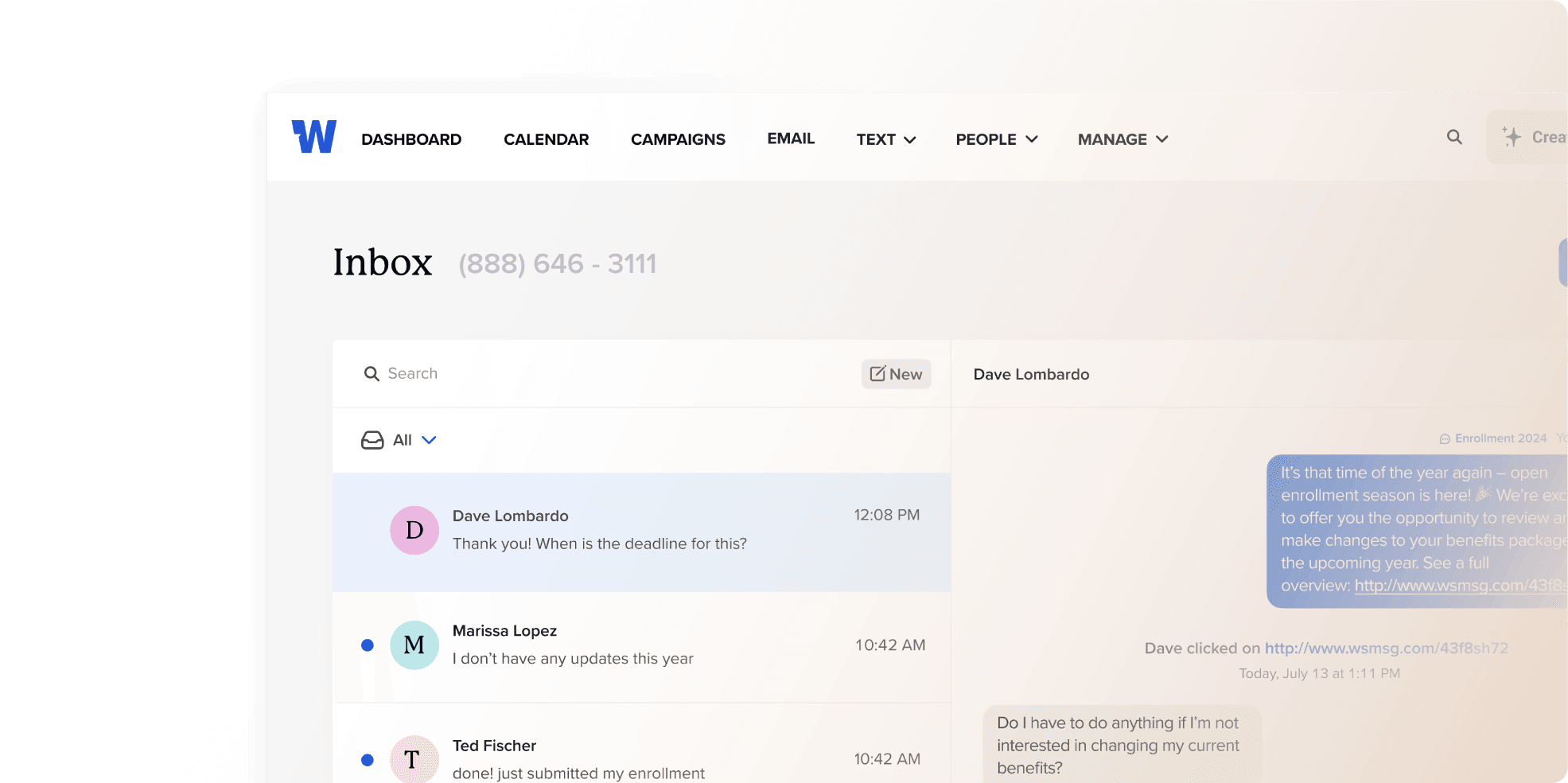
Yes! Employees can reply to SMS messages sent by the company. The ability for two-way communication via SMS allows employees to respond to inquiries, provide feedback, or ask questions directly through text messages. These messages will show up in the inbox, where you can reply back if needed.
SMS messages are generally considered secure for sending basic information. However, they are not encrypted end-to-end like some messaging apps. It’s essential to avoid sending sensitive or confidential information via SMS and to adhere to best practices for data security and privacy.
The delivery speed of SMS messages can vary depending on factors like network congestion and the capabilities of the SMS service provider. In general, SMS messages are delivered within seconds to minutes after being sent. As such, they’re a great way to reach employees in a time-sensitive or urgent manner!
