



 Teams
Teams SharePoint
 Slack
Slack QR Codes
 PDF
PDF Active Directory
 Workday
 ADP
ADP Canva
CanvaWorkshop, inside the AI tools your team already uses
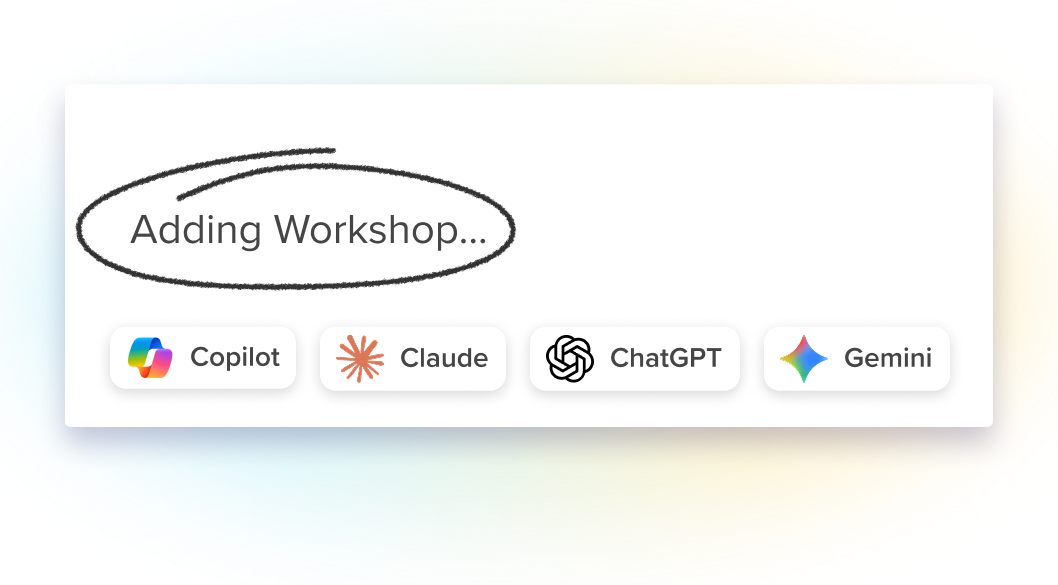
Connect Workshop to Claude, Copilot, ChatGPT or Gemini, and ask about employee engagement, pull campaign results, or start an email draft — without switching windows or copying anything over.
What you can do with it
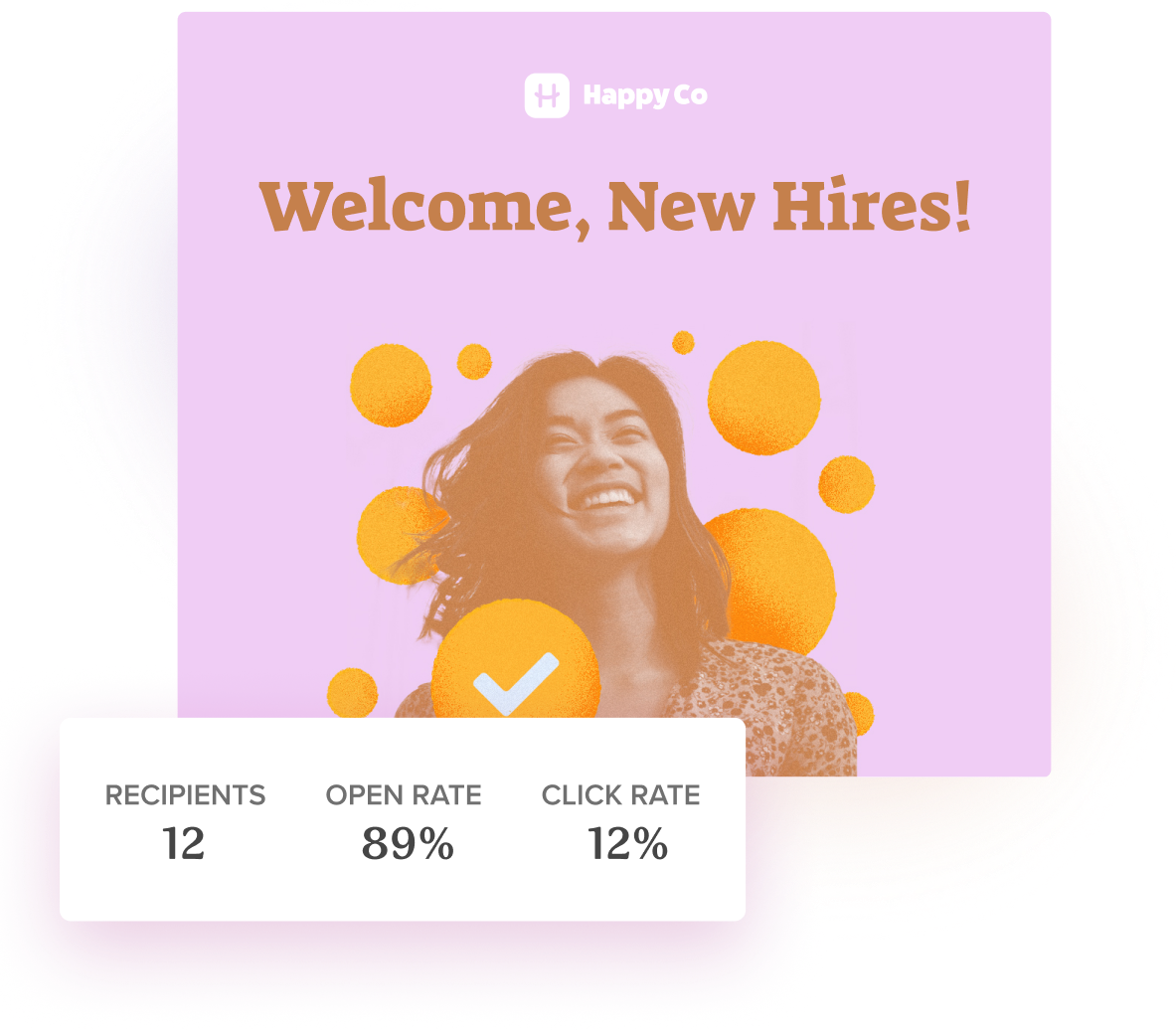
Open rates, click rates, and who engaged — asked in plain language, answered in the tool you are already working in.
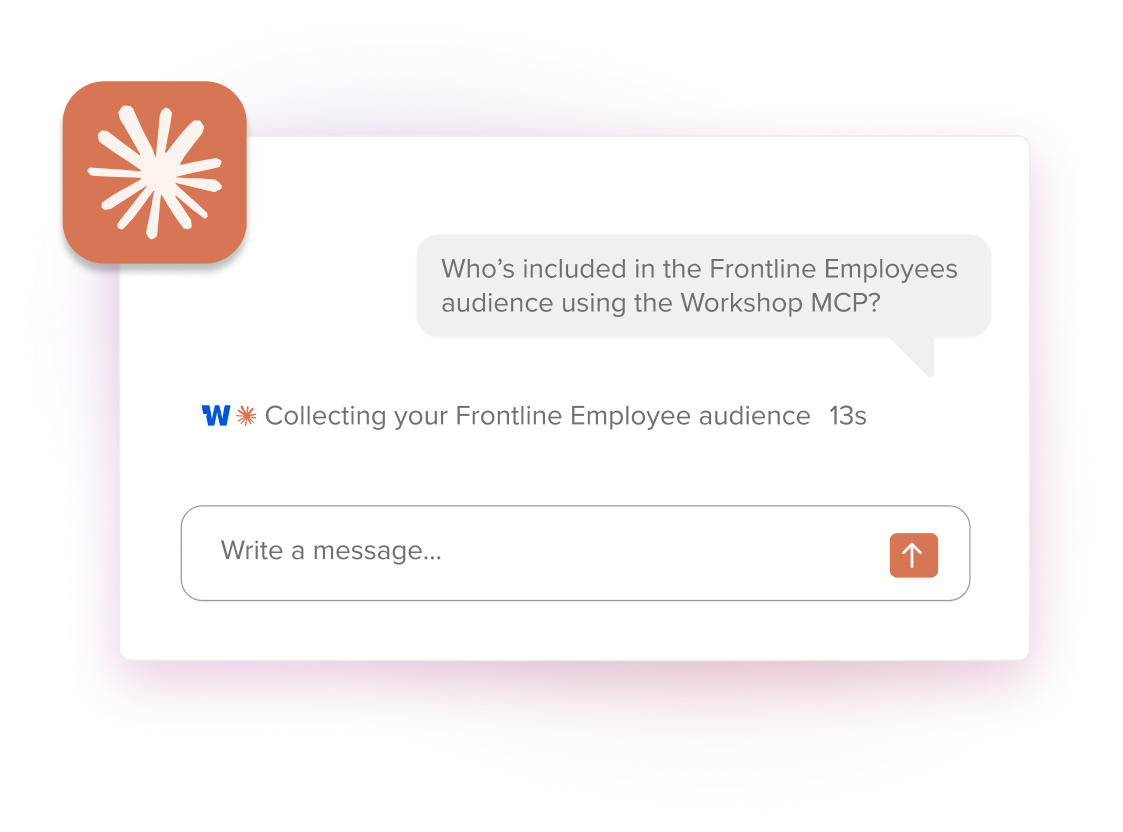
Look up an audience, see how many people are on it, and confirm the right people are included before anything goes out.
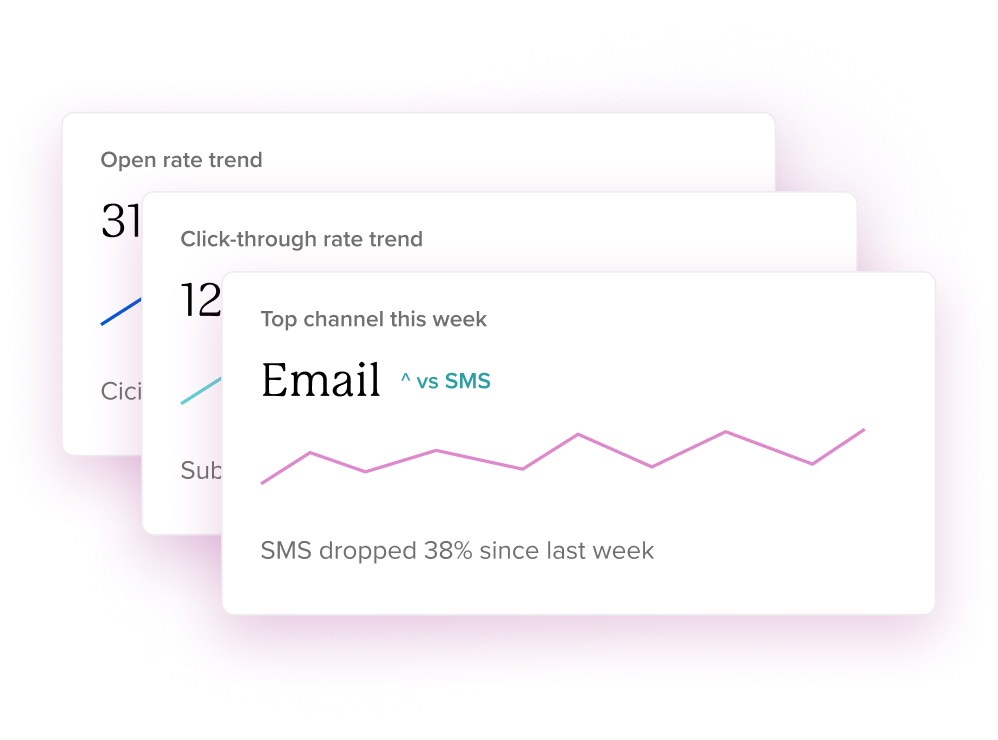
Bring engagement data into a summary, a deck, or a report without exporting anything by hand.
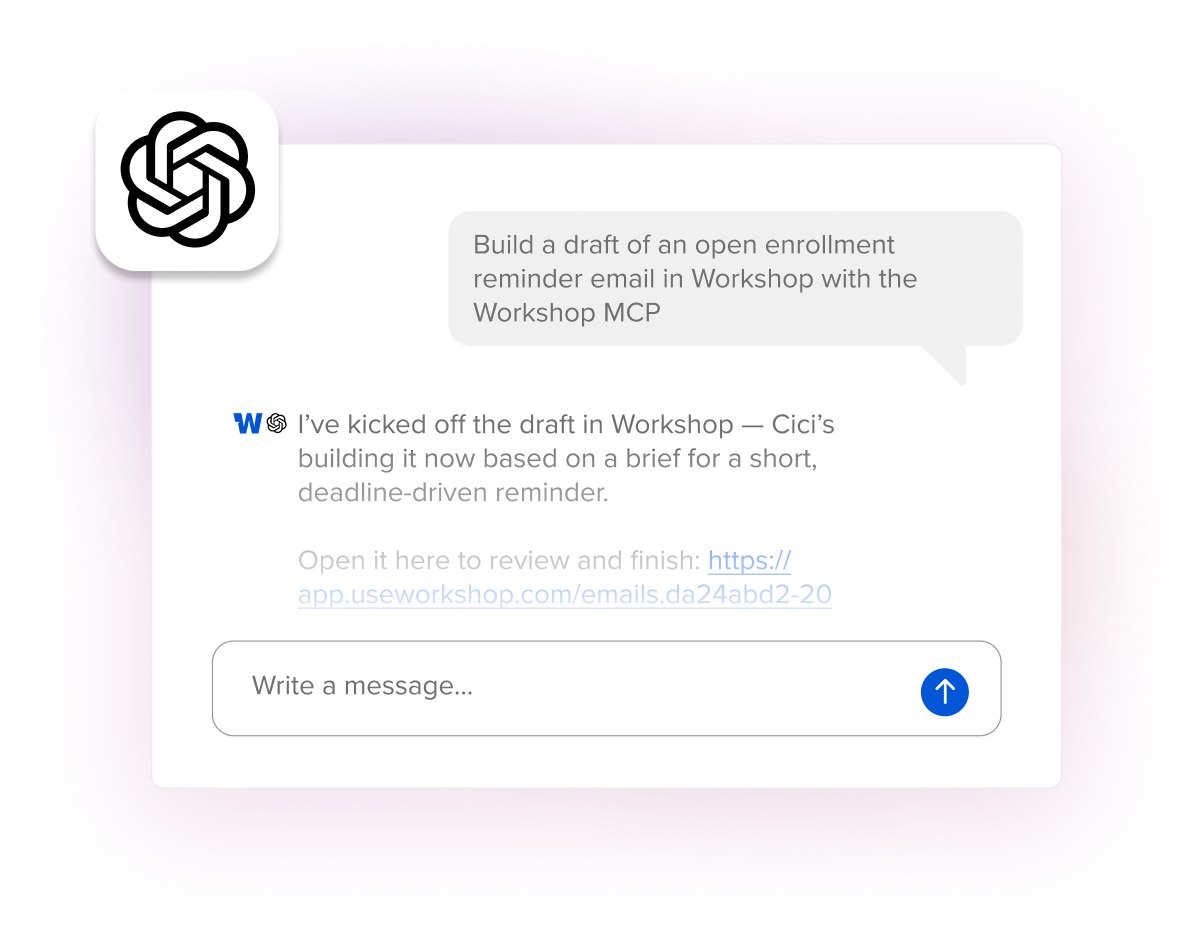
Turn a conversation into a Workshop draft. It lands in your account ready to edit, review, and send.

How it works
-
Add Workshop from your AI tool's connector library
-
Sign in with your Workshop account
-
Ask your question, or ask for a draft
-
Anything it creates shows up in Workshop, ready for review
Security notes
- Every request is tied to an authenticated Workshop user
- Errors won't reveal resources a user can't see
- Drafts only — the MCP server doesn't send email
- Disconnecting, credential expiry, or removing AI Studio cuts off access
- Permissions are checked live, so an access change applies immediately
What you need
Workshop with the AI Studio add-on, and an AI tool that supports MCP.


