



 Teams
Teams SharePoint
 Slack
Slack QR Codes
 PDF
PDF Active Directory
 Workday
 ADP
ADP Canva
CanvaInternal communications calendar
Get a bird’s-eye view of your company's internal communications strategy
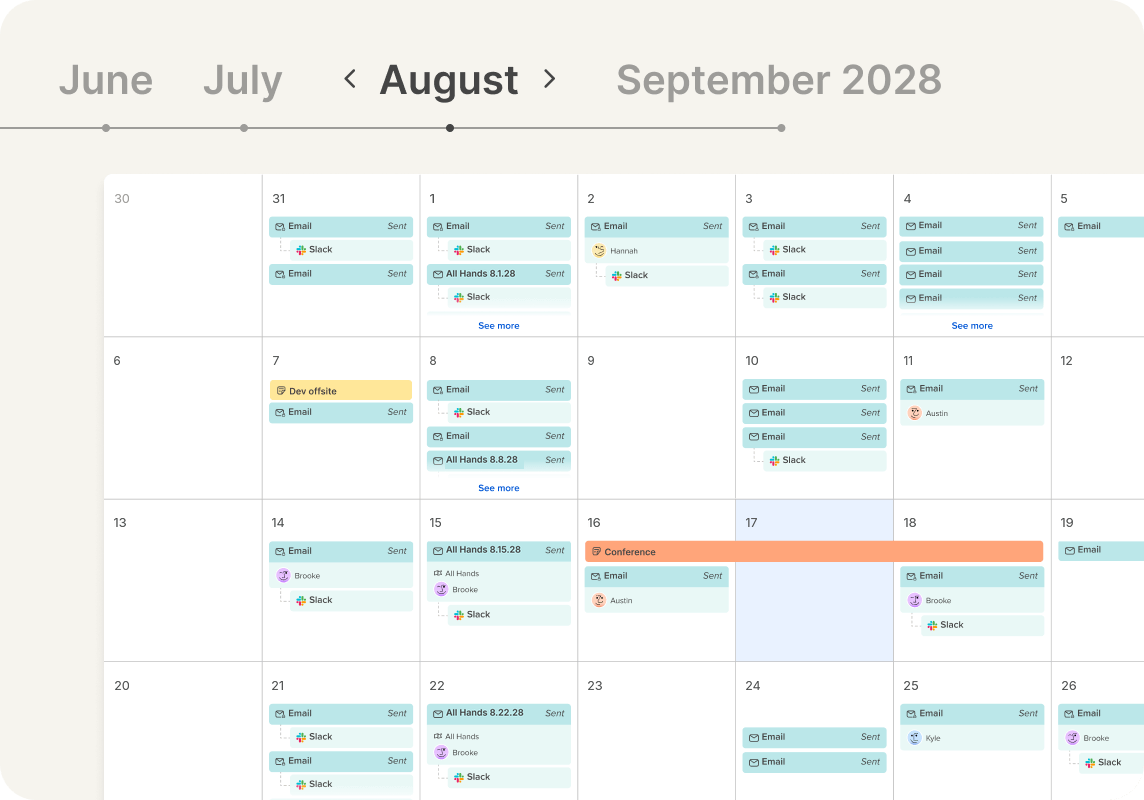
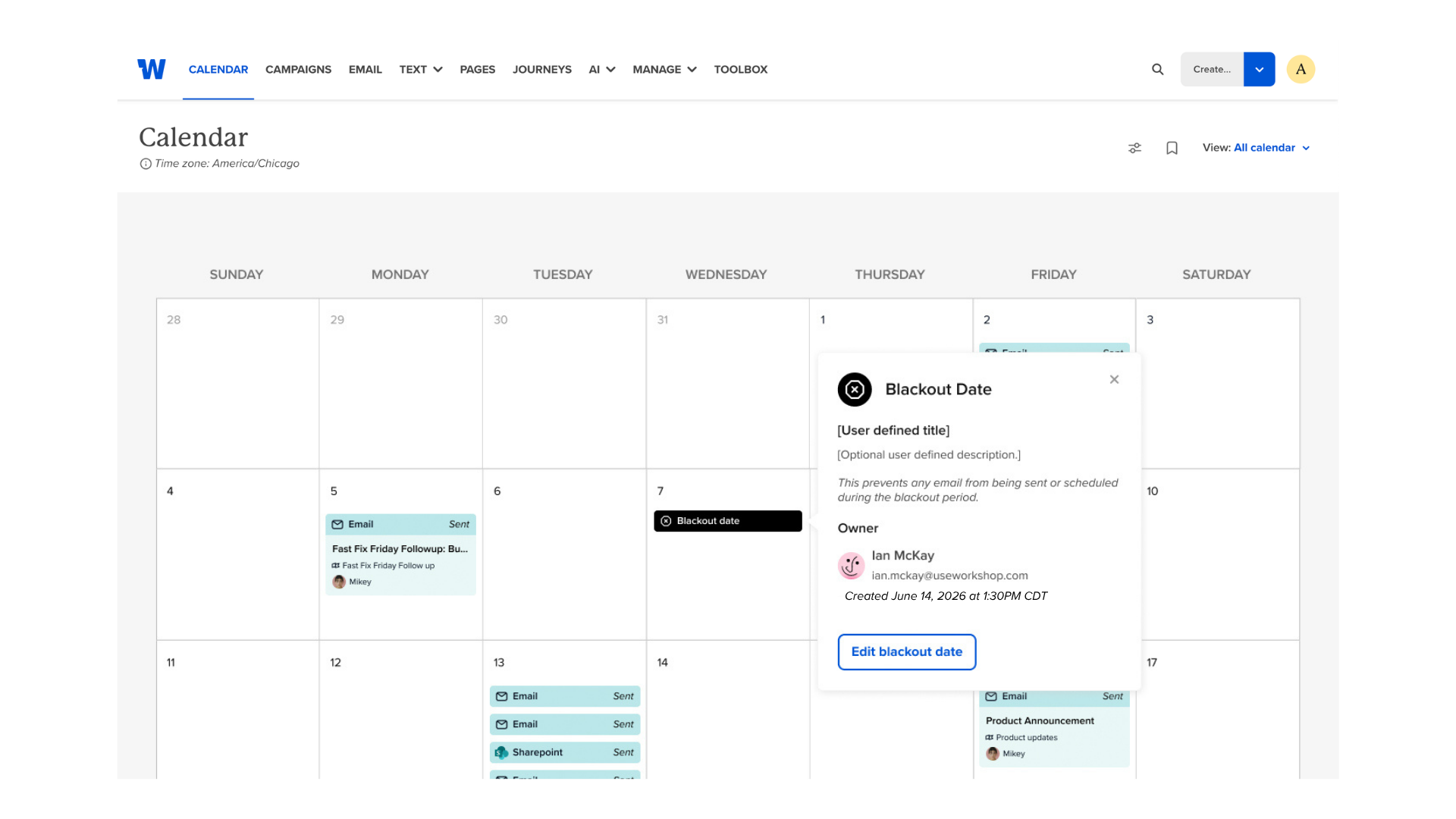
It’s officially time to retire the spreadsheet and start organizing every comm in one easy calendar! See every scheduled send, planned message, and automated journey in one calendar your whole team can work from.
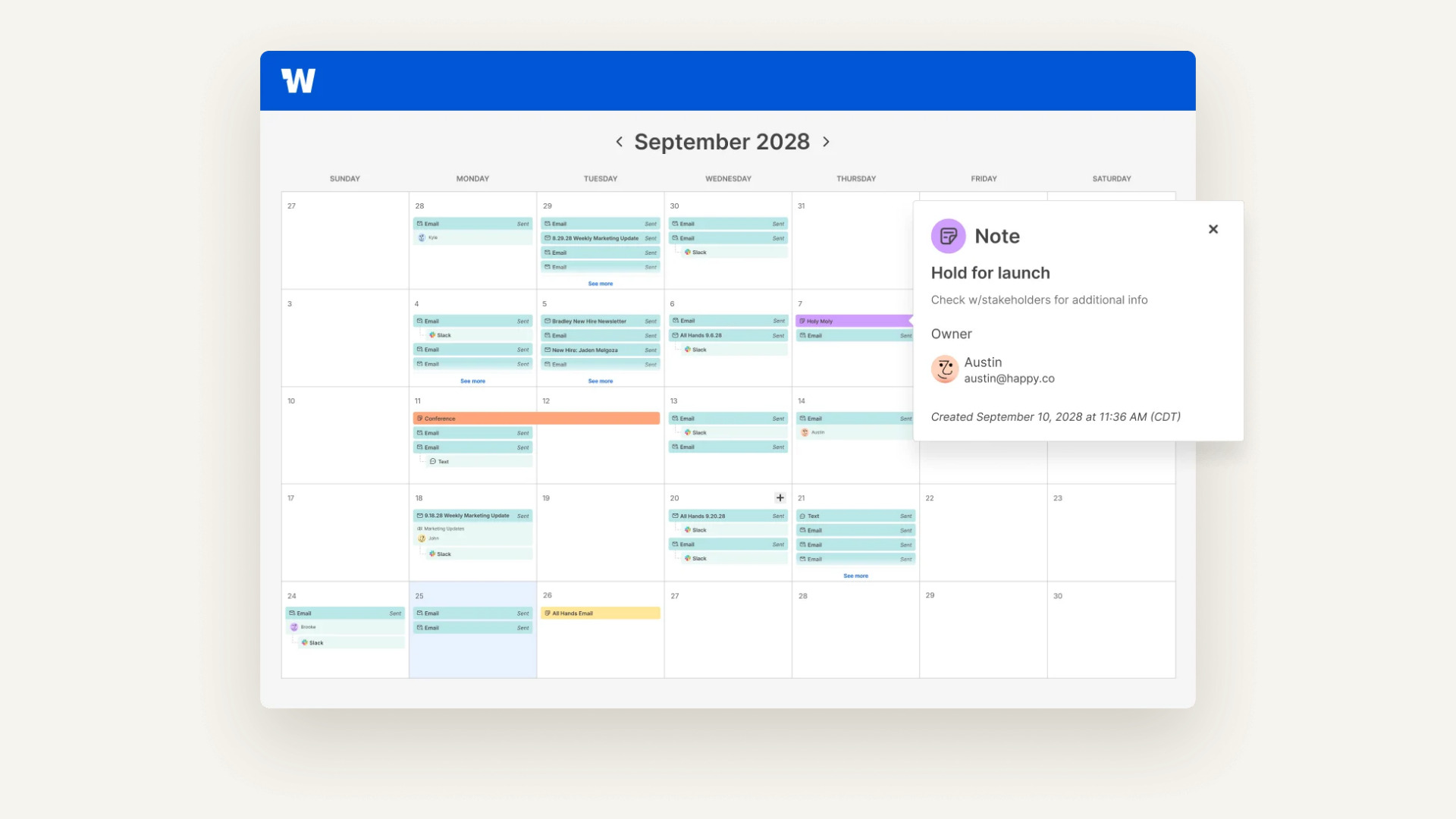
Your comms plan shouldn't live in five different trackers
Most teams piece their comms calendar together from spreadsheets, Smartsheet, Asana, and a shared Outlook view, and none of them match. With Workshop, you can put it all in one view that updates as you plan and send.


What comms teams are saying

“Having a calendar view to see what emails are going out when, and the capability to create staff lists, has massively saved time for our organization.”
Lewis B.
Head of Employee Engagement & Communication

“The calendar feature has allowed us to plan ahead and not inundate team members with messages.”
Caroline W.
Vice President of Organizational Effectiveness

“I love being able to track any email’s performance and the expanded communications calendar has been helpful to know when specific teams have a communication planned so we’re not sending too many at once.”
Katie D.
Communications Manager
Featured resources
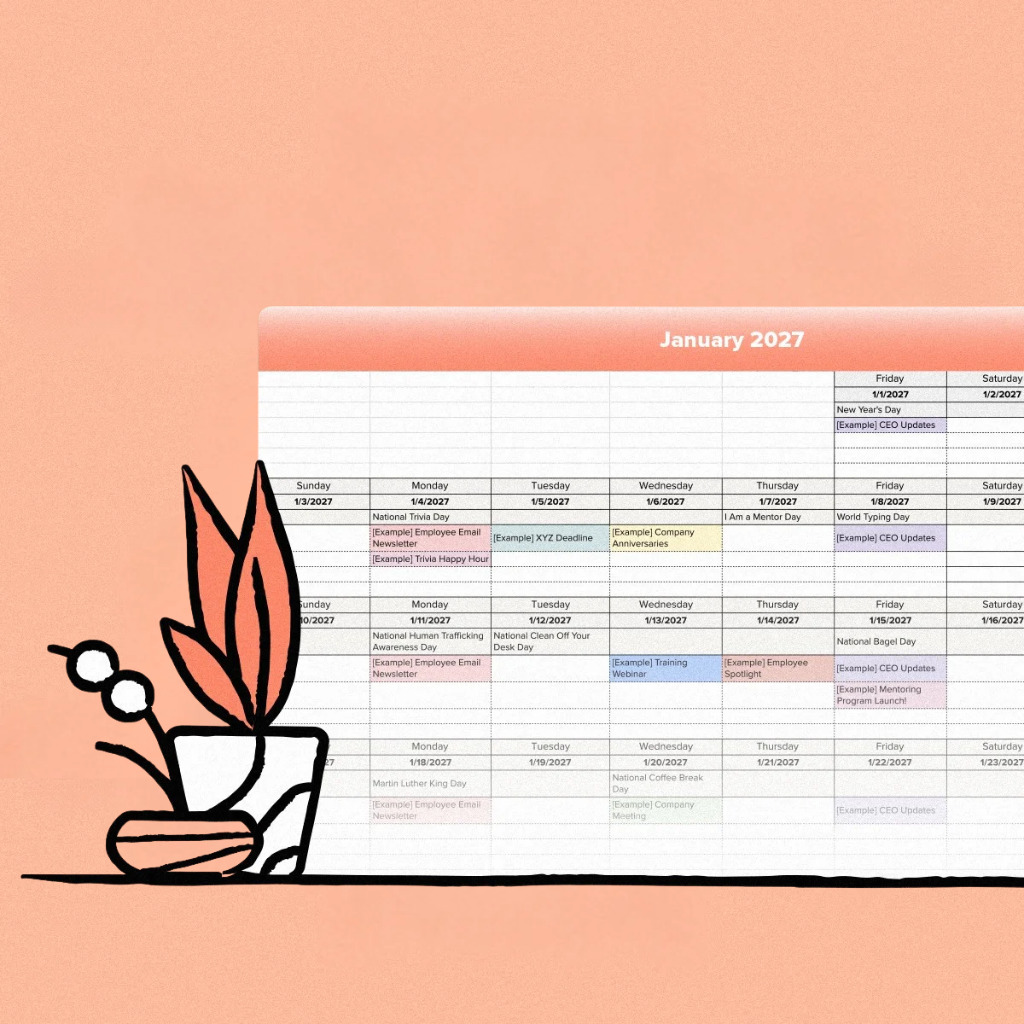
Plan your next quarter of comms
Templates and guides to get your calendar off the ground, whether you’re in Workshop yet or not.



FAQs
Workshop’s calendar feature gives you a full view of your internal comms schedule — past, present, and future. You can see what’s going out, when, and who’s responsible for it. It’s your single source of truth for planning and coordinating across teams!
Only if they’ve been shared with you. Workshop keeps visibility tailored to your role and user permissions, so your calendar view stays focused and relevant.
But with the right permissions, admins can see every scheduled send in one secure, centralized view. It’s a simple way to coordinate campaigns, avoid overlap, and keep everyone on the same page — no surprises, no accidental sends, just smooth collaboration.
Yes — Workshop lets you set blackout dates to protect key moments on your internal communications calendar. Whether it’s a company-wide event, product launch, or major announcement, you can block off time to prevent other messages from going out during that window. It’s a simple way to reduce noise, avoid conflicts, and keep your internal communications strategy aligned.
You can add any scheduled internal messages — emails, multi-channel sends (like Slack or Teams), or campaign drafts — directly to the calendar. It’s a live view of what’s planned, what’s in progress, and what’s been sent.
You can also add placeholders (notes!), blackout dates, or planned sends to help map out your content strategy in advance, even before the message is finalized. Everything stays organized, visible (if you want it to be), and easy to update!
Yes, if they’ve shared it with you or you’re an admin. Every scheduled send shows the sender’s name, so you always know who owns what.
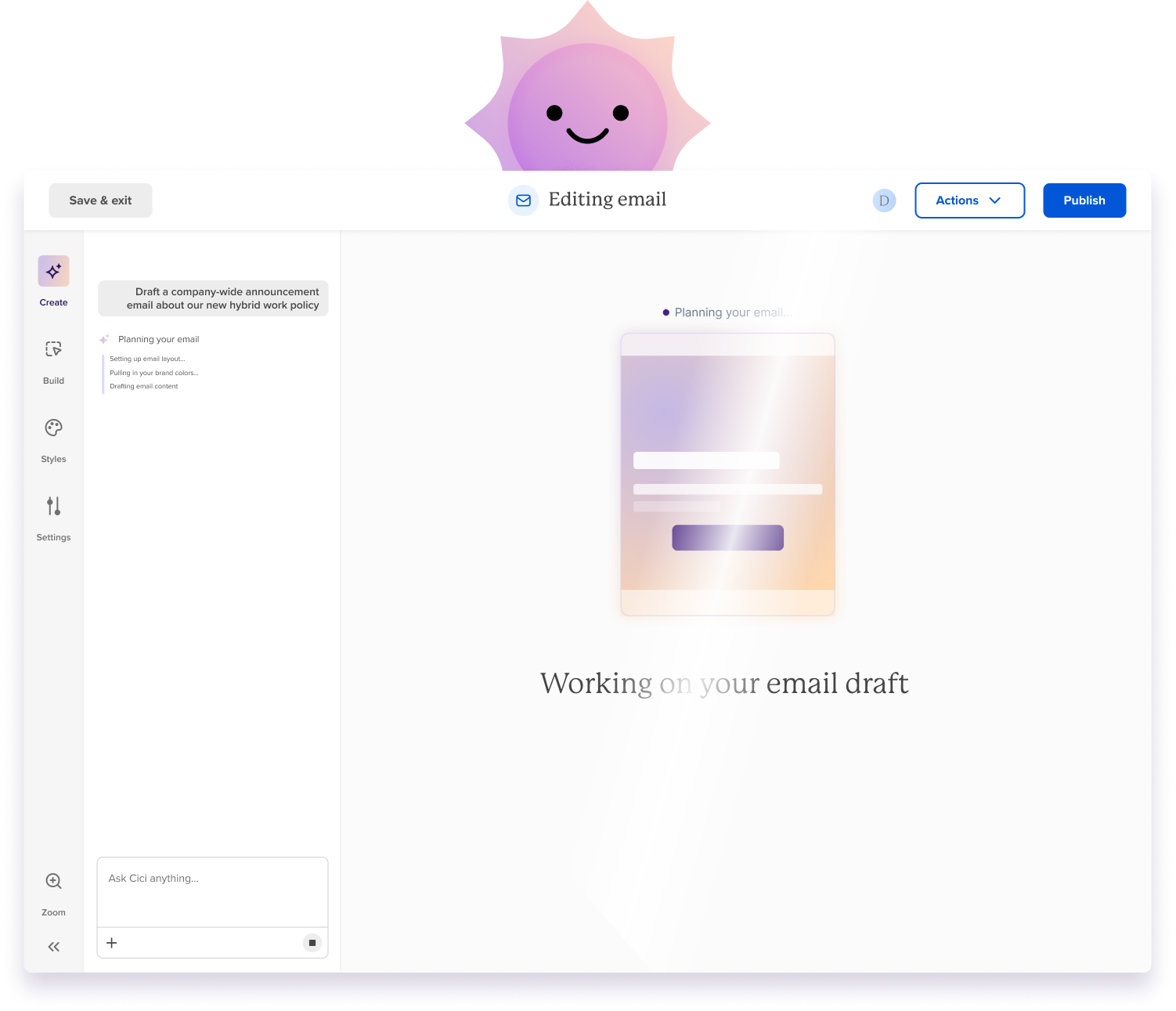
Yes. Planned content blocks hold the spot on your calendar, and Cici can draft the message from them when you’re ready.


