



 Teams
Teams SharePoint
 Slack
Slack QR Codes
 PDF
PDF Active Directory
 Workday
 ADP
ADP Canva
CanvaAutomate your internal comms with Journeys
That onboarding sequence you’ve been meaning to build since last quarter? The follow-up that should go out after every all-hands but never does? Our automated employee journeys make all of those communications possible — the personalized, well-timed ones you’ve always wanted to send — without adding anything to your plate.
Our favorite use cases
You don’t have to start from scratch — most teams start with one of these. (And we offer email templates to kick them off, too!)

Onboarding
A 90-day sequence that adapts by department, role, and engagement

Events
Invitations, reminders, and follow-ups that branch based on how employees respond

Benefits enrollment
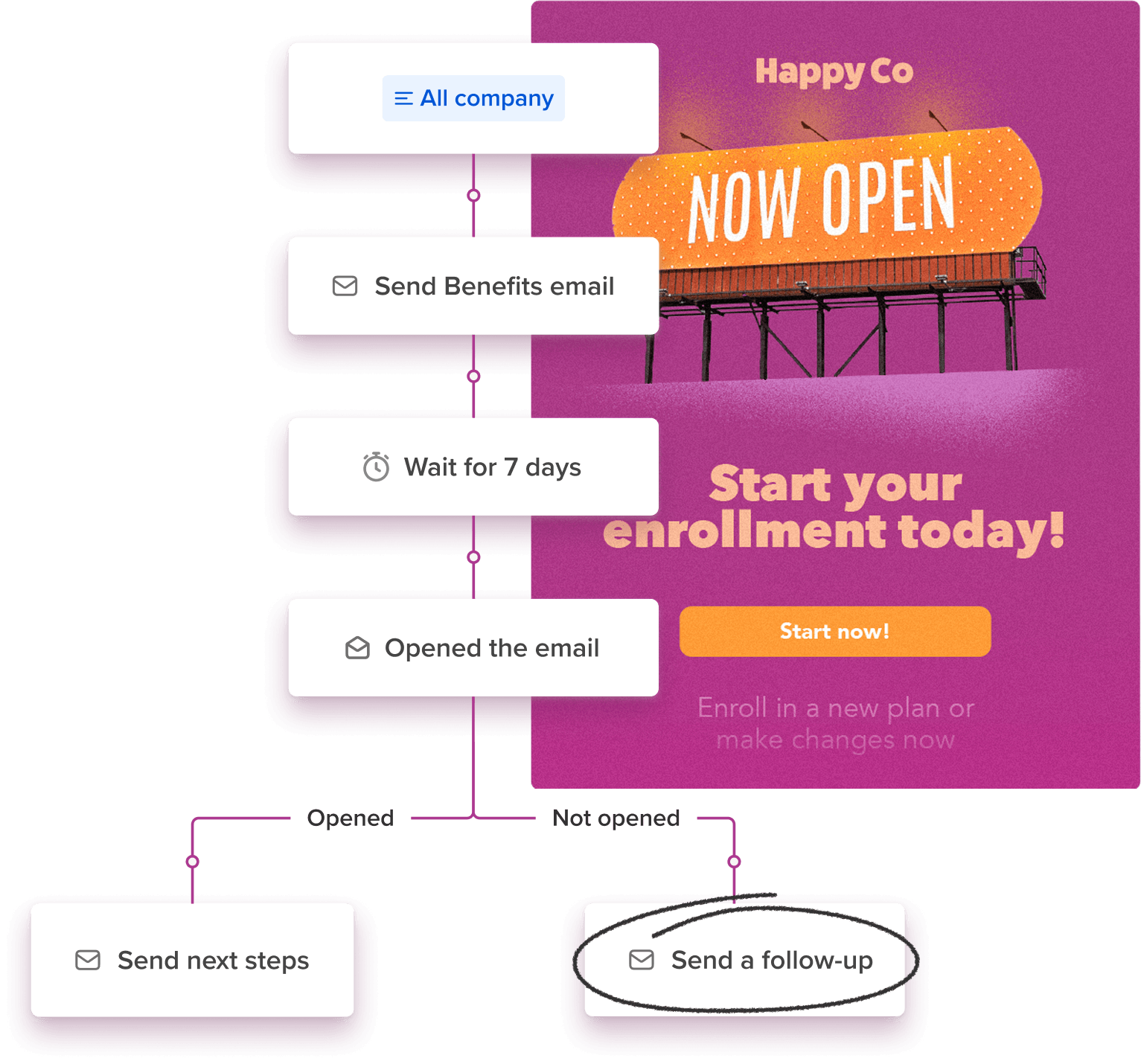
Reminders that escalate for employees who haven’t acted (and stop for those who have)

Birthdays & anniversaries
Personal, on-time celebrations you only have to set up once

Re-engagement
Automatic outreach to employees who’ve gone quiet

Follow up with unopeners
Get your employees to take action and re-send important info automatically
Automation that still sounds like you
Employees get communications that feel like someone actually thought about them — because you did! You wrote the emails, you decided the timing, you set up the logic for who gets what. Workshop just makes sure it all goes out without you having to manually send every single one. The voice is still yours, the experience is still personal — but you’re just not doing it by hand anymore.
Create different paths & customize your comms
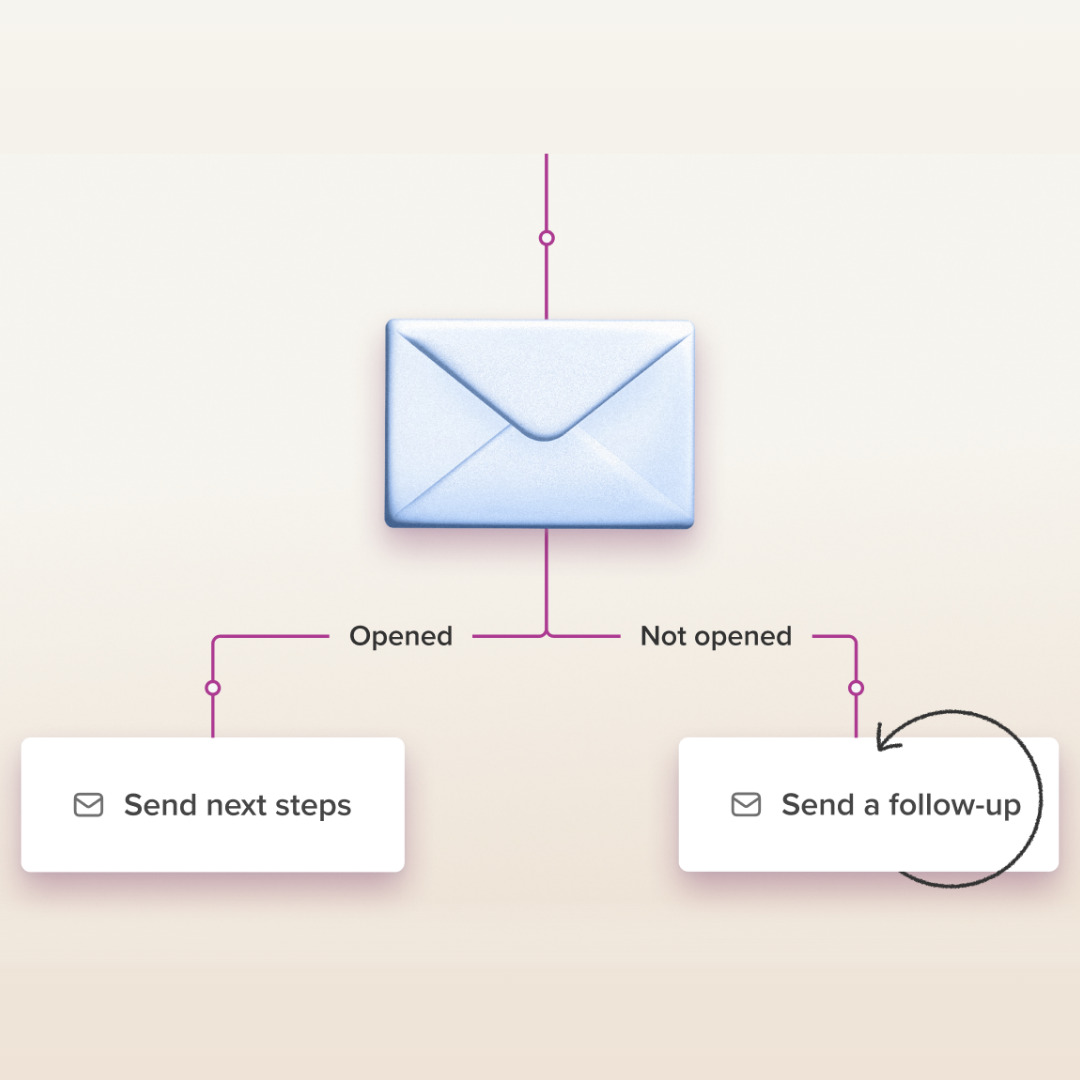
Branching lets your Journey adapt based on what employees actually do, and personalize them accordingly. Use it to nudge unopeners, manage events, or let employees opt in and out of communications.
Always-on, even when you're not
Milestone comms, recurring reminders, onboarding sequences — they all go out on schedule whether you’re heads-down on a project or out of office. Build it once, and we keep it running in the background!
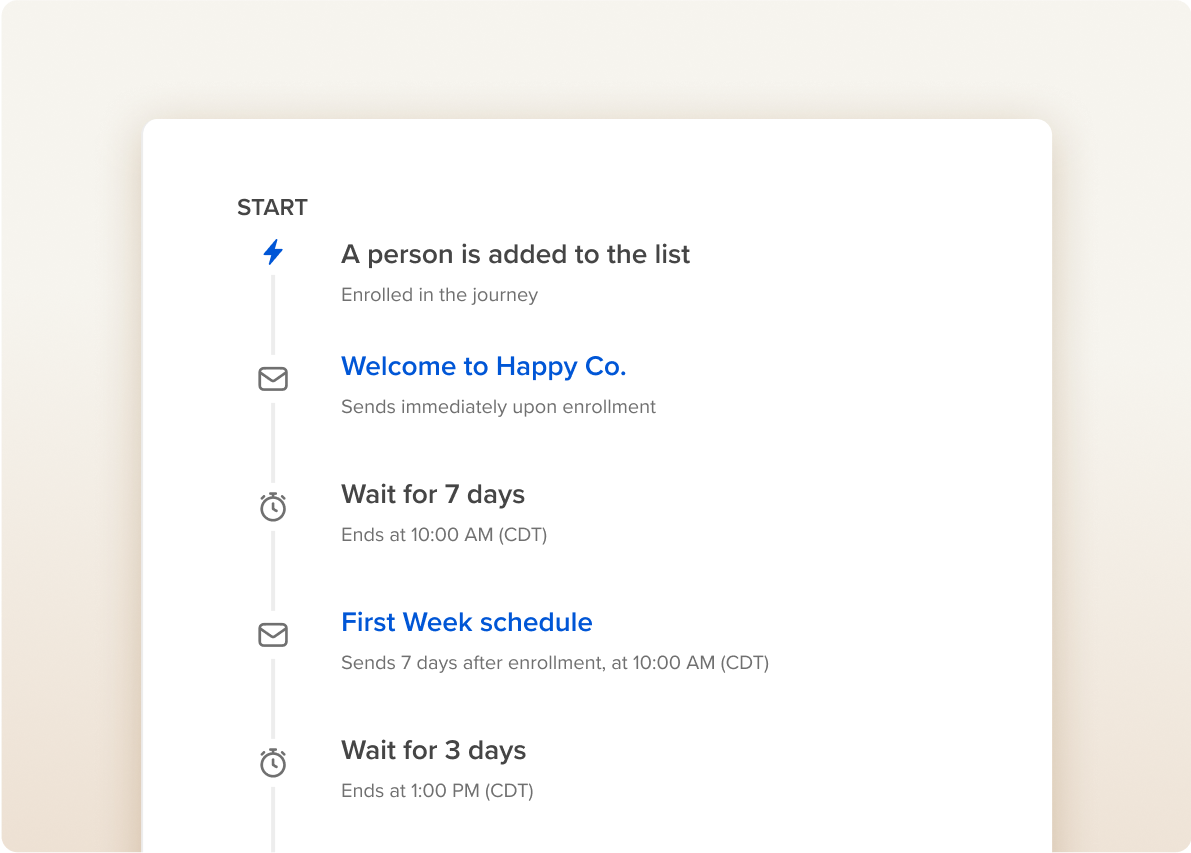
Free up hours every week
No more pulling distribution lists, scheduling sends one by one, or trying to remember who got what. Journeys handle the operational work so you can spend that time on the communications that need you the most.
Included on every plan
Journeys come standard — no add-on, no upgrade required. Start with scheduled sends, and when you’re ready, connect your HRIS to unlock automatic enrollments for new hires, birthdays, anniversaries, and more!
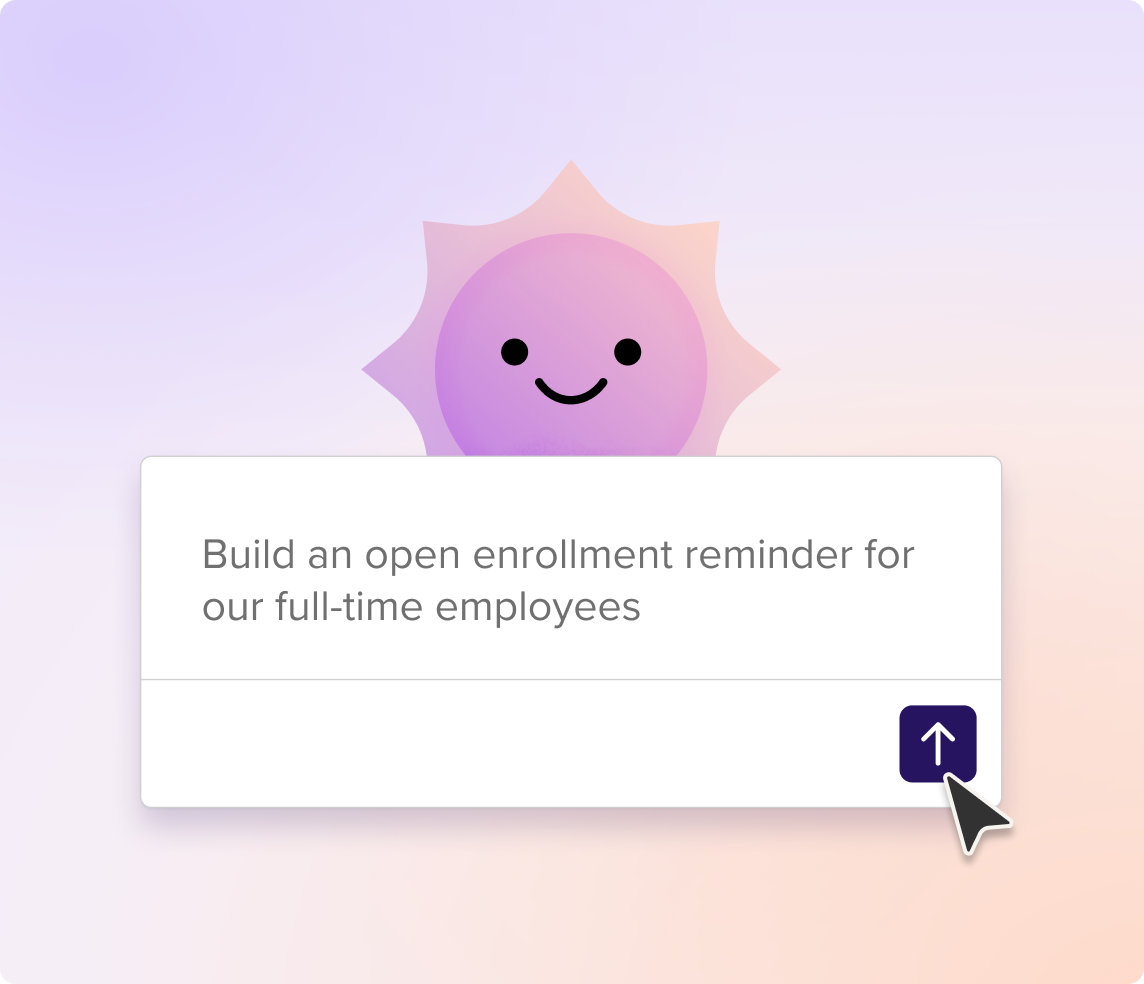
Start your sequence with Cici
Don’t want to write six open enrollment emails from scratch? Tell Cici what the sequence should cover — “an open enrollment campaign for full-time employees” — and it drafts every email in the Journey: the initial announcement, plan comparison highlights, enrollment deadline reminders, and a final “last chance” nudge. You review, refine in the editor, set your timing, and turn it on. The thinking is yours. The first draft doesn’t have to be.
How it works
Every Journey follows the same pattern — decide who’s in, add your emails and timing, and let Workshop handle the rest. Connect your HRIS and the right people get enrolled automatically when they’re hired, change roles, or hit a milestone. You build it once, and it just runs — even on the weeks when you’re buried in other priorities.
1. Pick a trigger
(e.g., HRIS new hire, benefit eligibility date, scheduled campaign, time‑based trigger)
2. Add your steps & sends
(emails, texts & delays)
3. Turn it on
and see opens, clicks, and completions in real time.
Emails and texts that change based on who’s reading it
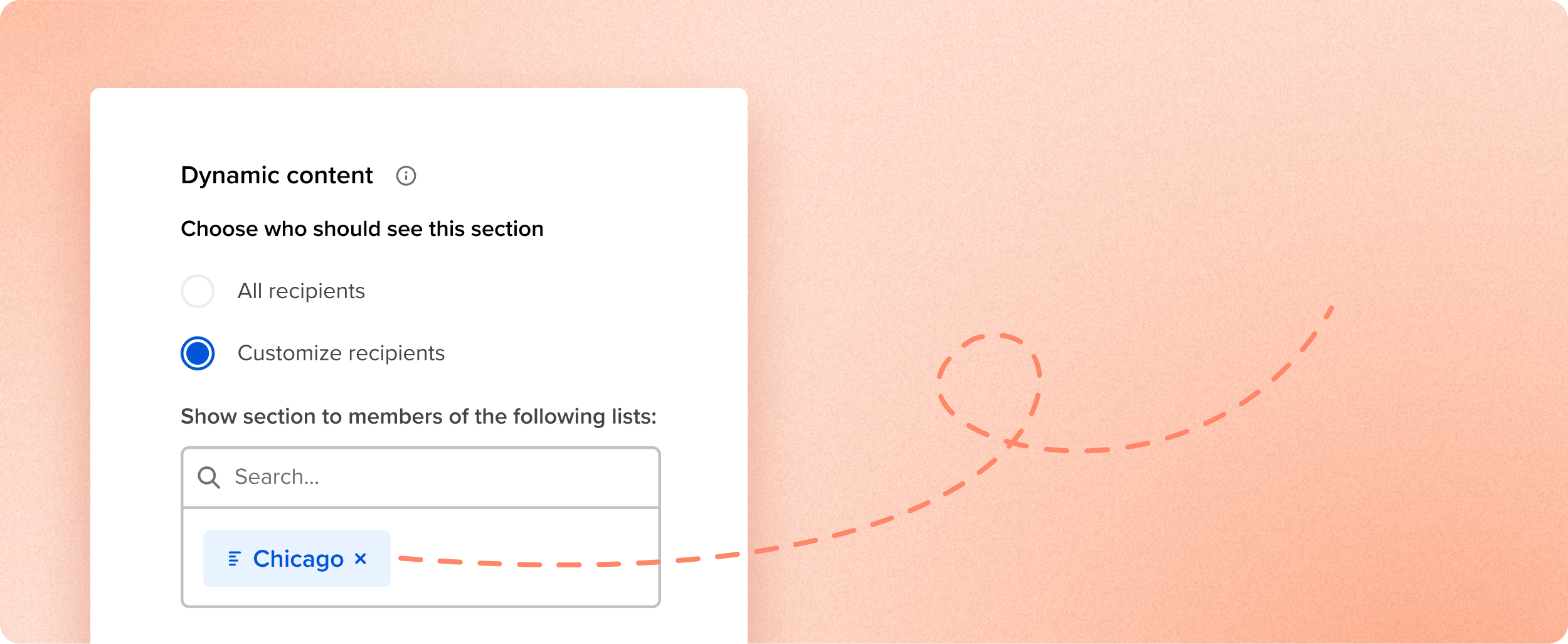
Dynamic content lets you swap out sections of an email or text based on who you’re sending it to. Your US employees see their benefits details, your UK team sees theirs. Chicago gets parking info in the onboarding email, London gets badge pickup text. Same send, but every employee reads the version that’s relevant to them — and you didn’t duplicate a single thing to make that happen!

A Journey is an automated email drip campaign that sends a pre-planned series of internal messages — onboarding, reminders, celebrations — based on date or enrollment triggers. Journeys give you the ability to build these sequences in Workshop without code or IT help, ensuring every employee receives the right message at the right moment.
Build a sequence once, choose your trigger, and Journeys handle delivery forever. No more copying emails, updating send times, or managing endless lists — freeing you to craft stronger content and measure engagement.
Yes. Connect Workday, BambooHR, UKG, or another HRIS, set “hire date” as the trigger, and Journeys will automatically send day-1 welcomes, week-1 check-ins, 30-day surveys, and more — keeping every new employee informed and engaged from day one.
Absolutely. Use the “date of birth” or “hire date” fields from your HRIS to schedule personal birthday greetings and milestone work-anniversary messages that arrive exactly on the right day.
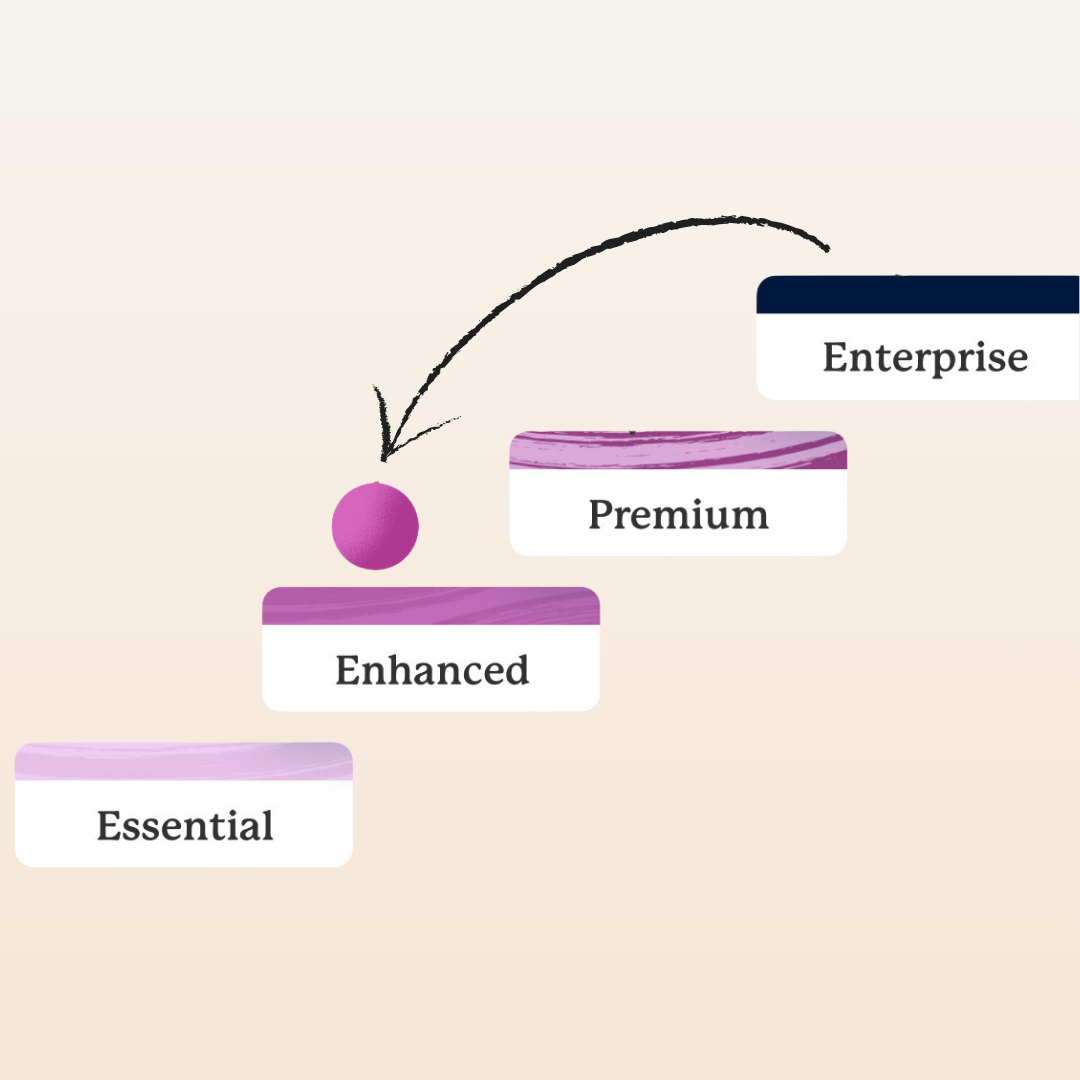
Journeys are unlimited on every Workshop plan — from Essential to Premium — so you never pay extra to automate your internal emails.
Journeys supports three trigger types:
- Date-based (specific dates or relative offsets)
- HRIS field changes (hire date, promotion date, manager change, etc.)
- Manual start (one-click launch for events or campaigns)
No. Journeys use a simple builder and visual workflow editor to make it really easy to schedule these sends. If you can schedule a normal email, you can launch a Journey in minutes!
Workshop uses secure, authenticated sending domains (SPF, DKIM, DMARC) and enterprise-grade routing to keep internal emails out of spam and in front of employees — backed by SOC 2 Type II compliance for data security.
Yes. You can view open rates, click-throughs, and completions at the email, step, and full-Journey levels.
Yes! Branching lets your Journey adapt based on what employees actually do. You can create different paths depending on whether someone opened an email, clicked a link, or didn’t engage at all — so unopeners get a follow-up nudge while engaged employees move on to the next step. It’s a great way to keep your sequences relevant without manually managing multiple sends.
Yes! Add text messages as steps right alongside your emails in the builder — no separate tool, no manual coordination. Use email when you need to explain something, SMS when you need someone to see it fast.
Yes! Split your Journey based on whether someone clicked a link in your text, replied at all, or replied with a specific word. Ask “Will you be there? Reply YES or NO” and route each answer down its own path automatically. (Tip: add a short wait step before the branch so people have time to reply.)
Journeys are included on every plan, but SMS steps require SMS to be part of your plan. If you’re SMS-only, you can build full Journeys using text. If you’re on email only, your Account Manager can help you add SMS.


