






 Teams
Teams SharePoint
 Slack
Slack QR Codes
 PDF
PDF Active Directory
 Workday
 ADP
ADP Canva
CanvaSave your favorite filters for a better comms setup
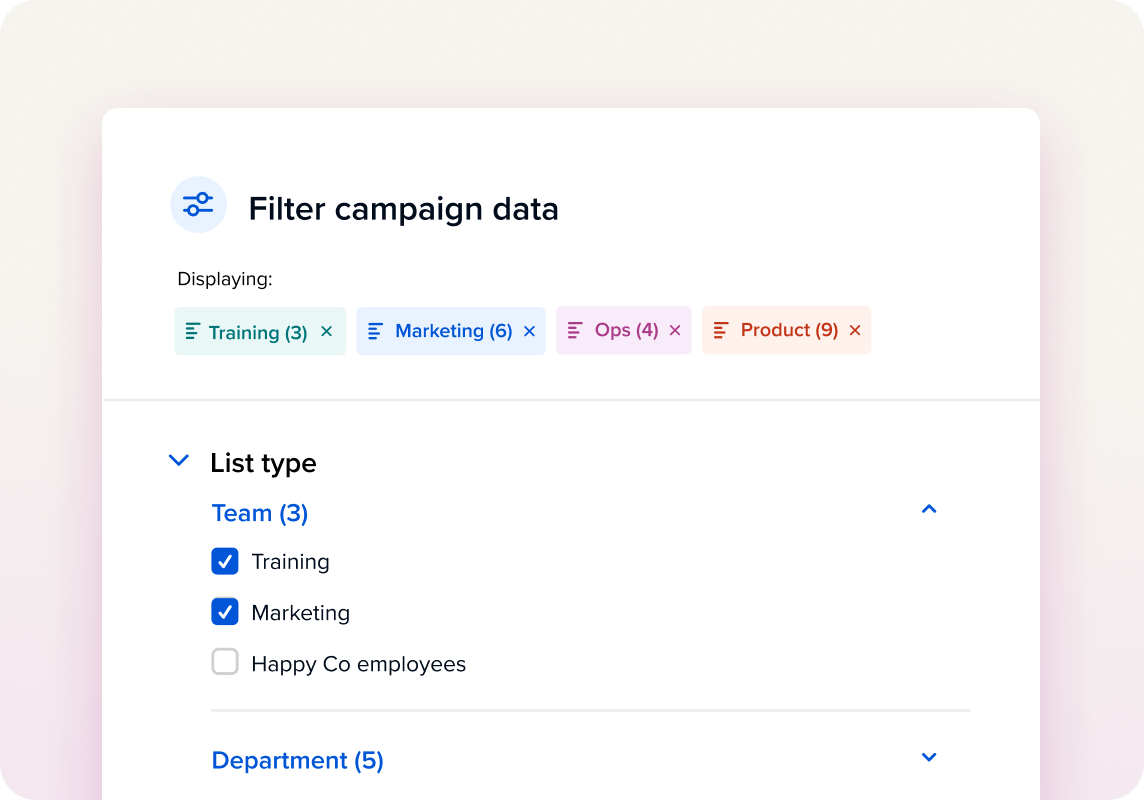
No more reapplying the same filters or column choices every time. With saved views, you can capture your preferred setup – filters, settings, and even table columns (yes, including send date!) – into reusable, named views that you can switch between in just a click.
Why you’ll love it
-
Personalize your workspace: Save multiple views for different workflows and toggle between them as needed.
-
Set your defaults: Choose a default view for your calendar or email index so it always loads just the way you like it.
-
Stay organized: Keep your most-used filters and layouts at your fingertips without having to rebuild them every time.
Great ways to use saved views
-
Create a “This Week’s Sends” view in your communications calendar
-
Build an “Upcoming Campaigns” view that filters by tag, owner, or channel
-
Customize your email index with send date, subject, and owner columns, then save it as your default
Availability
Saved views are available today in the communications calendar, calendar, and emails index.


