



 Teams
 SharePoint
 Slack
 QR Codes
 PDF
 Active Directory
 Workday
 ADP
 Canva
What’s new with Cici: October 2026
It’s 4:45 on a Thursday, and someone asks how the all-hands email landed at headquarters. You could dig through reports, or you could just ask Cici. 🙂
Cici’s been helping internal comms teams for almost a year now, and it’s just the gift that keeps on giving. Here’s what Workshop’s AI agent for internal comms can do today, the questions worth trying first, and how to save your favorites so you never type them twice.
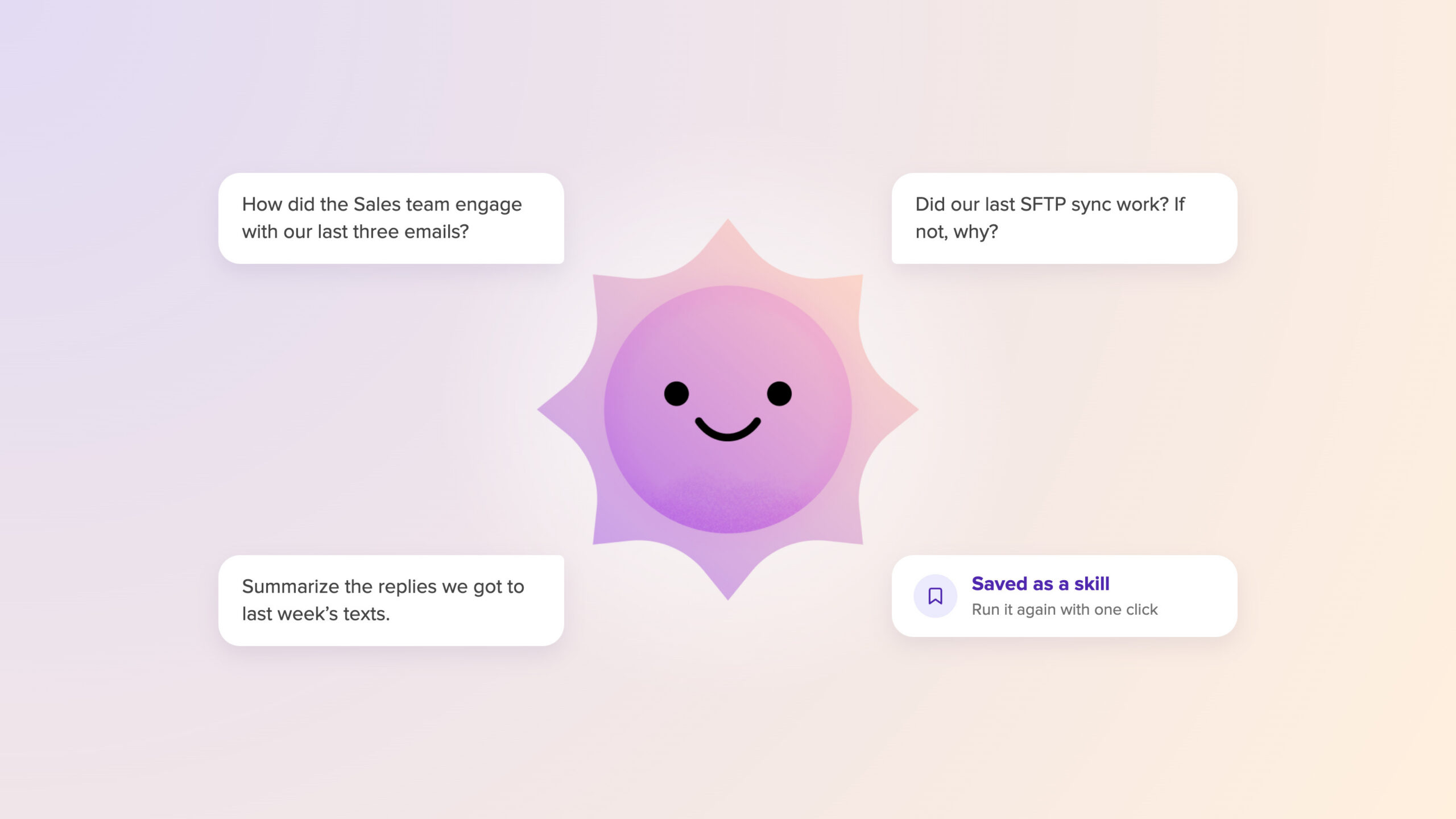
💡 Pro tip: If you ask a question a lot, save it as a skill and run it with one click. Skills are on every plan. Browse ready-made ones on the Skills page, or ask Cici to help you build your own.
Find out who’s engaging
Cici uses your attributes and lists to figure out departments and groups, so you don’t have to spell them out.
- “How did the Sales team engage with our last three emails?”
- “Compare open rates for our Atlanta office with everyone else for the monthly newsletter.”
Get a quick read on your campaigns
See what’s in a campaign and how each channel did, without opening five tabs (it’s okay – we do it too). To compare campaigns head to head, try the Campaign comparison skill.
- “How did text messages perform in the [campaign name] campaign?”
- “Surface how both emails and texts are performing within my campaigns.”
See what happened after you send a text
Find out who didn’t get your message and why, and which replies still need an answer.
- “Who failed to receive the last three texts we sent out, and why?”
- “Summarize the replies we got to last week’s texts. What were people asking about most?”
Keep your journeys moving
Check in on any journey or keyword automation, from enrollment to the finish line.
- “How many people have finished the [journey name], and what step is everyone else on?”
- “Are there any journey steps being held back because of a blackout date?”
Get to know your people
Curious how your directory is using Workshop? Some of these insights are for admins.
- “Who in our directory is opted out of SMS messaging?”
- “Which users have been inactive in the last 30 days?”
Spot what people are saying, and what’s coming up
Surveys tell you a lot when you can see the patterns. Planning ahead? The Comms planner skill is a great place to start.
- “How did answers to our surveys differ by department, and what did the most and least engaged departments say?”
- “Is anything scheduled inside a blackout window in the next 30 days?”
Make sure your people data came through
When a sync goes sideways, you want to know fast. Sync insights are for admins.
- “Did our last SFTP sync work? If not, why?”
- “[Name] was in the latest file we sent over SFTP. Why didn’t they come through?”
Want Cici to check in on its own?
Some questions you’ll want answered every Monday, whether you remember to ask or not. That’s where agents come in! An agent can run your text delivery and replies check after every send, check across all your journeys each week so a stalled step doesn’t sneak by, or check your sync every morning so you hear about a problem before it touches a send.
Availability
Cici and skills are live on every plan. Agents are part of AI Studio, our AI add-on. If you want to hear how agents can automate your busy work, connect with us today for a quick chat!
Where to start
Open Cici and try one question from the section that fits your work. Save the ones worth repeating as skills. Then tell us what you’d like Cici to help with next. We’re listening. 🙂


