






 Teams
Teams SharePoint
 Slack
Slack QR Codes
 PDF
PDF Active Directory
 Workday
 ADP
ADP Canva
CanvaDefault styles, custom fonts, and AI writing: Pages just got a lot more powerful.
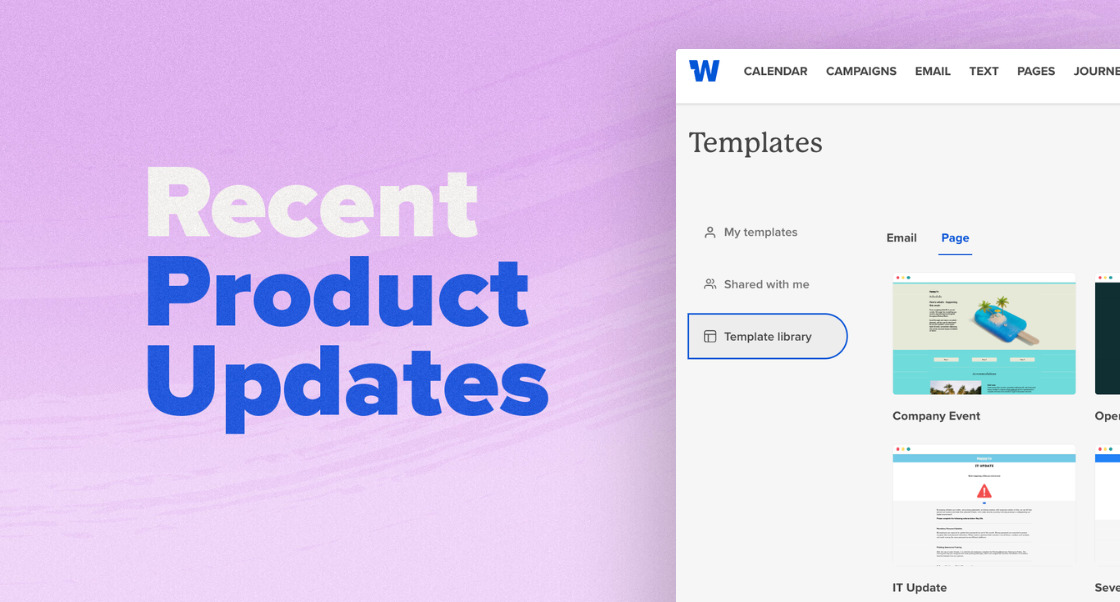
Designing internal landing pages that actually feel on-brand used to come with a thousand tiny trade-offs.
Buttons that slowly drift out of sync. Fonts that almost match your brand. Mobile layouts that look great on desktop… until they suddenly don’t. And sometimes, spending more time rewriting the same message than actually publishing it.
These new Pages improvements help take those trade-offs off your plate.
With default styles, custom fonts and new web fonts, expanded column and mobile settings, plus built-in AI writing assistance, every Page can feel more intentional, more consistent, and much faster to create.
Default Styles
If you’ve ever styled the same button 12 times, fixed “almost matching” fonts, or built a template people still somehow managed to break — default styles are for you.
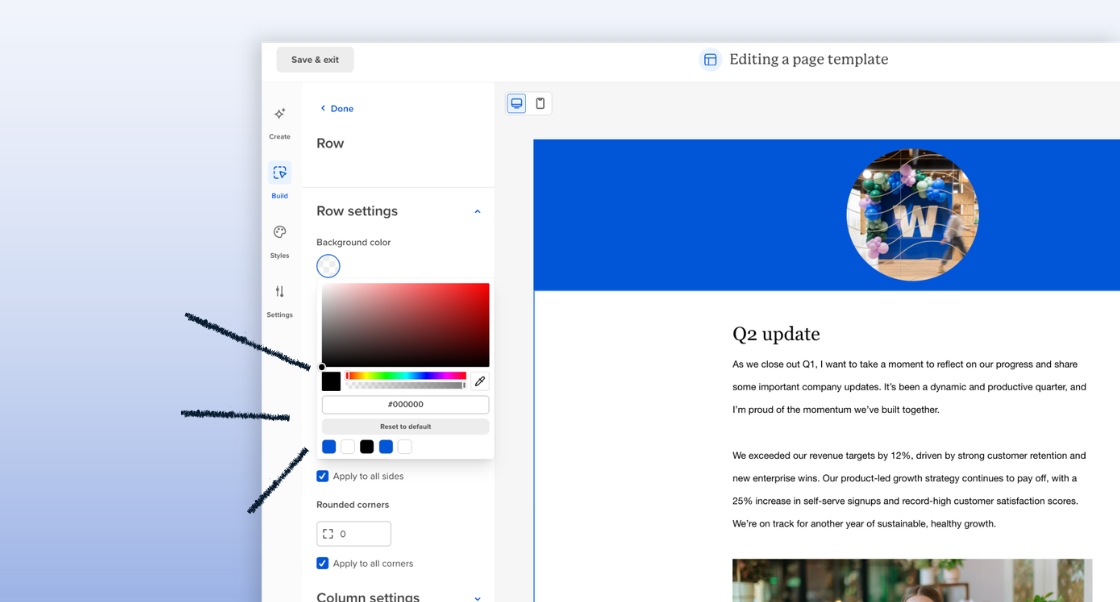
Set your fonts, colors, buttons, and spacing once in the new styles panel. After that, every new block you add shows up already styled and already aligned to your brand.
Less cleanup. Less inconsistency. A lot fewer “wait, why is this button blue?” moments.
What’s new
- A centralized Styles panel for brand defaults
- Blocks that automatically inherit your styling
- Consistent fonts, colors, buttons, and spacing across every Page
Custom fonts + 19 new web fonts
“Close enough” fonts are a quiet tax on every page you ship.
Now you can upload your custom brand fonts directly into Workshop — plus choose from 19 new web fonts right in the editor.
So instead of workarounds and fallback fonts, your Pages can actually look like your brand from the start.
What’s new
- Upload and use custom brand fonts in Workshop
- Access 19 new web fonts directly in the editor
- Apply consistent typography across every Page
Column and mobile settings
You know the feeling: the desktop layout looks perfect… then mobile preview turns your carefully designed Page into a stacked jumble.
These new column and mobile settings give you more control over how Pages look and behave across screen sizes.
Add background colors per column, round corners, adjust layouts, and fine-tune how columns stack on mobile — without wrestling the design into place.
What’s new
- Column-level styling, including background colors and rounded corners
- Flexible layouts with easier column adding, removing, and rearranging
- Mobile controls for how columns stack and render on smaller screens
AI writing assistance in Pages
Writing internal updates isn’t always the hard part — it’s getting from rough draft to this actually sounds right.
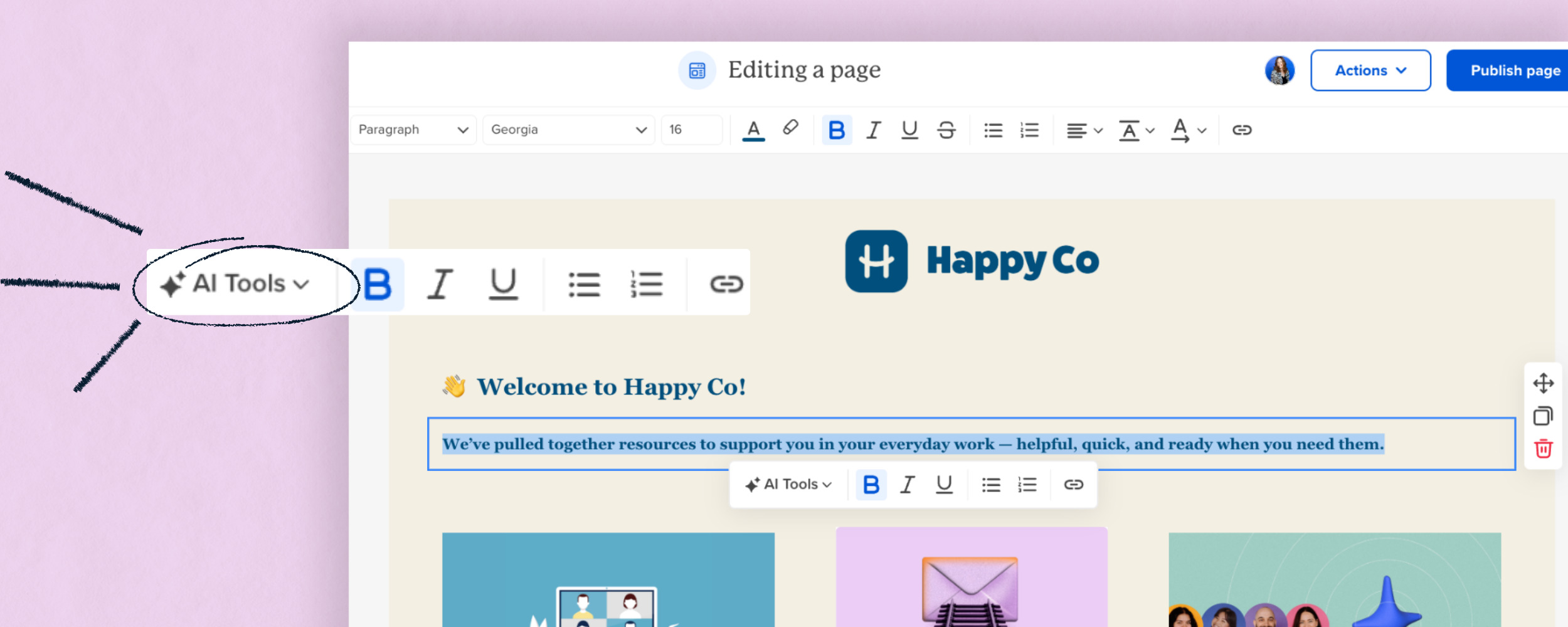
Now AI writing assistance is built directly into Pages, so you can generate, refine, shorten, rewrite, or translate content without leaving your workflow.
Instead of bouncing between tools (or reworking the same paragraph five times), you can move from idea to polished message much faster.
 What’s new
- Generate first drafts directly inside Pages
- Refine tone, clarity, and readability in a few clicks
- Translate content for multilingual teams
- Edit and polish messages without switching tools
Availability
These improvements are available now for customers using Pages.
Want to create more flexible, on-brand landing Pages that actually feel like your brand? Reach out to your Account Manager or learn more here.


