






 Teams
Teams SharePoint
 Slack
Slack QR Codes
 PDF
PDF Active Directory
 Workday
 ADP
ADP Canva
CanvaCici goes full screen — so you have room for the bigger conversations
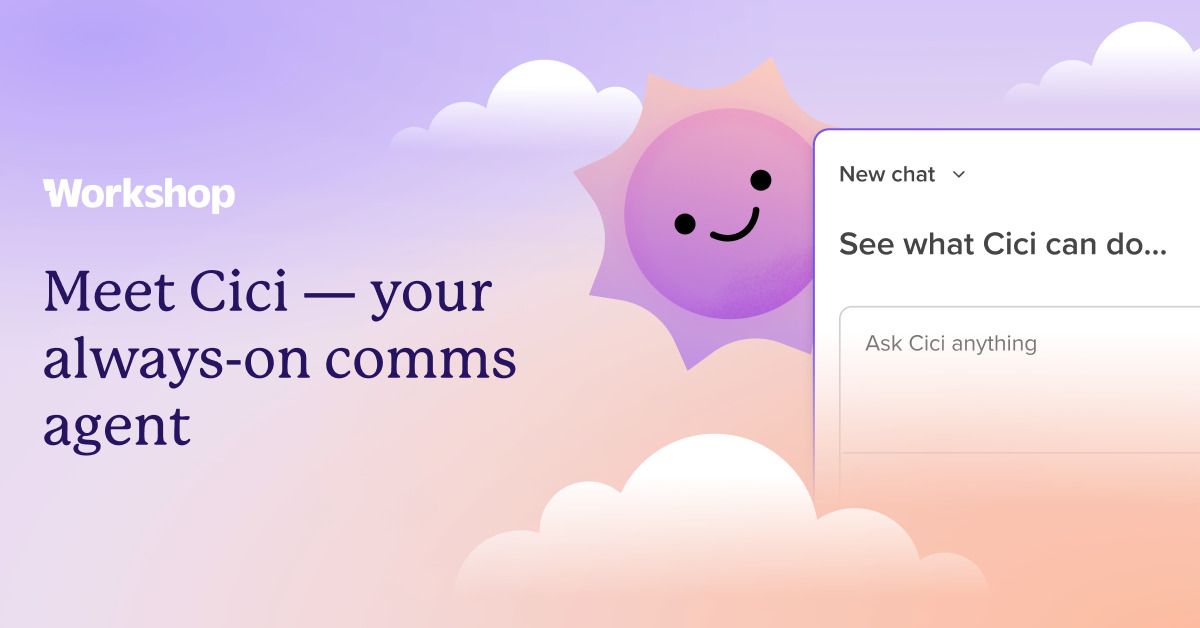
Some chats with Cici are super fast — like a quick subject line tweak. But when we’re diving into a long draft or pulling up a bunch of data, that little side panel can start to feel a bit tight. We heard you, and we’ve made it easier to give Cici some room to breathe.
What’s new
- Expand to full screen: Just hit the expand button, and Cici takes over the whole viewport. You get a lot more room for those longer conversations and bigger outputs, so you can finally stop squinting at a narrow column.
- It remembers your preference: If you like working in full screen, Cici will open that way next time you’re in. If you prefer the compact side view, just hit collapse, and it’ll stay that way until you decide otherwise.
- More space for data: If you’re asking Cici to compare campaigns or pull engagement numbers, that extra space makes everything (especially tables!) much easier to read.
Where this shines
If you mostly use Cici for quick edits inside the editor, the compact view is still perfect and it’s not going anywhere! But full screen is for those sessions where you really settle in: planning a multi-step campaign together, working through a long or complex draft, or reviewing a set of audience insights. More room means less scrolling and a lot more thinking.
How it fits with Workshop
Full-screen chat is just the beginning. It’s the groundwork for some of the richer things we’re building into Cici next—think charting and reporting right inside your conversation, where a roomy viewport really earns its keep. This is one more step toward Cici handling more of your comms workflow in one place, from the first idea to the numbers after you hit send.
Availability
Cici’s full-screen chat is live now for all customers using Workshop’s modern editor. Open Cici, hit expand, and you’re in — nothing to turn on. Prefer the smaller view? Collapse brings it right back.


