

 Teams
 SharePoint
 Slack
 QR Codes
 PDF
 Active Directory
 Workday
 ADP
 Canva
HR | Internal Communication
12 open enrollment email templates you can copy and paste

Open enrollment is one of the few times all year when everyone reads what you send. It’s your highest-engagement window, and with the right copy already written, it can actually be fun to run!
The catch is that the content sometimes shows up too late to write it well. Benefits sends over the plan changes, Legal has notes on the HSA language, and suddenly you’re writing the “what’s changing” email the night before it goes out. Sound familiar?
Sooo, we did the writing for you! Below are 12 open enrollment email templates built to be copied, pasted, and edited to match your organization’s needs. Each template comes with when to send it, who it’s for, subject line and preview text, and full body copy. The brackets flag the details only you have: [plan year], [portal link], [close date]. Everything else is ready to send!
Want the whole set (plus a send calendar, the automation build, and an AI prompt library) in one easy download? Grab our free Open Enrollment Kit! And if you want the strategy behind these sends, start with our guide to open enrollment communication best practices.
Before you start: fix your five constants
The fastest way through this section is a find-and-replace on the five details that repeat in every email:
- Company name
- Portal link (and whether SSO works from a personal device)
- Open date
- Close date and time (with the time zone)
- The questions inbox or point of contact
Clear those in one pass and most of the brackets disappear. ✨
The pre-launch emails
Template 1: Save the date
- When: 2–3 weeks before enrollment opens
- Who: Everyone eligible
- Goal: Awareness — get the dates on their calendar
- Subject line: Mark your calendar: open enrollment is [open date]–[close date]!
- Preview text: Everything you need to know, two weeks before you need to do anything.
Body copy:
Hi [first name],
Open enrollment opens [open date] and closes [close date] at [time] [time zone]. That’s your window to choose your [plan year] benefits.
You don’t need to do anything today. We’re telling you now so it’s on your calendar and not a surprise.
Two things to know before then:
- [Enrollment type] — [If active: You’ll need to make your elections this year, even if you want to keep exactly what you have now. Elections don’t roll over. / If passive: Your current elections will roll over automatically if you don’t make changes. But it’s worth a look — a few things are different this year.]
- A few plans are changing. We’ll send the full breakdown on [date] so you have time to think it over before the window opens.
Want to get ahead of it? [Link to benefits hub] has your current elections, the [plan year] plan details, and the cost comparison tool.
Questions between now and then go to [inbox or person]. We’d rather answer them early!
[Sign-off]
Template 2: The manager enablement email
- When: 1 week before enrollment opens, ideally a day before Template 3
- Who: People managers only
- Goal: Managers get asked benefits questions constantly — make sure they’re prepared
- Subject line: What your team will ask you about benefits this month
- Preview text: Three talking points, one link, and what to do when you don’t know the answer.
In Workshop’s 2026 Internal Communications Trends Report, 56% of communicators named manager communication the number one trend for the year — and open enrollment is exactly where it shows up. Your managers are a distribution channel that already has trust, so give them what they need to use it.
Body copy:
Hi [first name],
Your team gets the full open enrollment announcement tomorrow. You’re getting it a day early so you’re not hearing about the changes at the same time they are.
The three things worth mentioning in your next team meeting:
- The window is [open date] to [close date]. [If active: Everyone has to make elections this year — nothing rolls over.]
- [The single biggest change, in one sentence of plain language.]
- Everything lives at [benefits hub link]. That’s the answer to most questions.
What to say when you don’t know: “I don’t want to guess on something this important — [inbox] will get you a real answer, usually same day.” That’s a genuinely good answer. Please don’t interpret plan documents for your team; the Benefits team would much rather field the question.
What we’re asking of you: mention it once in a team meeting during week one, mention it once more in the final week, and flag anyone who might need extra support — new parents, anyone who’s had a life change this year, anyone new and doing this for the first time.
Forwardable summary: [link] — copy and paste it into your team channel if that’s easier than talking through it.
Thanks for helping with this! [Sign-off]
Template 3: What’s changing this year
- When: 1 week before enrollment opens
- Who: Everyone eligible
- Goal: This is the email people forward to their spouse or partner. Make it complete and scannable.
- Subject line: What’s changing in your benefits for [plan year]
- Preview text: New [plan name], updated FSA limits, and one plan that’s going away.
Body copy:
Hi [first name],
Open enrollment opens [open date]. Here’s what’s different this year, so you have a week to think it over before you have to decide anything.
What’s new
- [New plan or benefit] — [One sentence on what it is and who it’s a good fit for.]
- [Change to existing plan] — [What changed, and what it means for your paycheck or your coverage.]
- [FSA/HSA limits] — The [plan year] contribution limit is now [amount], up from [amount].
What’s going away
- [Plan being discontinued] — If you’re currently enrolled, you’ll need to choose a new plan during open enrollment. [If applicable: We’ll reach out to you directly with your options.]
What’s staying the same
- [Plan or benefit] — no changes to coverage or cost
- [Plan or benefit] — no changes to coverage or cost
What it costs: [Link to the cost comparison] shows what each plan would cost you per paycheck, at every coverage tier. If you’re comparing options for a family, start here.
Want to talk it through with someone?
- Live Q&A: [date] at [time] — [registration link]
- Recorded walkthrough: [link] — 12 minutes, watch it whenever
- One-on-one: [booking link] — 20-minute slots with [name] from [Benefits/broker]
Everything above lives permanently at [benefits hub link]. Bookmark it! Enrollment opens [open date]. Questions before then: [inbox].
[Sign-off]
💡 Personalize it: Use dynamic content to swap the “what’s changing” block by region or plan type. An employee in [state] doesn’t need to read about a change that doesn’t apply to them, and every irrelevant line makes the relevant ones harder to find. Here’s how personalization and segmentation can do that for you.
The launch-day emails
Template 4: Open enrollment is live (day one)
- When: Morning of the first day of enrollment
- Who: Everyone eligible
- Goal: Clear, confident call to action — one link, 15 minutes, done
- Subject line: Enroll now: open enrollment closes [close date]
- Preview text: Five steps, one link, 15 minutes!
Body copy:
Hi [first name],
Open enrollment is open now and closes [close date] at [time] [time zone]. If you have 15 minutes, you can be done today.
How to enroll
- Go to [portal link] — [if applicable: sign in with your work credentials, no separate password needed]
- Click [exact button name]
- Review your current elections and make your changes
- Add or update your dependents and beneficiaries — this is the step people forget
- Click [exact confirm button name]. You’ll get a confirmation email. If you don’t get one, you’re not enrolled.
[Enroll now ➜] [portal link]
Enrolling on your phone? The portal works on mobile. [Any known limitations go here.]
Not sure what to pick?
- [Cost comparison link] — what each plan costs you per paycheck
- [Recorded walkthrough link] — 12 minutes
- [Live Q&A registration] — [date] at [time]
- [Booking link] — 20 minutes one-on-one with [name]
Deadline: [close date] at [time] [time zone]. New coverage starts [effective date]. Questions: [inbox].
[Sign-off]
Template 5: First-time enrollee email
- When: Day one, alongside Template 4
- Who: Anyone hired since last open enrollment
- Goal: Make sure new hires feel supported, not lost
- Subject line: Your first open enrollment: here’s what to expect
- Preview text: What open enrollment actually is, and what you need to do.
Body copy:
Hi [first name],
This is your first open enrollment at [company]. Quick primer, then the steps.
What open enrollment is: Once a year, you get a window to change your benefits — health, dental, vision, [others]. Outside that window, you generally can’t make changes unless something big happens in your life (marriage, a baby, a move, a change in your spouse’s coverage — these are called qualifying life events). This is that window. It’s open now and closes [close date] at [time] [time zone].
What you need to do: [If active: Make your elections, even if you want to keep what you chose when you joined. Nothing rolls over automatically this year. / If passive: If you’re happy with what you chose when you joined, you don’t have to do anything — it’ll roll over. But a few things changed for [plan year], so it’s worth ten minutes to look.]
How to enroll
- Go to [portal link]
- Click [exact button name]
- Review each category — medical, dental, vision, [others]
- Add your dependents and beneficiaries if you have them
- Click [confirm button name] and watch for the confirmation email
[Enroll now ➜] [portal link]
The three questions people ask in their first year:
“How do I know which plan to pick?” Start with [cost comparison link] — it shows what each plan costs per paycheck and what you’d pay when you use it. If you rarely go to the doctor, the math usually points in one direction. If you have ongoing care or a family, it usually points to another.
“What’s an HSA and should I use one?” [Two sentences, specific to your plans, plus a link.]
“Can I change my mind later?” Only during next year’s open enrollment, or if you have a qualifying life event. So it’s worth getting right now.
Genuinely no bad questions here. [inbox] answers them, usually same day. Or book 20 minutes with [name]: [booking link].
[Sign-off]
Template 6: Passive enrollment / nothing-is-changing variant
- When: Day one, alongside Template 4
- Who: Employees whose elections roll over and who have no forced changes
- Goal: Be honest that they may not need to act — then flag the one thing that catches people
- Subject line: One note about open enrollment
- Preview text: Your benefits roll over automatically, but here’s one thing to check.
Body copy:
Hi [first name],
Open enrollment is open through [close date], and here’s the short version for you: your current elections will roll over automatically. If you do nothing, you keep [plan name] at [coverage tier].
We’d still suggest ten minutes, for three reasons.
- Your cost may have changed. [Plan name] is [amount] per paycheck for [plan year], [up/down] from [amount]. [Check your number ➜] [cost comparison link]
- FSA and HSA contributions don’t roll over. If you contribute to either, you have to re-elect your amount every year. This is the one that catches people.
- Beneficiaries drift. If anything changed in your life this year, it’s worth 60 seconds to confirm who’s listed.
[Review your elections ➜] [portal link]
That’s it! No action needed beyond that, and we won’t nudge you again unless something’s outstanding. 🙂
[Sign-off]
Template 7: Deskless and frontline variant
- When: Day one, and again at midpoint
- Who: Employees without regular desk or laptop access
- Goal: One action, readable in 20 seconds, on a phone
- Subject line: Benefits: enroll now!
- Preview text: One link, on your phone, closes [close date].
Body copy:
Hi [first name],
Enroll for [plan year] benefits by [close date], [time]. [Enroll here ➜] [portal link] It works on your phone, and only takes about 15 minutes.
What’s new: [The most important thing. One line.]
Need help? Text [number] or ask [manager/site lead/HR contact]. Paper forms available at [location].
[Sign-off]
📱 Companion SMS (160 characters): [Company] benefits: enroll for [plan year] by [date]. It only takes 10 min on your phone: [short link]. Questions? Reply to this text.
Companion break-room poster / digital signage: OPEN ENROLLMENT · [Open date]–[Close date] · Enroll on your phone: [short link] or scan the QR code · Questions? [Contact]
For this audience, print and SMS often outperform email — so make sure your message is present across every channel they actually see.
The reminder emails
Template 8: Midpoint reminder
- When: Halfway through the enrollment window
- Who: Everyone who hasn’t completed enrollment
- Goal: Move the people who opened, meant to do it, and forgot
- Subject line: [#] days left to choose your [plan year] benefits
- Preview text: Your fast path to [plan year] benefits!
Body copy:
Hi [first name],
We’re halfway through open enrollment. [X] days left — it closes [close date] at [time] [time zone].
If it’s still on your list, here’s the fast version: [Enroll now ➜] [portal link]
15 minutes. Review your elections, confirm your dependents, click [confirm button name], watch for the confirmation email.
Still deciding? These are the two resources people find most useful:
- [Cost comparison link] — side-by-side, per paycheck
- [Recorded walkthrough link] — 12 minutes, no registration
One thing worth flagging: [the highest-stakes item — a plan being discontinued, an FSA re-election requirement, a deadline that’s earlier than people expect].
Questions: [inbox]. Or grab 20 minutes: [booking link]. [Sign-off]
Template 9: The unopener nudge
- When: 3–4 days after Template 4, to people who didn’t open it
- Who: Non-openers only
- Goal: A second chance for the people your first subject line missed — test a new subject line or send time
- Subject line: 10 minutes, and your benefits are done
- Preview text: Resending in case this got lost.
Body copy:
Hi [first name],
Resending in case this got buried. Open enrollment closes [close date] at [time] [time zone]. [If active: If you don’t enroll, you won’t have [coverage type] coverage in [plan year].]
[Enroll now ➜] [portal link]
It only takes 10–15 minutes! If you have any questions at all, reach out to [inbox]. [Sign-off]
Template 10: 48-hour last chance
- When: 48 hours before close
- Who: Anyone still outstanding
- Goal: Create urgency that’s real and factual — not panicked
- Subject line: Last chance: enroll by [date]
- Preview text: It only takes 15 minutes!
Body copy:
Hi [first name],
Open enrollment closes [day] at [time] [time zone]. Our records show you haven’t completed your [plan year] elections yet.
[Enroll now ➜] [portal link]
What happens if you miss it: [Be specific and factual. If active: You’ll be enrolled in [default/no coverage] for all of [plan year], and you won’t be able to change it until [next open enrollment] unless you have a qualifying life event.]
The 15-minute path:
- [portal link]
- [Exact button name]
- Review each category, confirm dependents and beneficiaries
- [Confirm button name] — and check for the confirmation email
Stuck on something? [inbox] is monitored through the deadline. [Point of contact] also has same-day slots open: [booking link]. [Sign-off]
Template 11: Final day
- When: Morning of the last day
- Who: Anyone still outstanding
- Goal: Last call
- Subject line: Final hours: enroll by [time] today
- Preview text: Without elections, you’ll have [default/no coverage] for all of [plan year].
Body copy:
Hi [first name],
Open enrollment closes today at [time] [time zone]. You haven’t enrolled yet! [Enroll now ➜] [portal link]
[If active: Without elections, you’ll have [default/no coverage] for all of [plan year].]
If something is blocking you (like a portal error or a question you need answered first) reply to this email or reach out to [point of contact]!
[Sign-off]
The post-close email
Template 12: Post-close confirmation and next steps
- When: 2–3 business days after close
- Who: Everyone who enrolled
- Goal: Close the loop, reduce the “did it go through?” tickets, and set up the next thing
- Subject line: Your [plan year] benefits are confirmed
- Preview text: What you elected, when it starts, and what to watch for.
Body copy:
Hi [first name],
Open enrollment is closed and your [plan year] elections are locked in! Thanks for getting it done.
What you elected [Dynamic block, or: View your confirmation at [portal link].]
What happens next
- [Effective date]: New coverage starts. Nothing to do between now and then.
- [Card mailing timeframe]: New ID cards arrive [by mail / in the app]. If you don’t have them by [date], contact [inbox].
- [First affected paycheck date]: Your first paycheck reflecting new deductions.
- [If applicable]: Your FSA/HSA contributions begin [date]. [Any use-it-or-lose-it deadline worth naming now.]
Made a mistake? Changes generally aren’t possible until next open enrollment, but there are exceptions. If something’s wrong, email [inbox] this week rather than next — earlier is much easier to fix.
Have a life change coming? Marriage, a new baby, a move, a change in a spouse’s coverage — these are qualifying life events, and they open a 30-day window to make changes. [Details link]
One ask: [two-question survey link]. It takes 30 seconds and it shapes how we run this next year! Everything stays at [benefits hub link] all year, so refer to it as needed.
[Sign-off]
The open enrollment email timing cheat sheet
Here’s the full sequence at a glance:
| # | When | Audience | |
| 1 | Save the date | T-3 weeks | Everyone eligible |
| 2 | Manager enablement | T-8 days | People managers |
| 3 | What’s changing | T-1 week | Everyone eligible |
| 4 | Enrollment is live | Day 1 | Everyone eligible |
| 5 | First-time enrollee | Day 1 | Hired since last OE |
| 6 | Passive / no changes | Day 1 | Rollover-eligible |
| 7 | Deskless variant | Day 1 + midpoint | Frontline |
| 8 | Midpoint reminder | Midpoint | Not yet enrolled |
| 9 | Unopener nudge | Day 4 | Didn’t open #4 |
| 10 | 48-hour last chance | T-48 hrs | Not yet enrolled |
| 11 | Final day | Last day, AM | Not yet enrolled |
| 12 | Post-close confirmation | Close +2 days | Everyone enrolled |
How many of these should any one person get? Four to six. The twelve above cover every audience and branch — segmentation and suppression are what keep the individual experience reasonable. Someone who enrolls on day one gets three emails (the save the date, the what’s changing, and the confirmation). Someone who waits until the last day gets six.
Frequently asked questions
What emails should I send during open enrollment, and when? Seven core sends: a save-the-date two to three weeks out, a “what’s changing” email one week out, a day-one launch email with step-by-step instructions, a midpoint reminder, a resend to anyone who didn’t open the launch email, a 48-hour last chance, and a post-close confirmation. Add segment variants at day one for first-time enrollees, deskless employees, and anyone whose elections roll over automatically.
How many open enrollment emails should I send? Build twelve total, and send four to six to any one person. The full set covers every audience and branch; segmentation and suppression keep the individual experience reasonable.
How do I make open enrollment emails feel less repetitive? Change the angle, not just the reminder. Lead with cost one week, the deadline the next, and the single biggest plan change the week after. And segment: a “you may not need to act” note to rollover-eligible employees reads very differently from an active-enrollment nudge, even in the same week.
Can I reuse these templates next year? That’s the whole point. Save your filled-in versions as a starting set, and next year open enrollment is a find-and-replace on the dates and plan changes instead of a blank page. Better yet, automate the sequence once and duplicate it each year.
Ready to send?
These twelve are your copy. The two things that turn copy into a smooth rollout are timing and automation — so pair this with our 6-week open enrollment communication plan checklist to get the sequence mapped, and our guide to open enrollment email automation to build it once and reuse it every year.
Want all 12 templates formatted and ready to drop in, plus the send calendar and automation build in one place? Download the free Open Enrollment Kit & Email Templates.
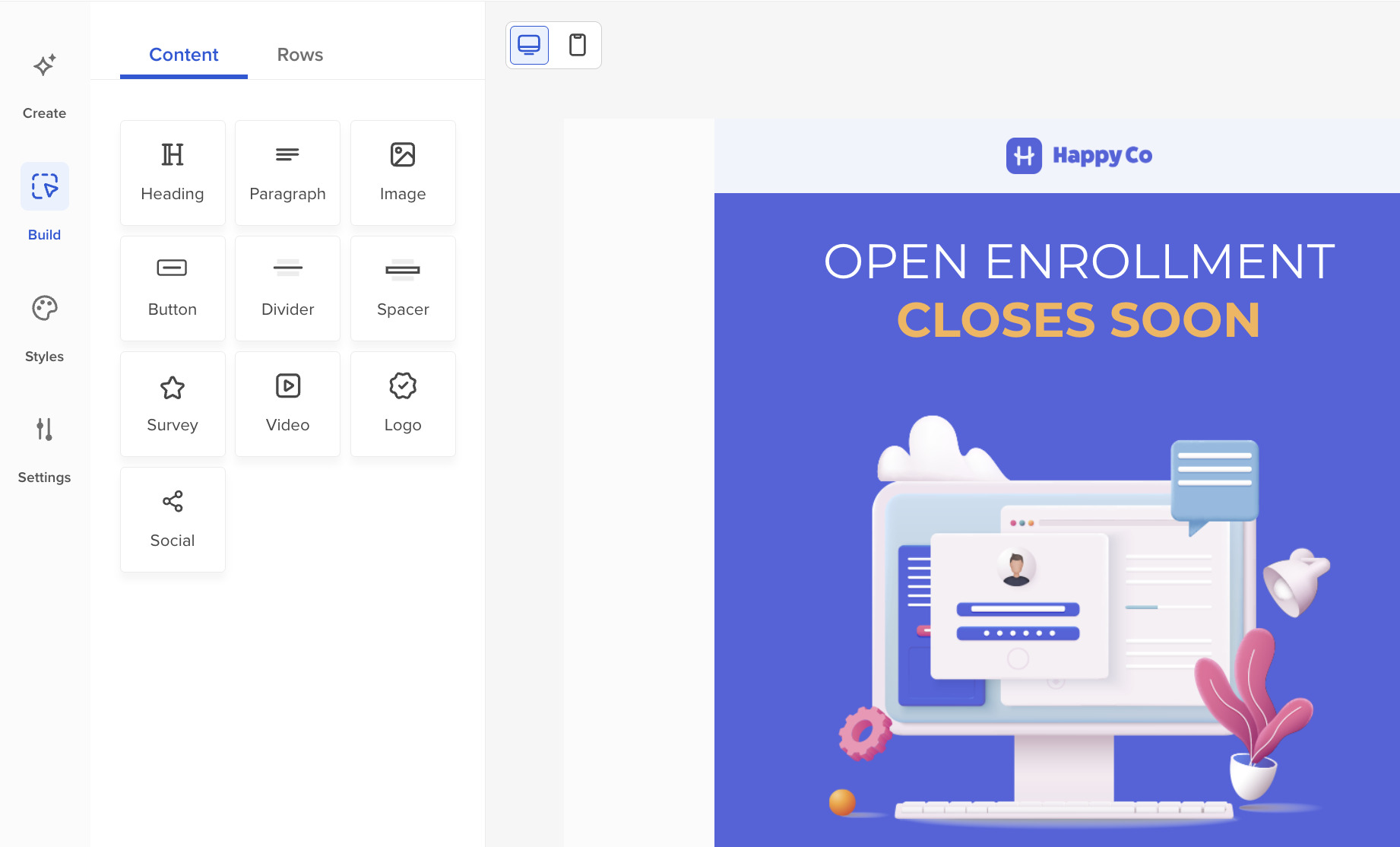
And if you’d rather build these in a tool made for exactly this, Workshop has a drag-and-drop open enrollment email template (and a whole template gallery) with personalization, mobile preview, and the ability to edit links after you hit send.