





 Teams
Teams SharePoint
 Slack
Slack QR Codes
 PDF
PDF Active Directory
 Workday
 ADP
ADP Canva
CanvaAugust product updates

This month we’ve added four upgrades to help you keep sensitive files private, reach more employees in their language, write higher-performing subject lines, and plan with less guesswork. ✨
Private folders in the media library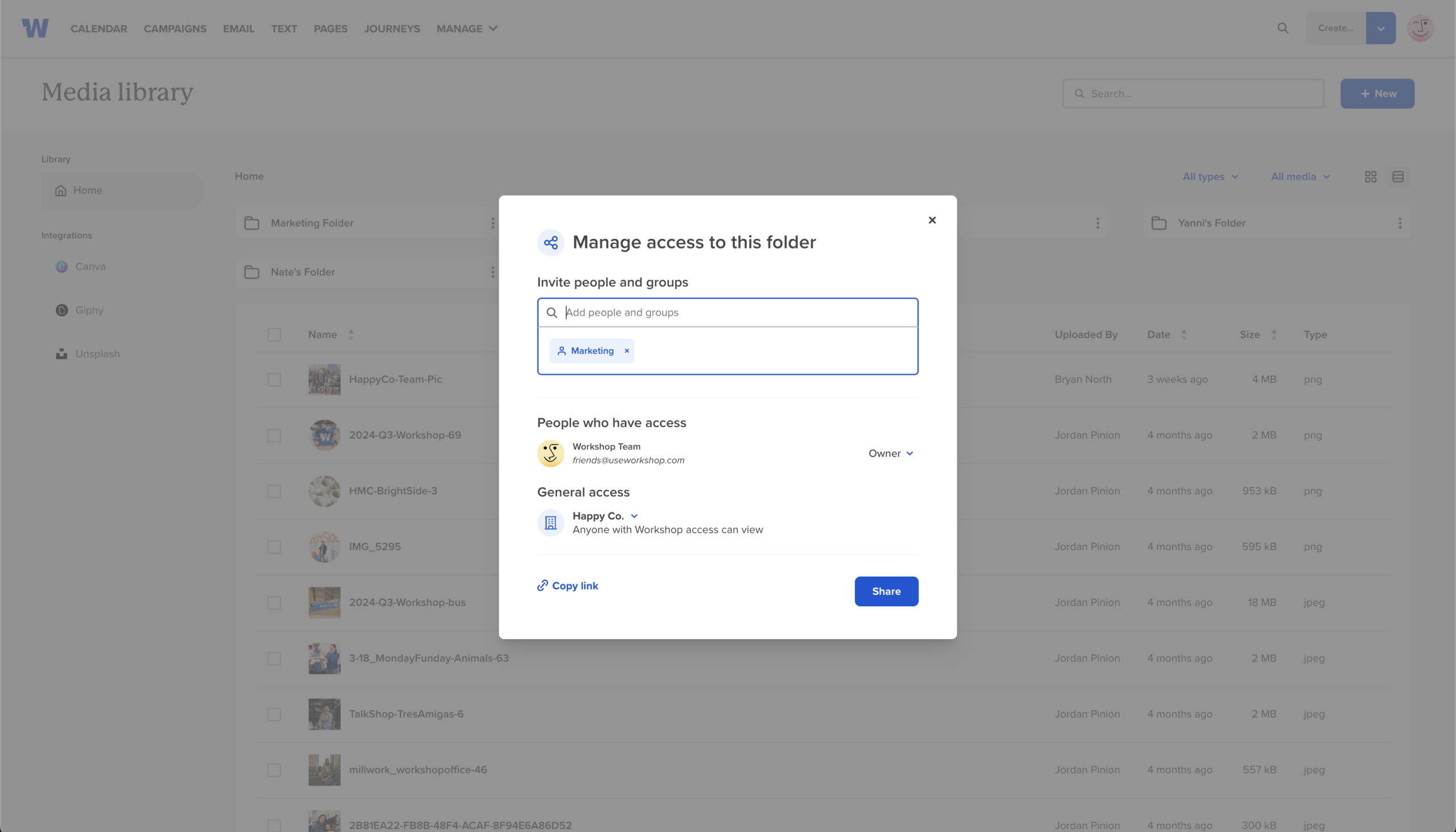
Keep HR docs, executive assets, and in-progress files truly private with folder-level visibility controls.
Why you’ll love it
-
Confidence on what’s confidential: share the right folder with the right group, and that’s who can see it — period!
-
Faster collaboration: no more one-off file DMs or “who has access?” threads.
-
Clean inheritance: everything inside a restricted folder follows the folder’s rules.
How it all works together
-
Use sharing & privacy to control who sees content (templates, emails, campaigns, pages, journeys — and now, media folders).
-
Use permissions to control what people can do (create, edit, send).
-
Create a group (e.g., HR Leadership, Super Admins) → share the folder with that group to lock it down.
-
Common patterns: departments by group (e.g., subsidiaries or business units), a single “Super Admins” group for approvals, or a parent “Sensitive” folder with child folders for specific programs.
Calendar filters and day/week views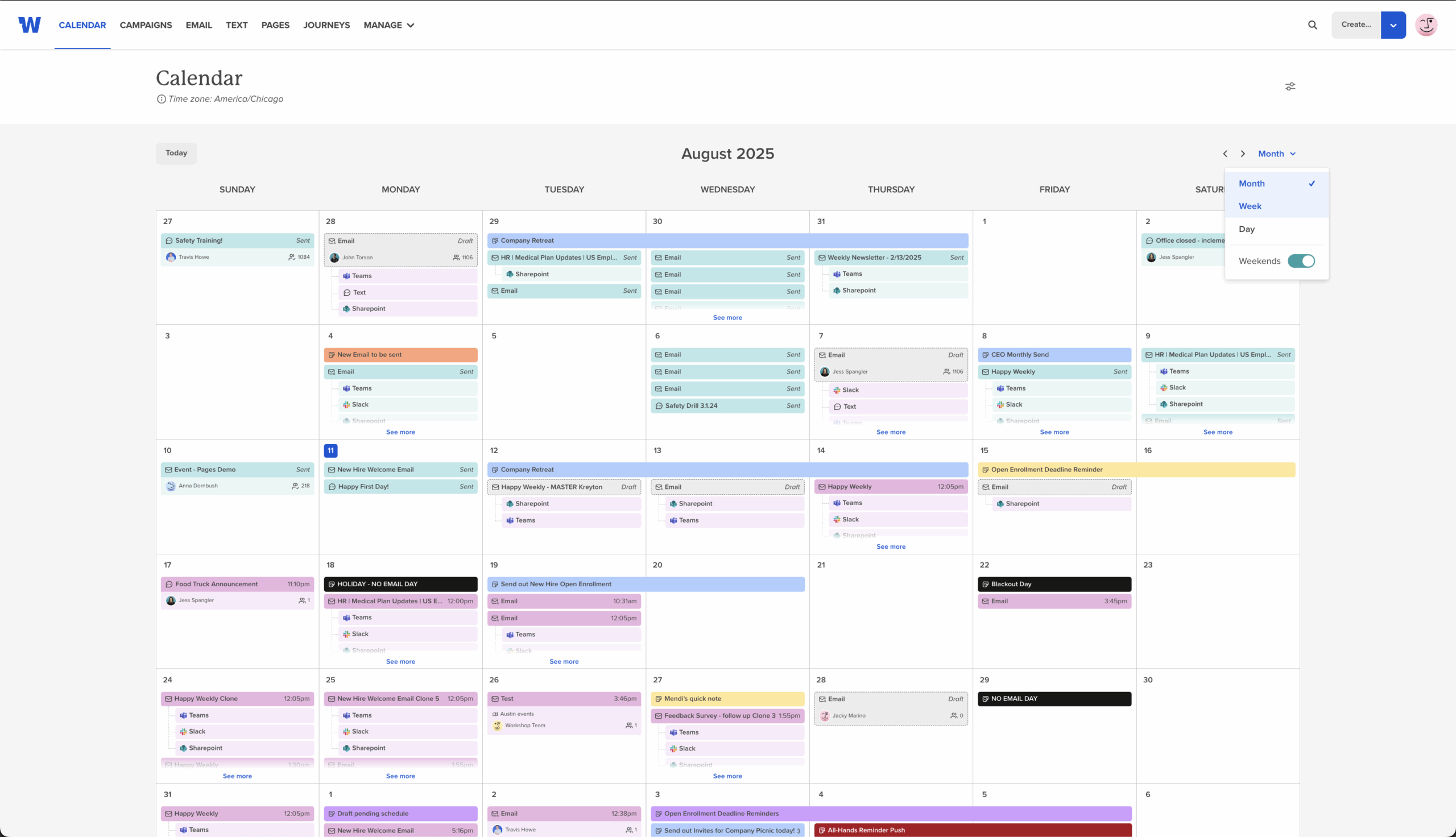
What’s new
-
Filter the calendar by list or team (e.g., All Company, Sales) to spot gaps and overlaps.
-
Switch to day or week views for a tighter/more detailed look.
Subject line character count
A built-in tooltip shows live character counts while you write, so you can stay in proven ranges for open rates — no extra tools, no guesswork.
Translation on Pages
Let employees choose their preferred language on Pages with a simple company-level toggle.
Browse all of our features here!


