






 Teams
Teams SharePoint
 Slack
Slack QR Codes
 PDF
PDF Active Directory
 Workday
 ADP
ADP Canva
CanvaReach every employee, everywhere, with SMS in Journeys
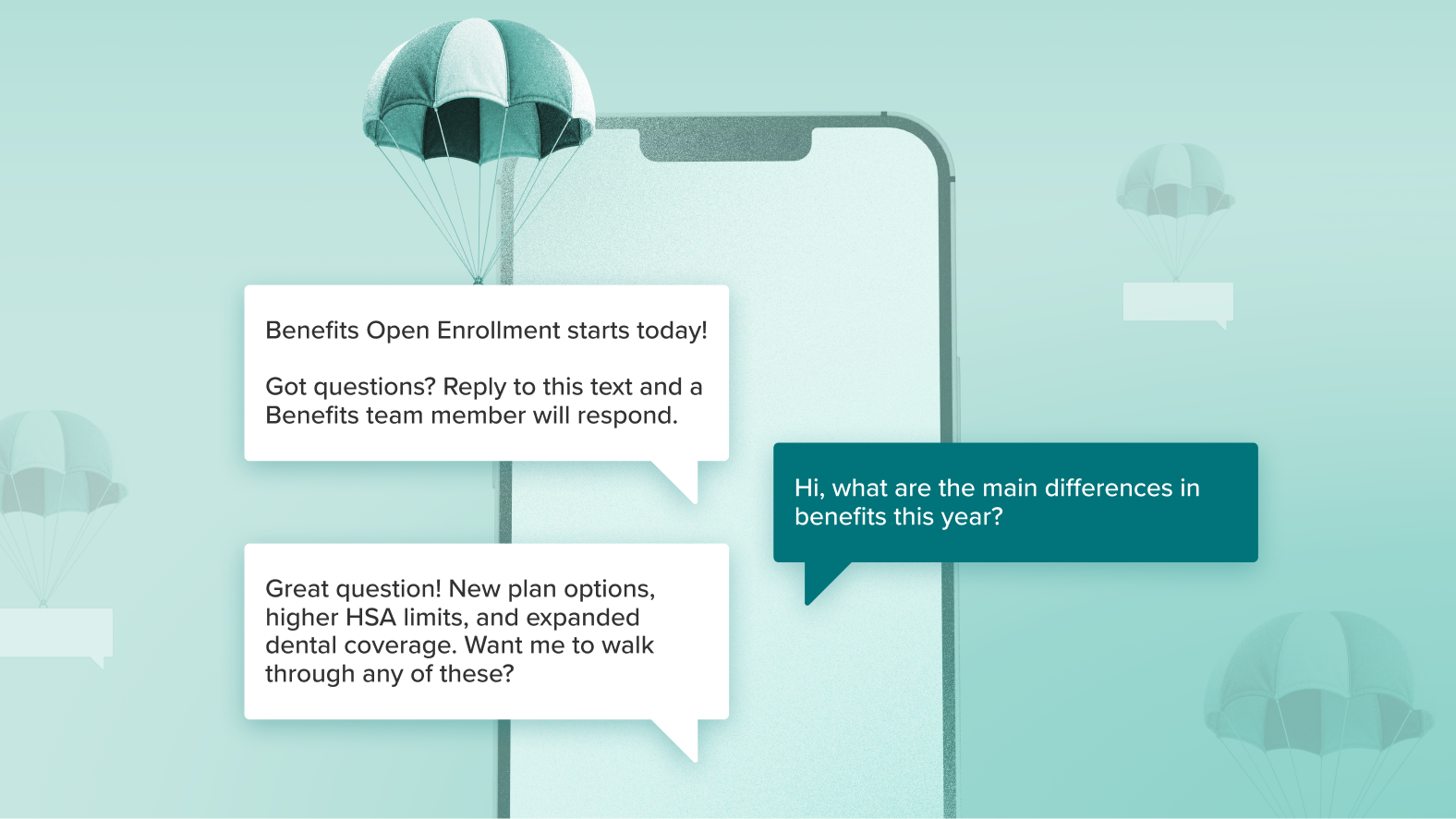
Not everyone on your team checks email first thing — some of them are on a floor, in a truck, or between shifts with only their phone in reach. Now your Journeys can meet them there too. SMS is officially a step you can build right alongside email, in the same automated sequence!
What’s new
- Add SMS steps to any Journey: Drop a text message in anywhere you’d normally add an email — onboarding, safety training, work anniversaries, open enrollment reminders. Design the sequence once, and let each channel do what it’s best at: email for depth, SMS for the stuff that needs to land right now.
- Conditional splits that understand SMS: Branch a Journey based on whether someone clicked a link in a text, whether they’re on a specific list, or by percentage split — the same logic you already use for email, now working for SMS too.
- SMS responses as a branch condition: This one’s brand new. You can now split a Journey based on how someone replies to a text — did they respond at all, or did they reply with a specific word? Say “yes” to an event reminder and get routed one way, stay silent and get routed another. Add a wait step before the branch evaluates so people have time to actually reply.
- Multi-channel templates: Journey templates now include ready-made Email, SMS, and multi-channel options, so you’re not starting from a blank canvas (yes, please!).
Where this helps
Think about an event RSVP: text a save-the-date, wait a day, then branch based on whether someone replied “yes” — send the calendar invite down one path and a gentle nudge down the other. Or a frontline onboarding journey that opens with a welcome text on day one (since not every new hire has an email address set up yet) and layers in deeper training emails as the weeks go on.
Availability
Live now for any customer with SMS and Journeys enabled. If you’re SMS-only, Journeys is now available to you too — this isn’t just an email feature anymore. If you’re email-only, this is a good excuse to ask your Account Manager about adding SMS. 😉


