





 Teams
Teams SharePoint
 Slack
Slack QR Codes
 PDF
PDF Active Directory
 Workday
 ADP
ADP Canva
CanvaThe #1 tool to support Outlook for internal comms
Feeling in the dark on the performance of your internal comms? When you rely on Outlook alone, you’re stuck with limited visibility and the occasional formatting headache. Add Workshop, and suddenly you have clear insight into who opened, clicked, and engaged — all without pulling employees out of their inbox.
Plus, your emails look the way you intended. Clean formatting. On-brand design. No broken layouts before a big send. Instead of guessing whether your message landed, you’ll know.


How Workshop supports Outlook for internal comms
Smarter internal comms, powered by AI
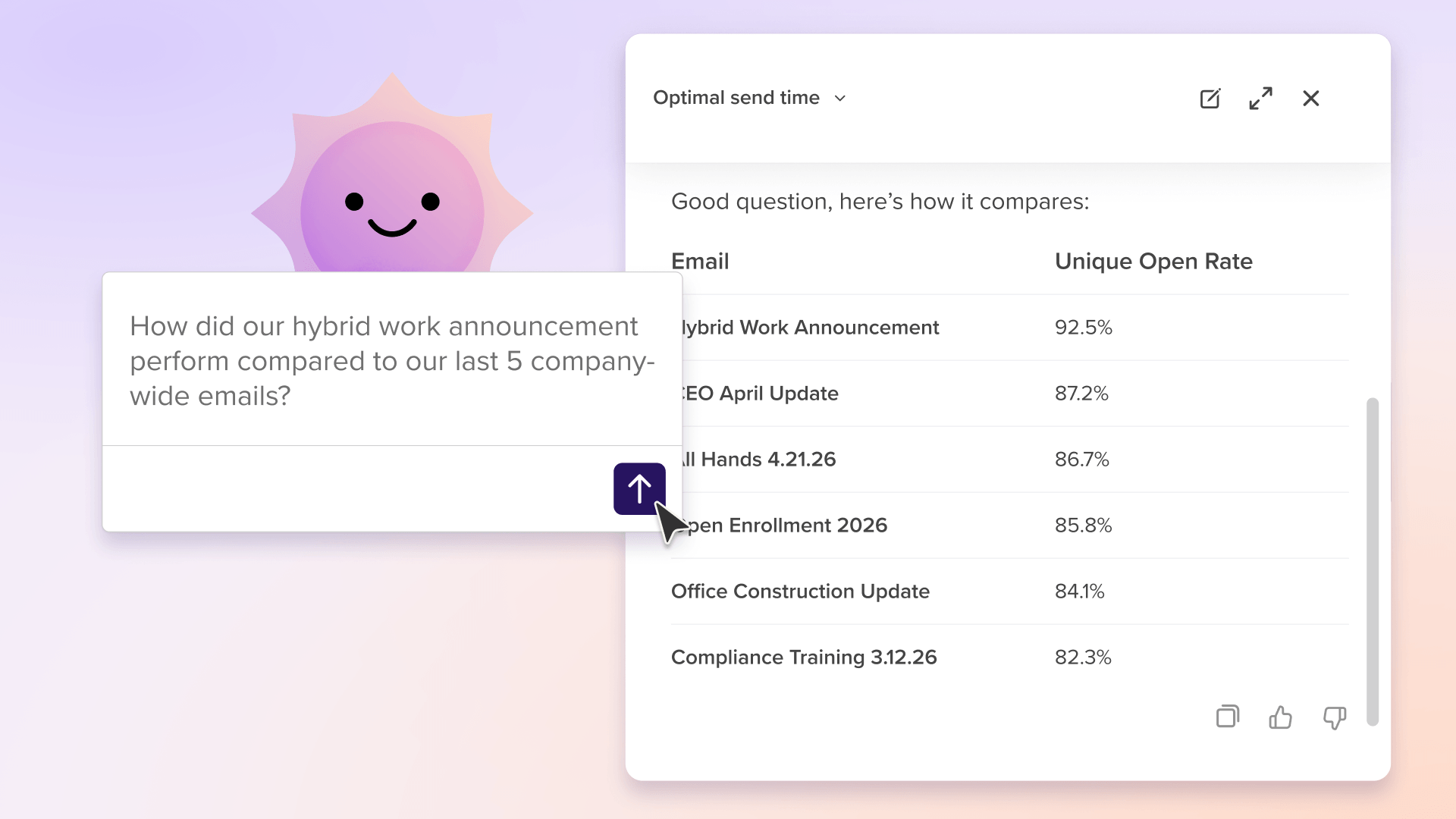
Cici is Workshop's custom-built AI assistant that helps you create on-brand messages in seconds, send to the right audience, manage automated journeys, and measure results without digging through spreadsheets. While Outlook has limited AI functionality, Workshop gives you an AI co-pilot for your entire comms workflow.
Learn more ">
">
Create on-brand comms in seconds with the easiest email editor in internal comms
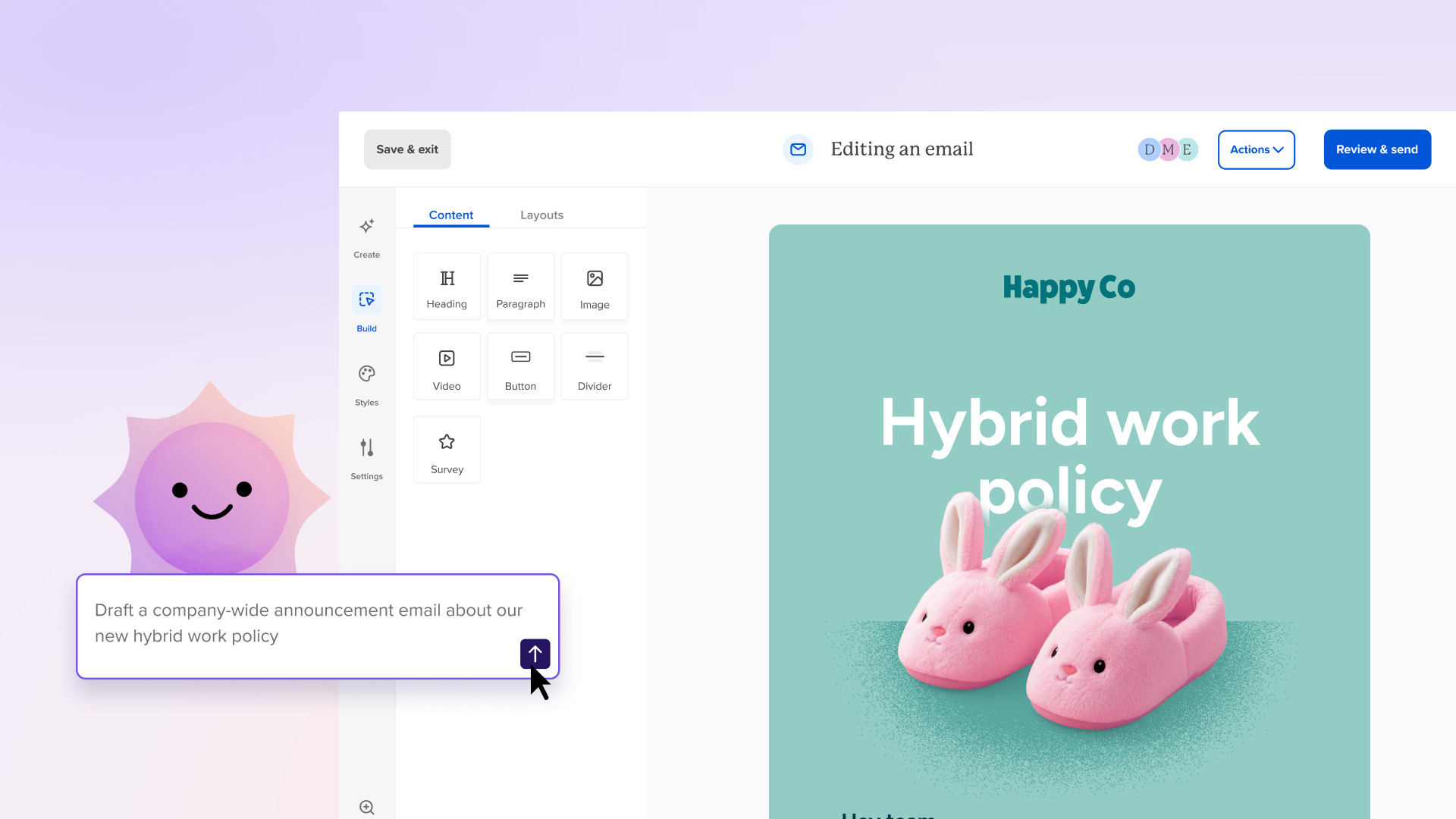
Our AI-powered modern editor makes it easy (and reliable) to format & design your emails, create content, and smart schedule your sends. No HTML, no guesswork, and no broken formatting. Add images, flexible video blocks, buttons, polls, and more with a quick click.
Learn more">
Powerful analytics for every single send
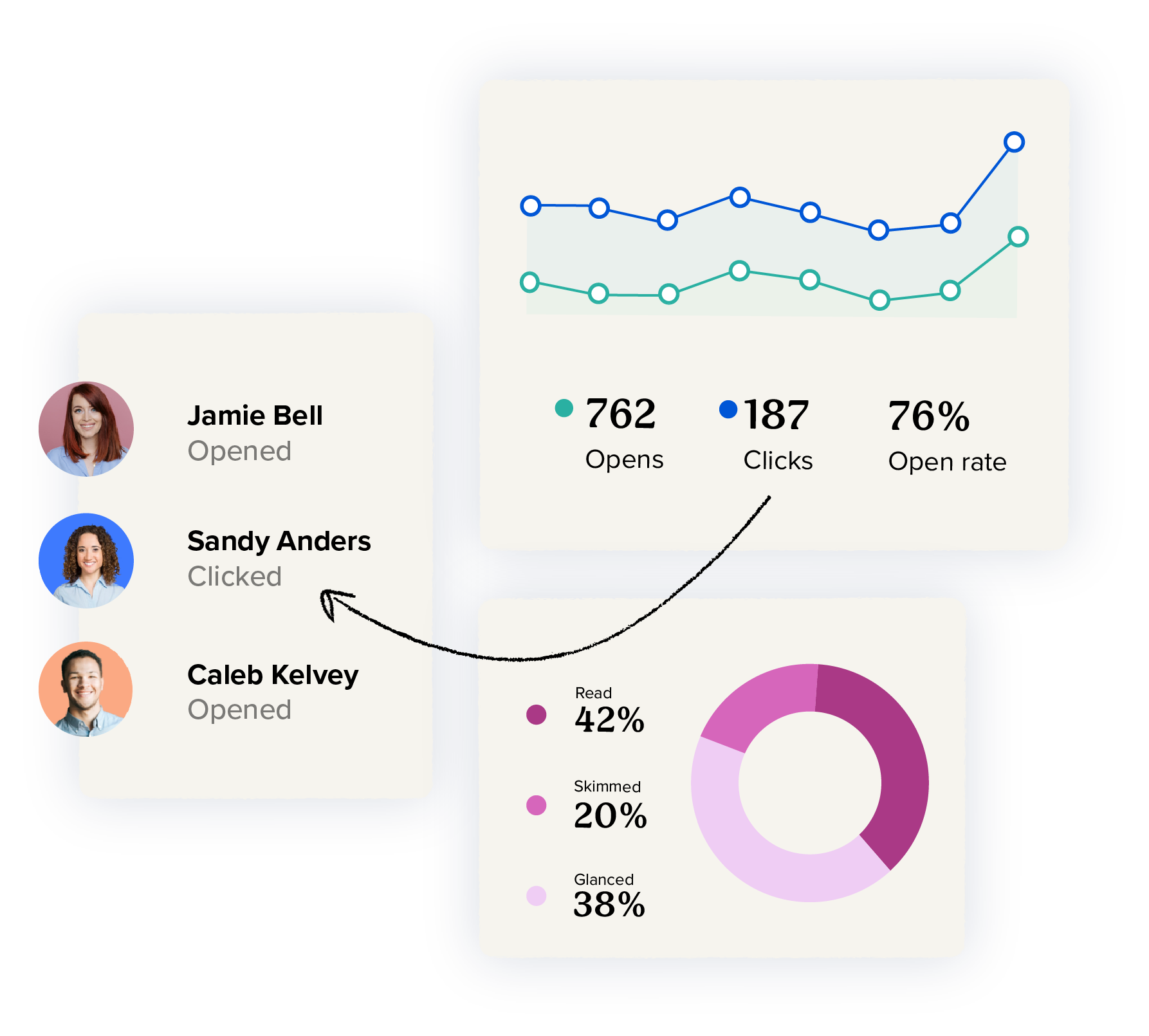
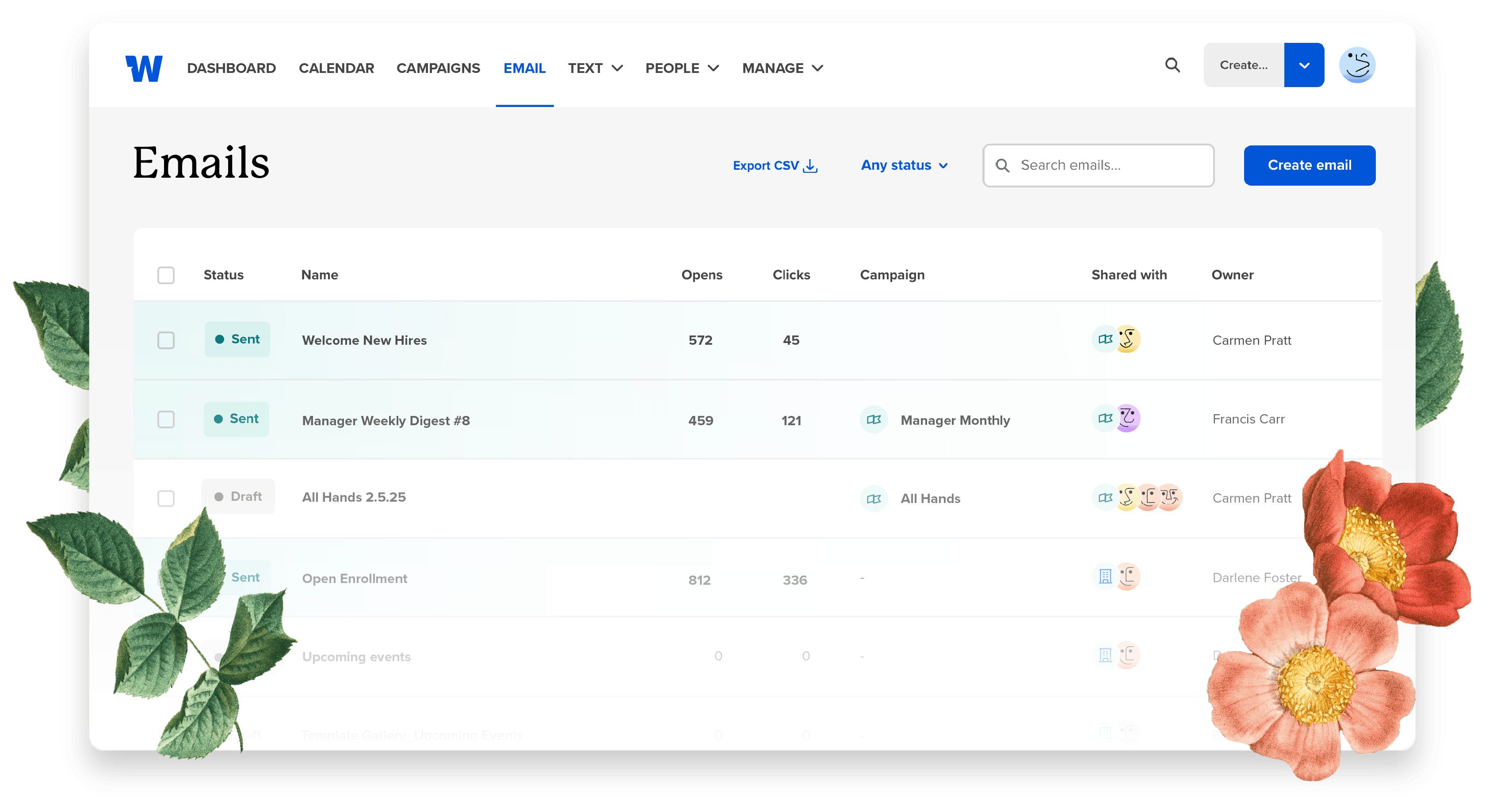
Know who opened, clicked, and actually read your message. Workshop’s analytics dashboard gives you actionable insights (and optional privacy controls) so you can keep improving every send.
Learn more">
Consolidate your newsletters into one streamlined send
Workshop brings multiple newsletters into one streamlined send, using audience segmentation, automatic translation, and time zone delivery to ensure each employee gets the right message at the right time.
Learn more">

Automate and schedule sends for employees’ time zones
No more late nights to ensure a timely send for international teams! Workshop lets you automatically schedule emails to deliver at the most optimal time of your team’s day.
Learn more">

Help that feels like an actual partnership
Workshop is built so you can find answers fast on your own. And when you want a helping hand or need an instant fix, support is there in minutes with thoughtful, high-context help from people who truly understand internal comms. Over the past 12 months, we’ve helped 700+ comms teams send 350M+ internal emails with confidence.
Learn more">

Automate your internal comms (without losing the human touch)
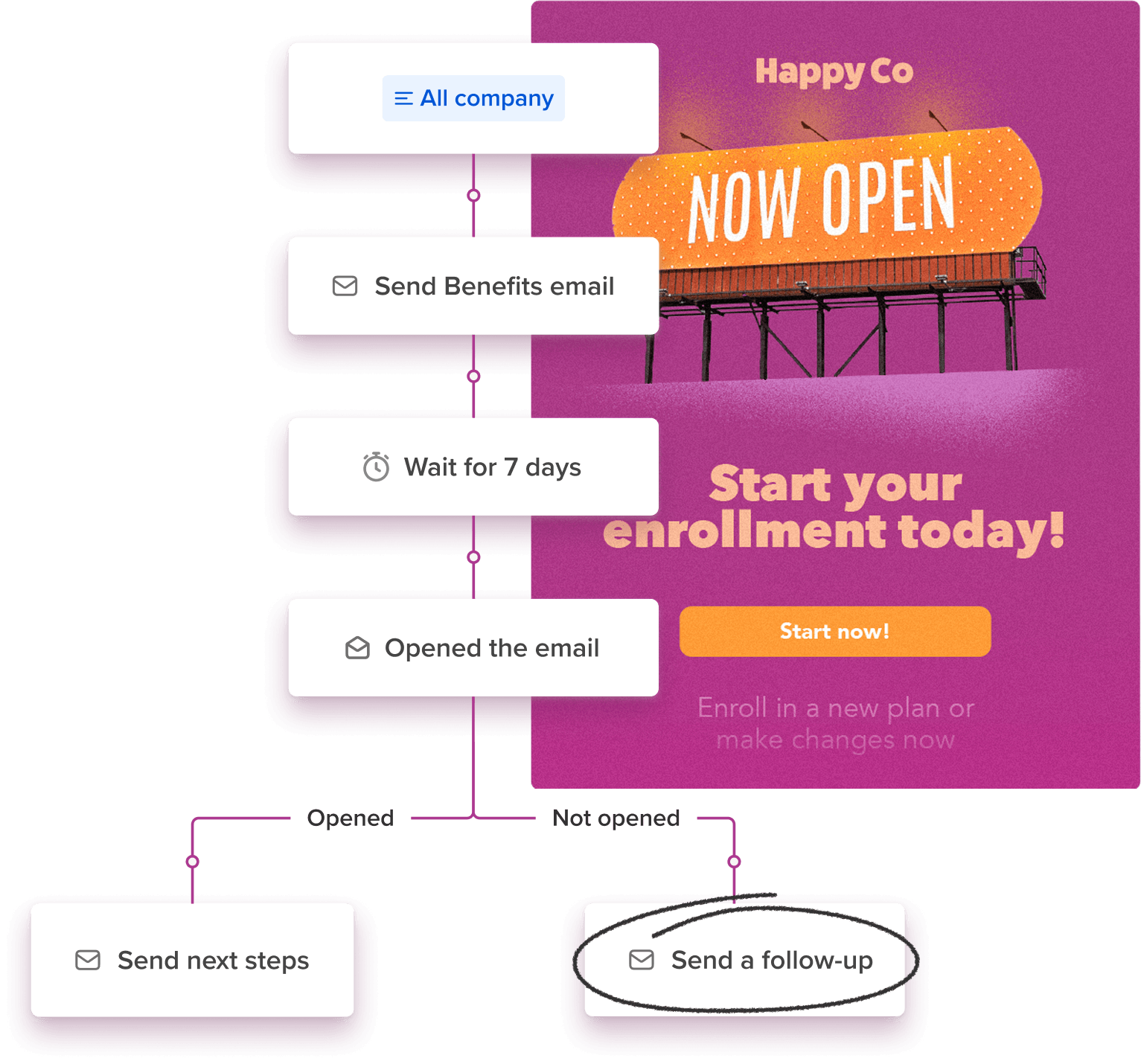
Workshop supports automation with recurring, scheduled sends on every plan. Set up branching to automatically resend emails to unopeners, manage event comms, or run A/B tests. And when you’re ready to scale, you can unlock fully automatic enrollments for key moments like new hires, birthdays, and anniversaries.
Learn more">
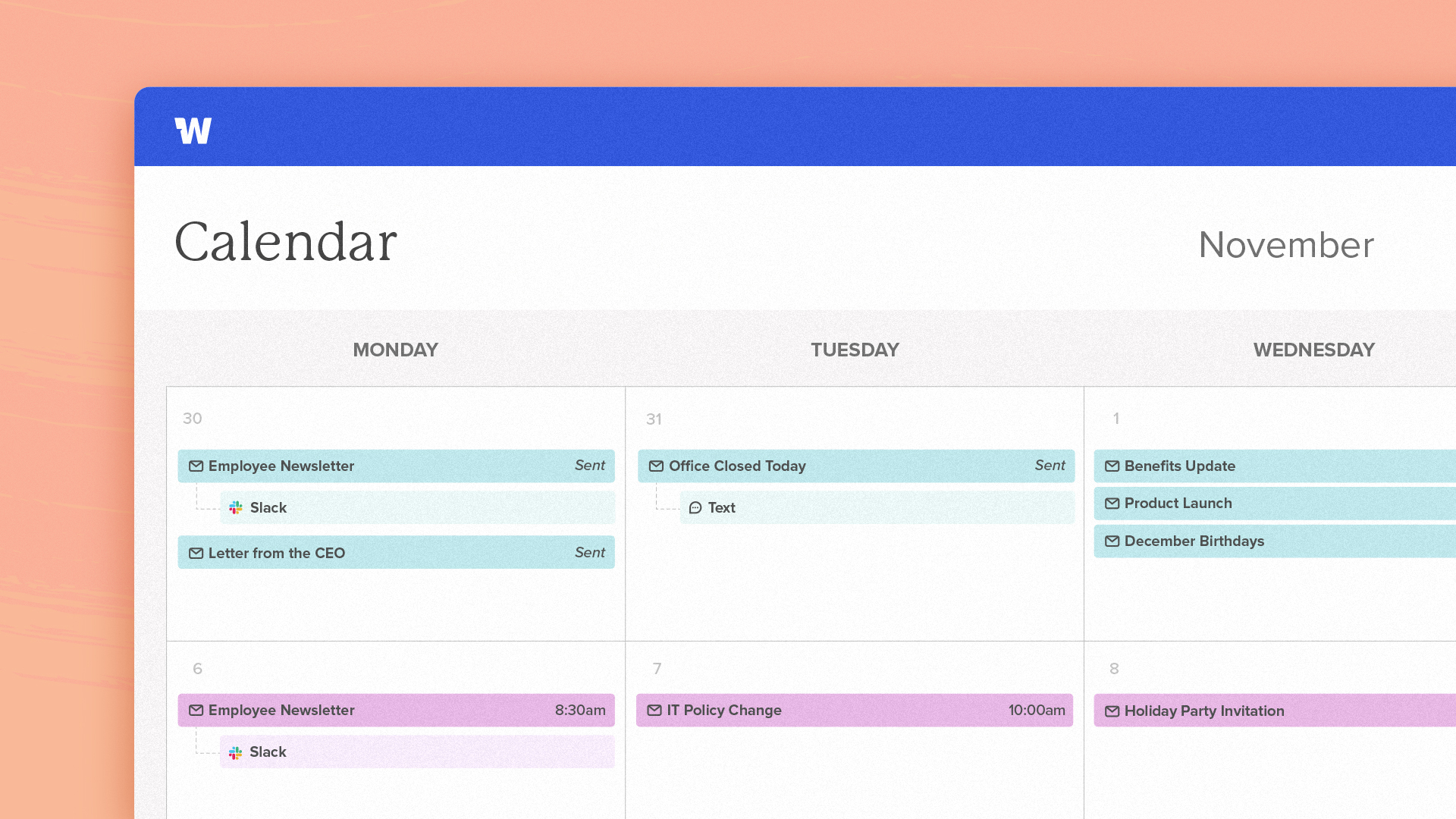
Get a bird's eye comms calendar
See every past and upcoming send in a single calendar (with blackout dates) so you never double‑book announcements
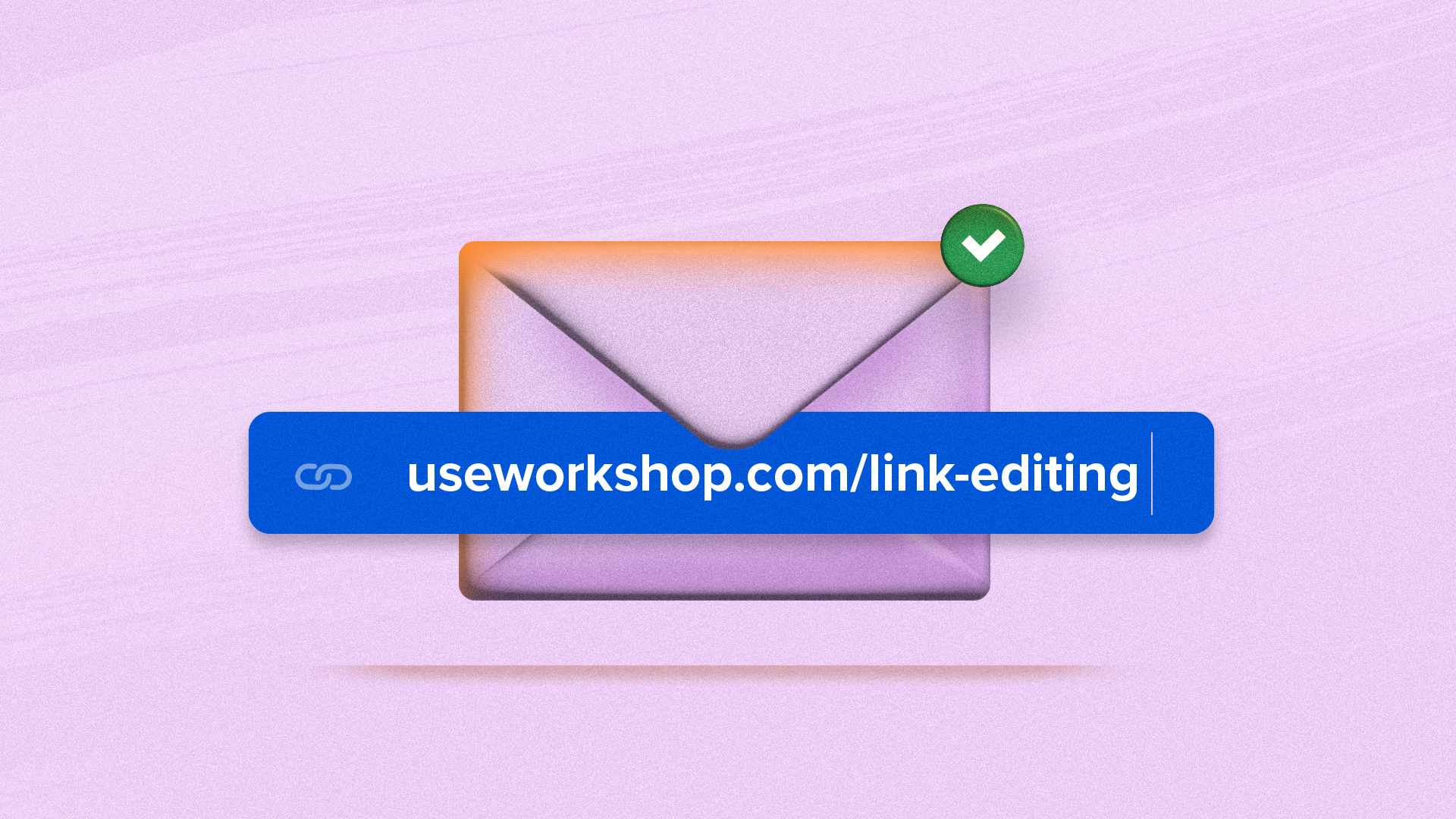
Edit links (even after sending!)
No more "Oops!" emails — you can edit, redirect, or change links even after you send an email.
Built-in Canva integration
Pull and edit Canva designs directly inside the email builder—no downloading, re‑uploading, or screenshots required.

Perfect for teams who want a little more out of Outlook
Whether you have a lean team of 200 employees or a global workforce of 200,000, you can use Workshop! We're happy to provide you with a price range right now and put together a more specific quote and proposal once we learn more.
Schedule a demoEssential
Start with a simple, streamlined
internal email solution
Enhanced
Level up with multi-channel integrations
& personalization features
Premium
Set your team up for success with
powerful workflow tools & automation
Enterprise
Tailored solutions and enterprise-grade security for large or growing teams.
See Workshop in action:
This quick walkthrough will take you through our platform's drag-and-drop templates, automatic list management features, and detailed analytics!
The world's best comms teams
are happier with Workshop


"If you’re not using it, you’re missing out. It’s such an easy win. It makes things look better. You can track your stuff better. You’re going to work better as a team together. Yeah, don’t be a knucklehead."
Ready to make the case?
Download the toolkit today
See how Workshop can level up Outlook for internal comms

FAQs
- Does Workshop integrate with Outlook?
-
Yes! Workshop syncs your existing Outlook distribution lists and calendar events — so migration is painless.
- What problems does Workshop solve that generic email tools don’t?
-
Generic email tools are great at sending messages. Workshop is built to help internal communicators actually land them.
We solve the messy, real-world stuff email tools weren’t designed for: overloaded inboxes, too many “all employees” sends, leaders editing in five different docs, and no clear sense of what actually worked. Workshop helps you plan, target, review, and measure internal messages — all in one place — so important updates don’t get lost and employees don’t tune out.
- Is there a plugin or widget to install?
-
Nope. Workshop is completely browser‑based, so you don’t have to wrestle with a widget or worry about your plugin crashing when you need it most.
- Can I track individual engagement?
-
Absolutely. You can see who’s opened (or not), clicked links, and even anonymize data if needed to meet your privacy policies.
You can even easily segment your data with filters to uncover trends by department, location, or custom fields.
- How quickly can we get started?
-
Most teams are up and running with Workshop in 2-4 weeks, not months. With guided onboarding, hands-on support, and easy migrations from existing tools, you can start sharing meaningful updates quickly — without a heavy lift from IT.
- What security standards does Workshop follow?
-
Workshop has been independently audited for SOC 2 Type 2 compliance — a widely recognized standard for information security — and is compliant with GDPR principles. Learn more about our security measures.

Exploring internal comms tools?
We’d love to chat!

